Use a combination of Gemini and browser automation to navigate through the links in a set of topics to check whether the destination contains an error or a mismatch between the link text and prominent text at the destination.
For more details, see the related blog.
The repo contains two implementations of the solution:
- WebDriver based uses WebDriver for browser automation.
- Playwright based uses Playwright for browser automation.
When you run either notebook, you'll be prompted for a Google AI Studio API key. You can get an API key for free at aistudio.google.com/app/apikey.
The notebooks have been tested running in Colab.
The notebooks ingest a CSV file (by default this example) with the URLs of the topics whose links will be checked. The test_dataset_url variable specifies the location of this CSV file.
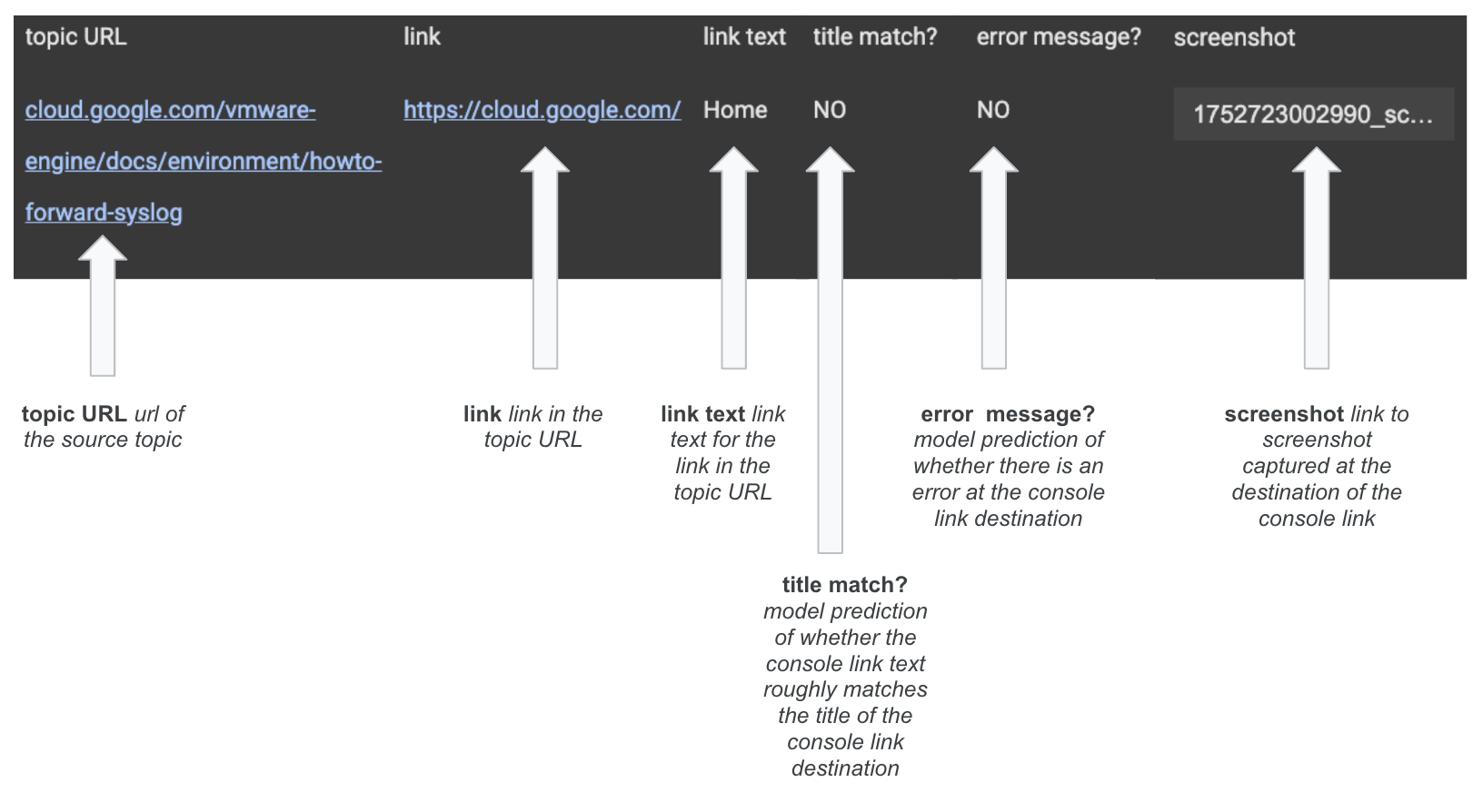
The notebook generates an interactive report where you can see which links have errors or mismatches associated with them. The report has the following format: