Dataset link is: https://www.kaggle.com/kazanova/sentiment140/download
Get twitter API credentials using the following steps:
- Create a twitter account.
- Go to https://apps.twitter.com/and log in with your Twitter user account.
- This step gives you a Twitter dev account under the same name as your user account.
- Click Create New App.
- Fill out the form, agree to the terms, and click Create your Twitter application.
- In the next page, click on Keys and Access Tokens tab, and copy your API key and API secret.
- Scroll down and click Create my access token, and copy your Access token and Access token secret.
- put the keys in twitter_credentials.py file.
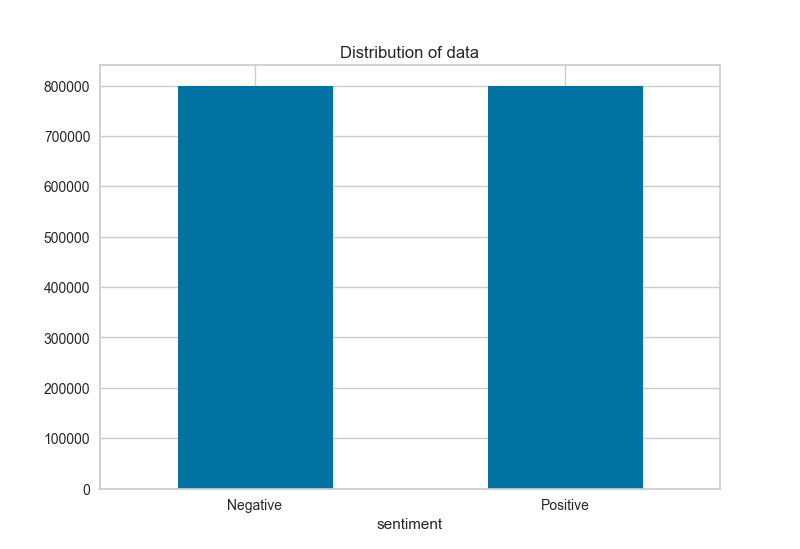
Dataset contains 80,000 positive and negative data
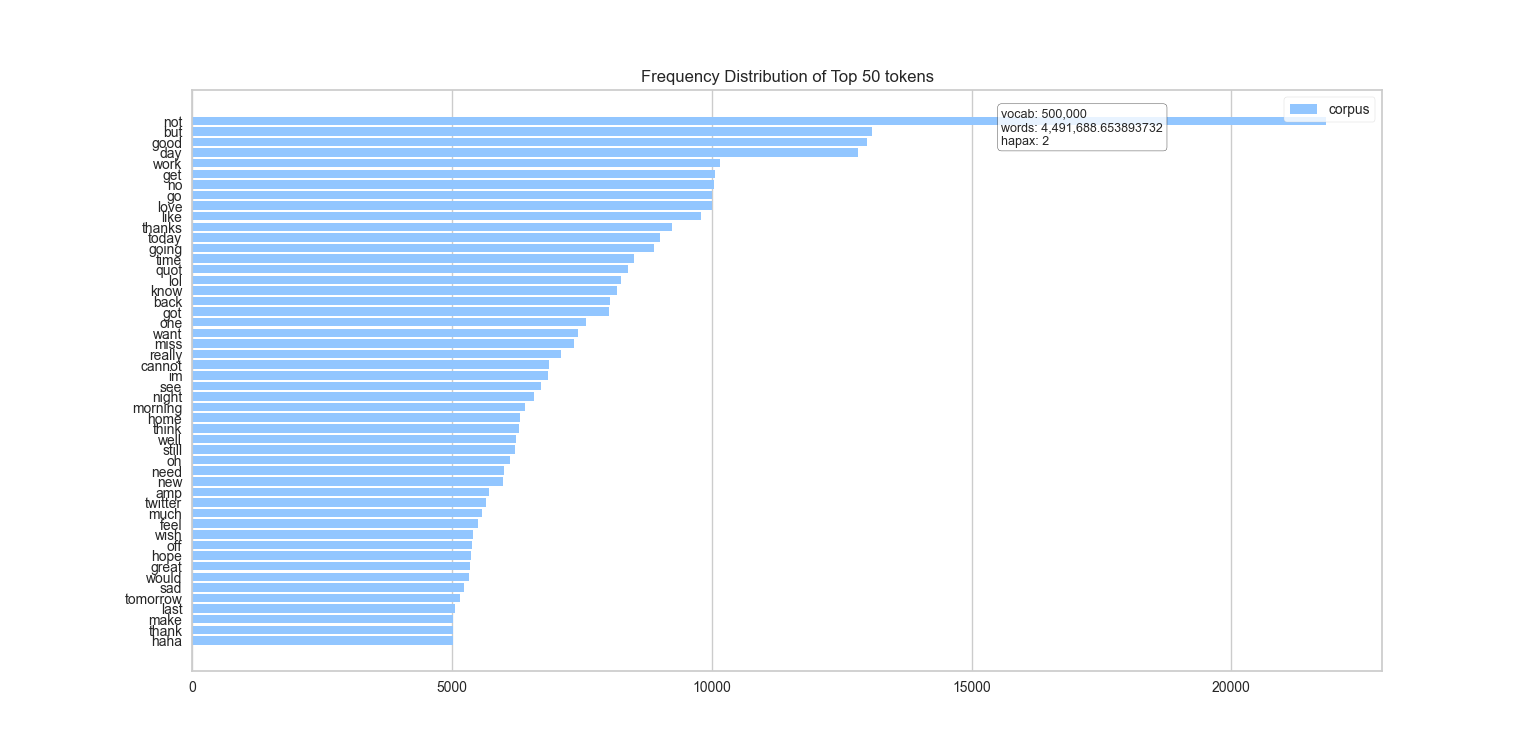
Most common tokens used in the dataset
Text processing and tokenizing
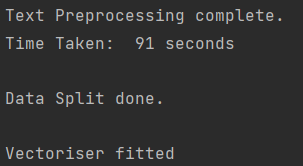
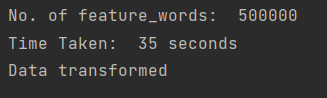
Three different models are trained using different algorithms and their accuracy is compared
Linear SVC algorithm training and confusion matrix
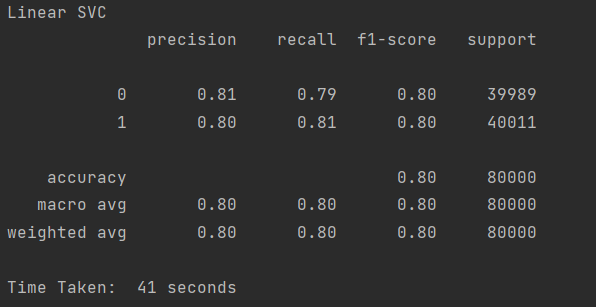
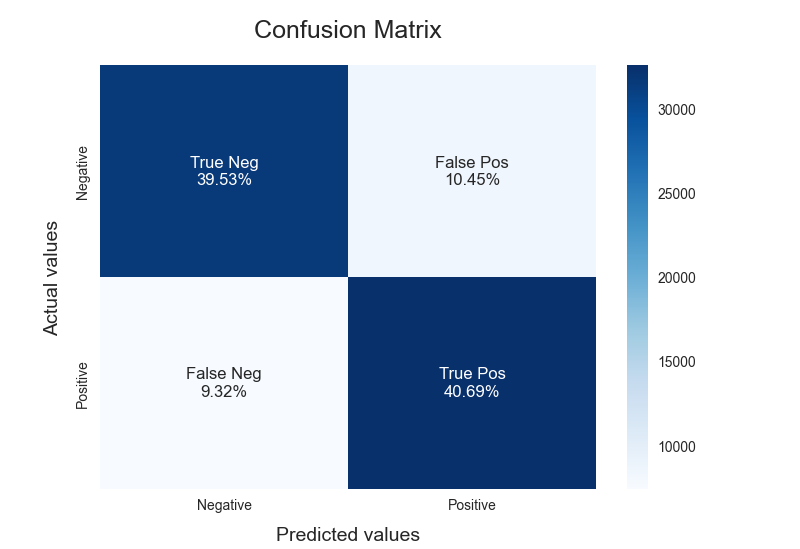
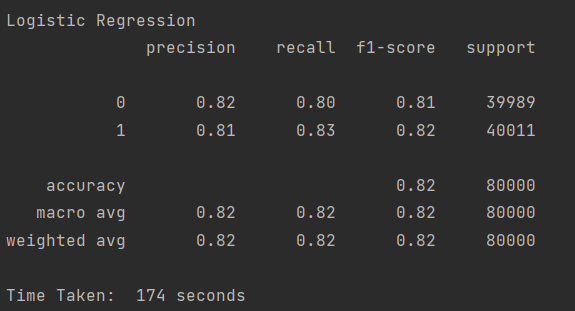
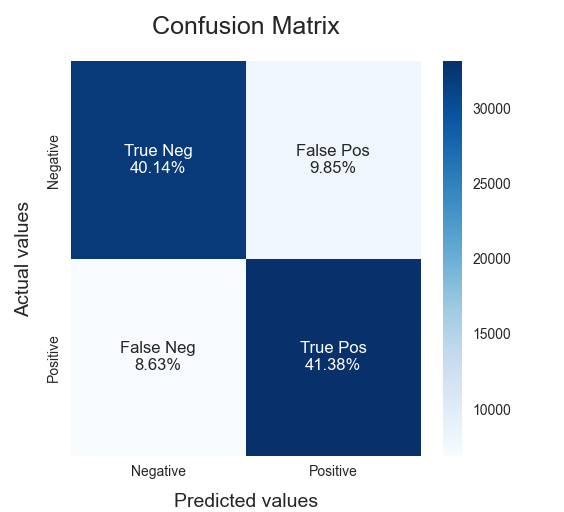
Logistic Regression training and confusion matrix
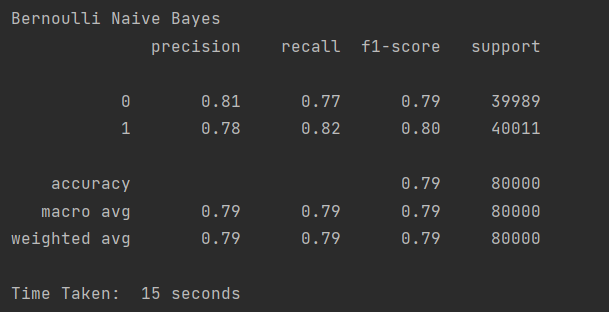
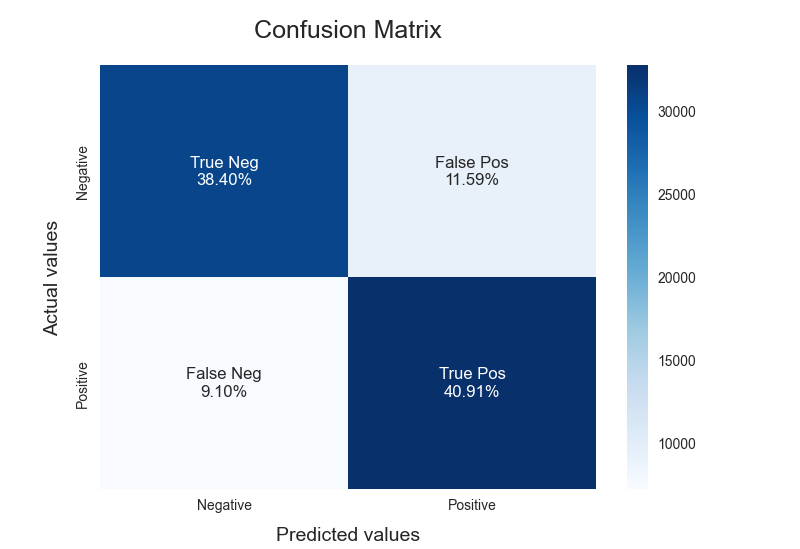
Bernaulli Naive Bayes training and confusion matrix