简体中文 README — 中文版本带微信输入法配置详细教程
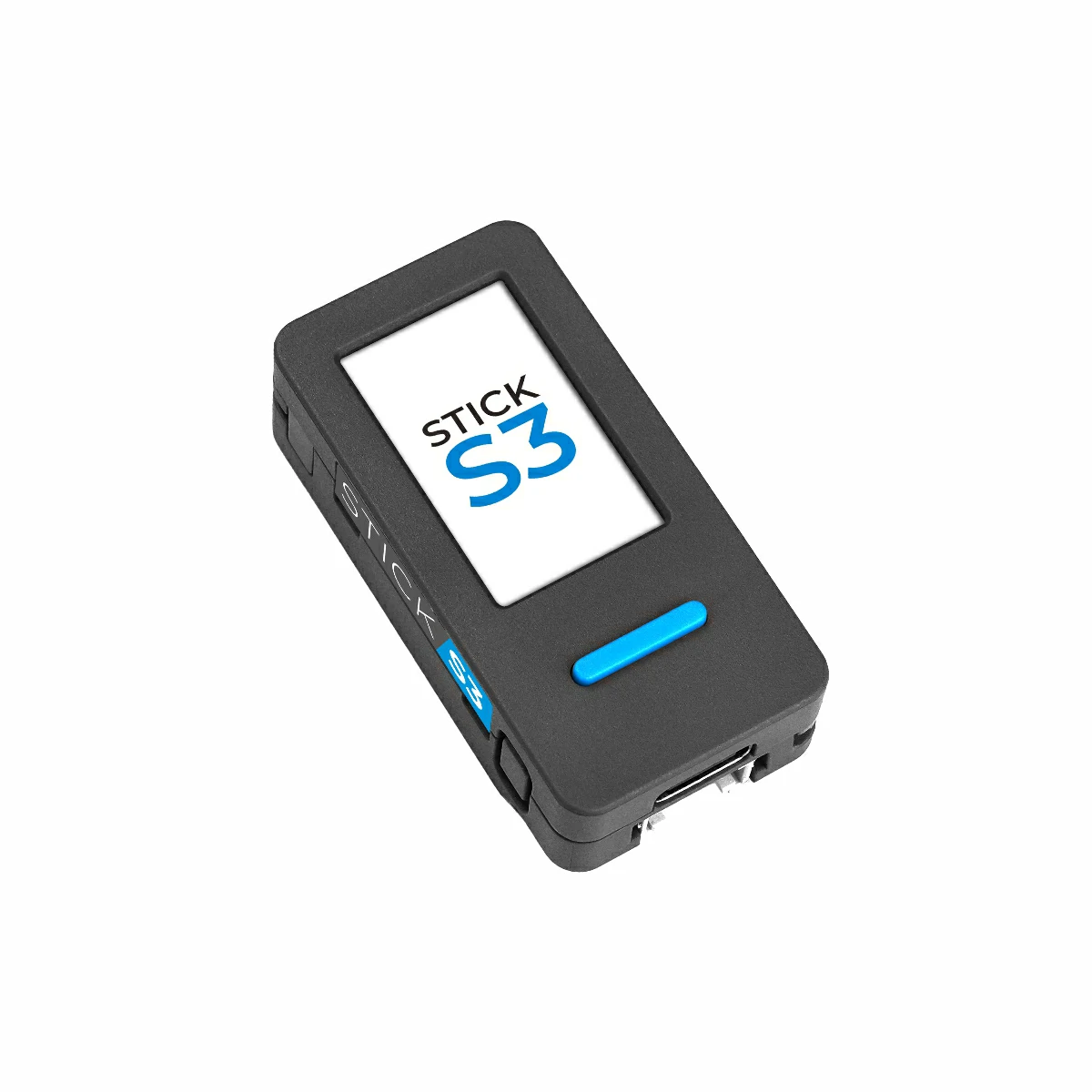
USB push-to-talk dictation stick for macOS / Windows, built on the M5Stack StickS3 (ESP32-S3).
The stick is a single composite USB device that hosts see as both a 16 kHz microphone and a HID keyboard. Tap the front button to toggle voice input, long-press to send (Enter). Lay the stick flat on a desk with the screen facing up and the IMU mutes the mic automatically. Flat auto-mute and button shortcut keys are configurable from the browser. No drivers, no companion app, plug-and-play on macOS / Windows / Linux.
| StickS3 hardware | Upright = live mic | Flat, screen up = muted |
|---|---|---|
 |
 |
 |
Product photos are referenced from the official M5Stack StickS3 documentation. The web installer uses drawn product images with VoxStick's LCD states placed inside the real StickS3 screen.
For Chinese-with-mixed-English voice input we use WeChat 输入法 (WeType): it has the best handling for code-mixed speech plus LLM-based correction we've seen. See README.zh.md for the step-by-step. Any whisper.cpp-based macOS dictation tool will also work — VoiceInk, MacWhisper Pro, or macOS native Dictation.
- Real keyboard event, not a global hotkey faked through Accessibility
- Dedicated MEMS mic + ES8311 codec, away from your laptop fan
- Low-power status display — dim backlight + small mic icon on the 240×135 LCD; open mic, muted mic, and a tiny audio meter
- IMU privacy mute — face-up or face-down on a desk = mic muted
M5Stack StickS3 — ESP32-S3
- ES8311 codec + MEMS mic + ST7789 LCD + BMI270 IMU + USB-C, ~$25.
The easiest path is the browser installer:
- Computer: open https://openbrt.github.io/voxstick/install-en.html in desktop Chrome or Microsoft Edge.
- Hardware: connect the M5Stack StickS3 to the computer over USB-C with a data-capable cable.
- Hardware: hold the StickS3 side reset/PWR button for about 2 seconds. Release it when the internal green LED blinks; the StickS3 is now in download mode.
- This page: click Connect and flash, choose the StickS3 serial port in the browser picker, and approve the install.
- Hardware: after flashing, unplug USB, double-click the side PWR button to fully power off the StickS3, then plug USB back in.
- Computer OS: after the firmware boots, select
StickS3-Micin system sound input settings. - Dictation app: bind the voice-input shortcut by tapping the StickS3
front button. VoxStick sends
Left Ctrl + F12; most apps show this simply asCtrl+F12, and macOS may show it as⌃F12. - Optional config: open https://openbrt.github.io/voxstick/config.html to change flat auto-mute, the tap shortcut, and the long-press shortcut.
The installer is powered by
ESP Web Tools and writes the
merged voxstick-full.bin image at flash offset 0x0. The static installer
files live in docs/install-en.html and
docs/install.html. The WebUSB config page lives in
docs/config.html, with the firmware manifest in
docs/firmware/v0.1.6/manifest.json.
If GitHub Pages is not enabled yet, publish this repository from the docs/
folder (Settings > Pages > Deploy from a branch > main / docs) and the URL
above will become live.
Command-line fallback:
curl -LO https://github.com/openbrt/voxstick/releases/download/v0.1.6/voxstick-full.bin
esptool.py --chip esp32s3 -p /dev/cu.usbmodem* write_flash 0x0 voxstick-full.bin
On Windows, replace the port with something like COM5.
Note: browser flashing may not reliably auto-reboot the StickS3 because the board is battery-backed behind the M5PM1 PMIC. The official StickS3 button operations are long press = download mode, double press = power off, and single press = power on.
. $IDF_PATH/export.sh
idf.py build flash
ESP-IDF 5.5 + components fetched automatically by IDF Component
Manager (espressif/usb_device_uac, espressif/esp_codec_dev,
espressif2022/bmi270).
For chip recovery (no buttons), see tools/trigger-download.sh.
| Gesture | HID output | Use |
|---|---|---|
| Tap BtnA (< 600 ms) | Left Ctrl + F12 |
Toggle WeType voice input, or any tool bound to Ctrl+F12 |
| Hold BtnA (≥ 600 ms) | Enter |
Send the dictated message |
| Hold BtnA at boot | (none) | Reboot to ROM download mode for safe re-flash |
Use the WebUSB config page to change the first two rows without rebuilding firmware.
- USB UAC scaffold inspired by atomic14/esp32-usb-uac-experiments
- M5StickS3 PMIC + codec init pattern lifted from m5stack/M5Unified and m5stack/M5GFX
- Built on Espressif's
usb_device_uac,esp_codec_dev, andespressif2022/bmi270components
See SESSION-NOTES.md for the bring-up postmortem
(PMIC L3B LDO, ES8311 no_dac_ref bug, M5PM1 BOOT-pin brick recovery,
and other rough edges).