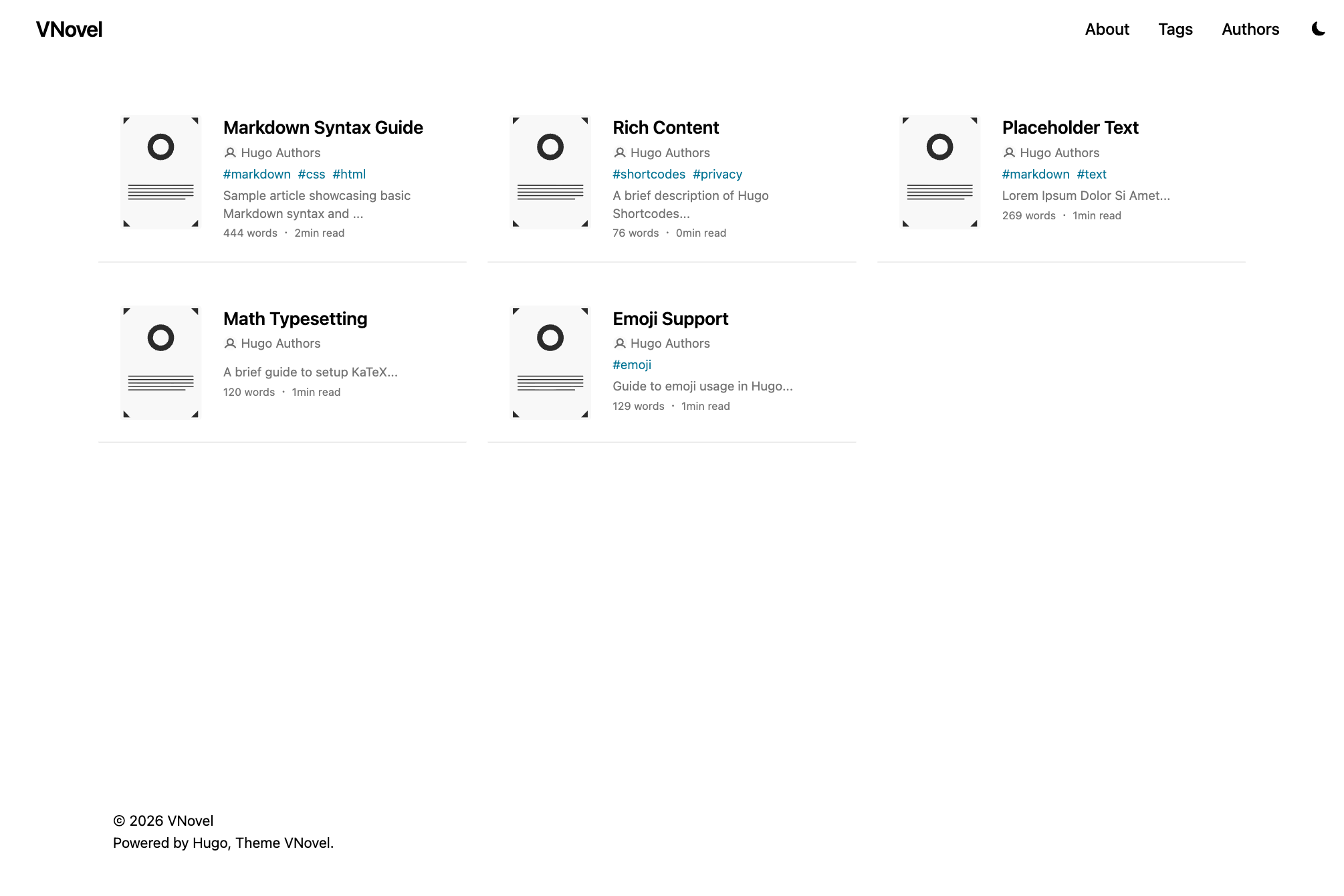
Pixiv-like theme for novels.
The demo can be seen here: https://vnovel.pages.dev
- Responsive
- Support tags
- Switch Light / Dark
- Changeable font and background color
- Ruby
- Page break
- Google Analytics
- Giscus
- RSS Feeds
- Supported i18n (en/ja)
- Lighthouse 100/100
Inside the folder of your Hugo site run:
git clone https://github.com/opera7133/vnovel themes/vnovelUpdating theme:
cd themes/vnovel
git pullInside the folder of your Hugo site run:
git submodule add https://github.com/opera7133/vnovel.git themes/vnovelUpdating theme:
git submodule update --remote --mergeCopy at least the following files from themes/vnovel/exampleSite to the root folder of your site.
- package.json
npm installFor more information read the official setup guide of Hugo.
After installing the theme successfully it requires a just a few more steps to get your site running.
Copy the hugo.toml in the exampleSite to the root of your Hugo site. Change strings as you like.
In order to see your site in action, run Hugo's built-in local server.
hugo serverNow enter localhost:1313 in the address bar of your browser.
hugoIf you find a bug or have an idea for a feature, feel free to write an issue or make a PR.
This theme is released under the MIT license.