




Configuration manager for embedded devices, implemented as a reusable django-app.
Based on the NetJSON format and the netjsonconfig library.
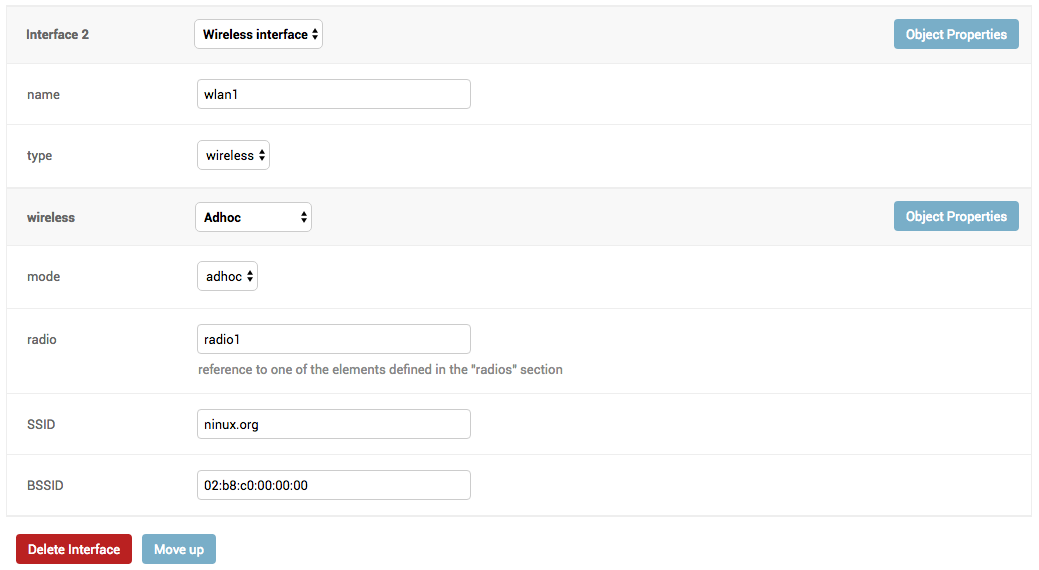
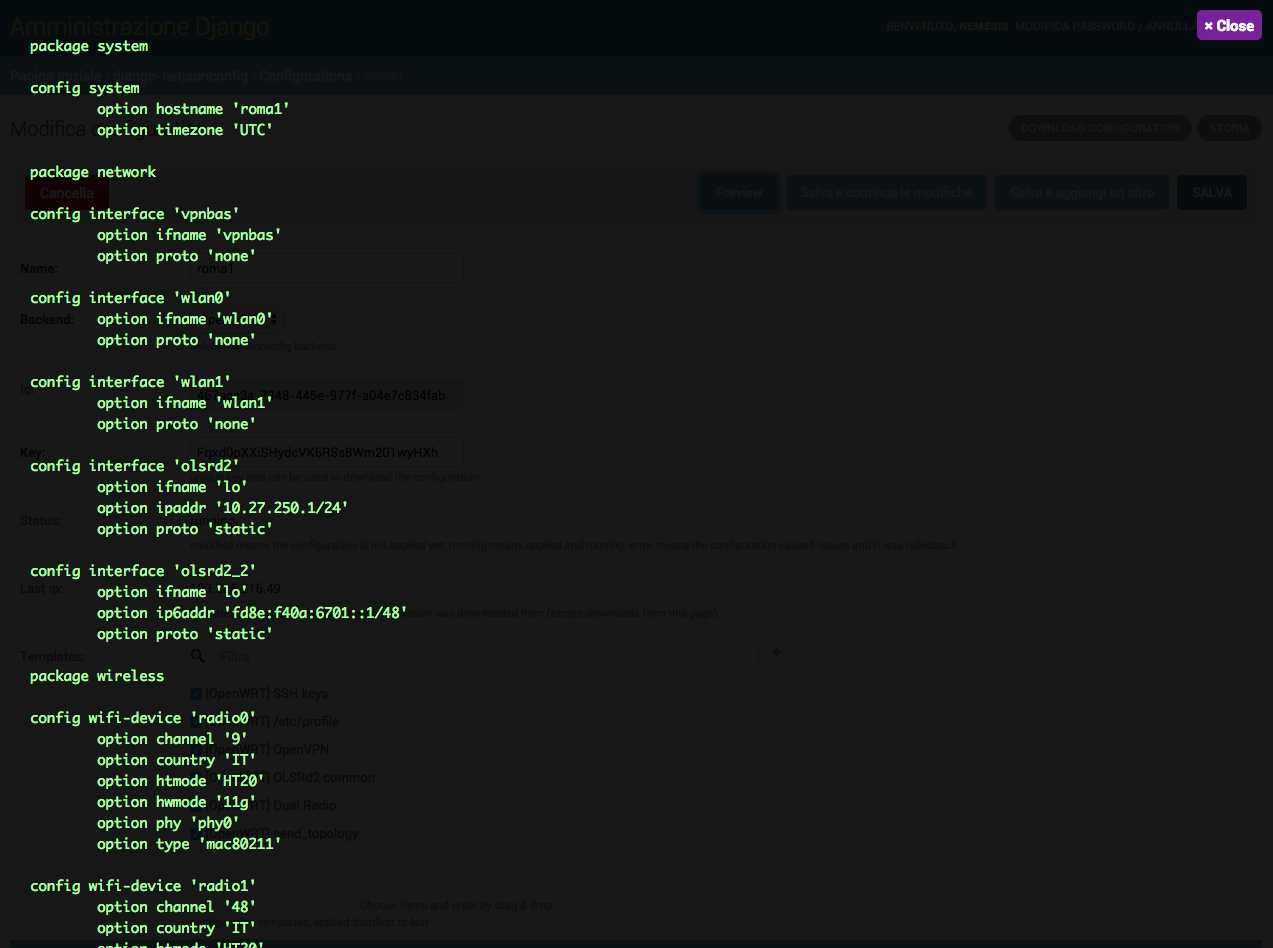
Table of Contents:
- configuration management for embedded devices supporting different firmwares:
- OpenWRT
- OpenWISP Firmware
- support for additional firmware can be added by specifying custom backends
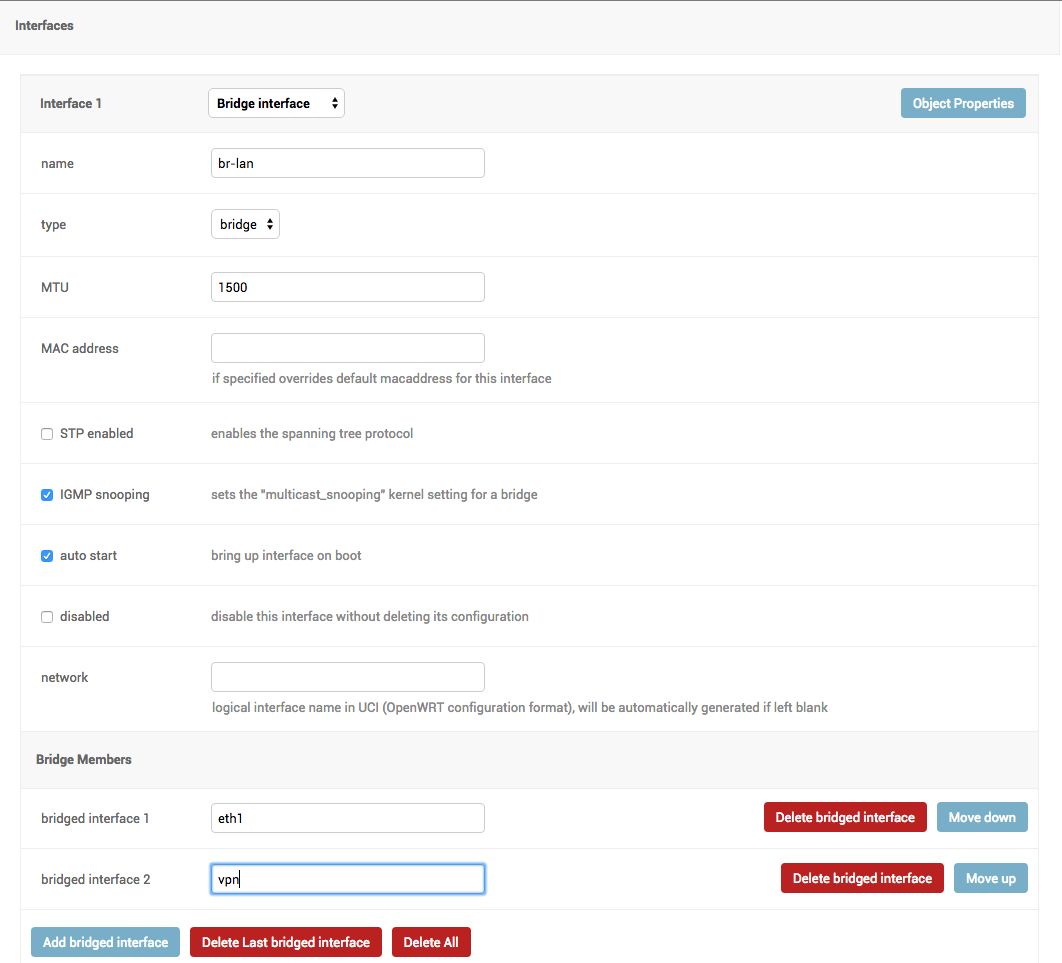
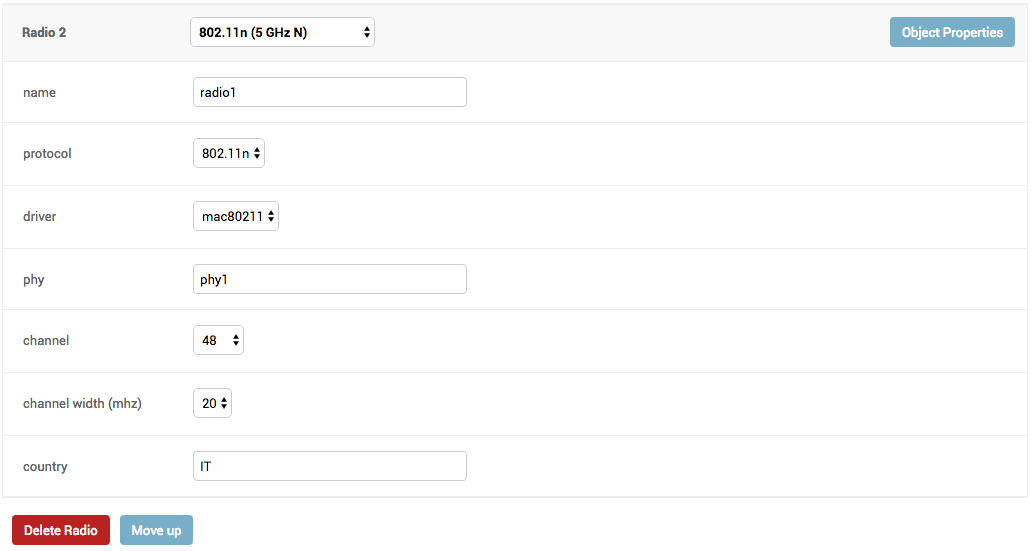
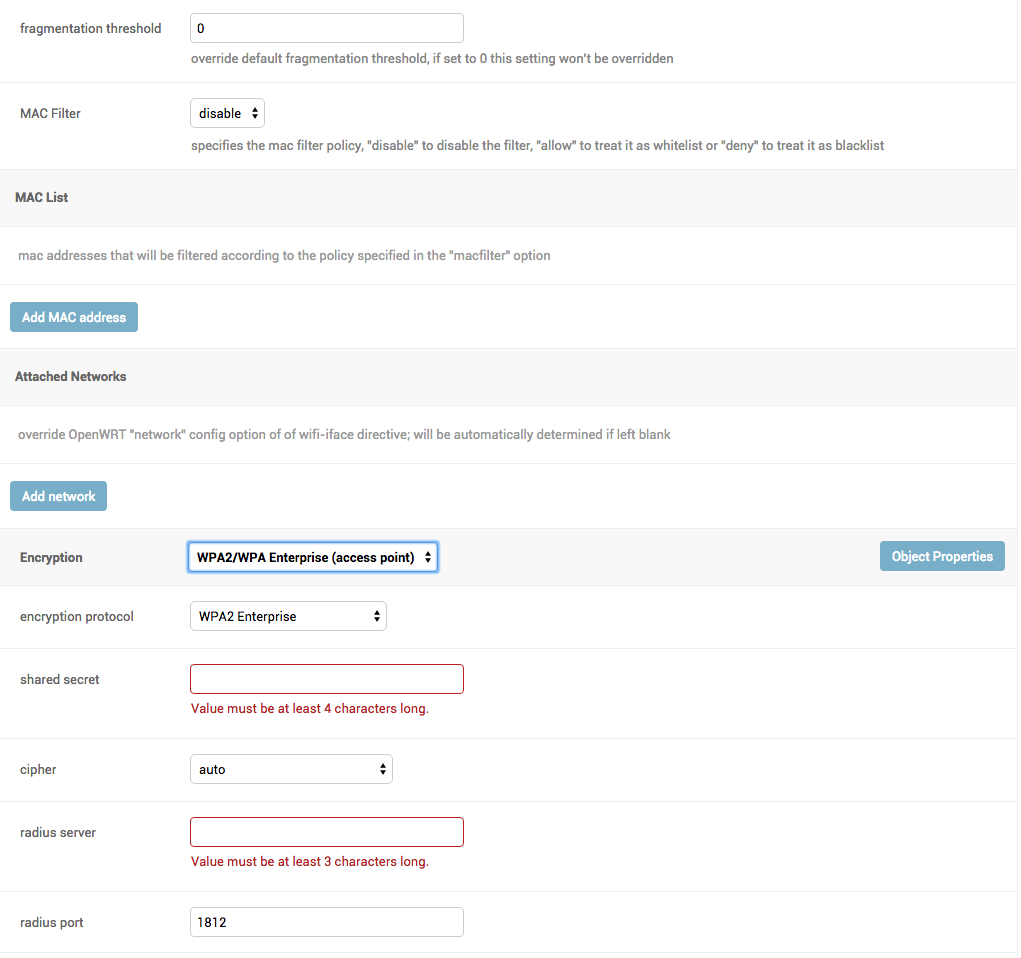
- configuration editor based on JSON-Schema editor
- advanced edit mode: edit NetJSON DeviceConfiguration objects for maximum flexibility
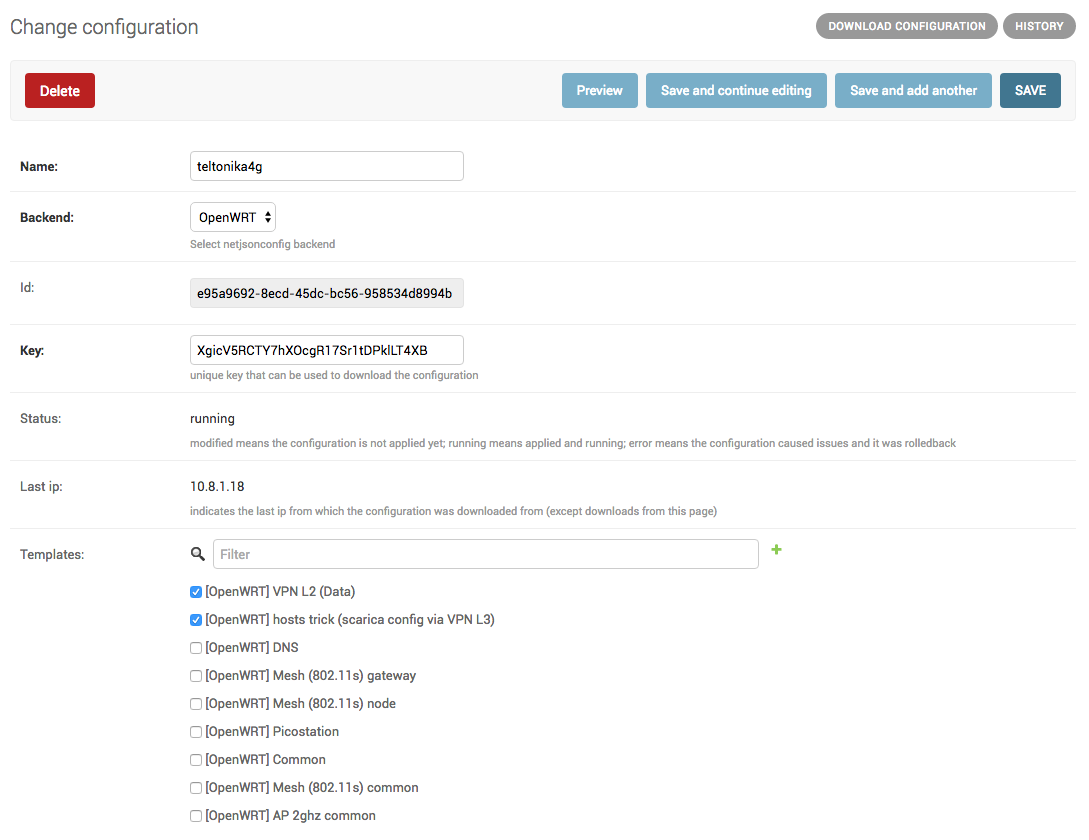
- configuration templates: reduce repetition to the minimum
- configuration context: reference ansible-like variables in the configuration
- simple HTTP resources: allow devices to automatically download configuration updates
- automate configuration management for embedded devices
- allow to minimize repetition by using templates
- make it easy to integrate in larger django projects to improve reusability
- make it easy to extend its models by providing abstract models
- provide ways to support more firmwares by adding custom backends
- keep the core as simple as possible
- provide ways to extend the default behaviour
- encourage new features to be published as extensions
Install from pypi:
pip install django-netjsonconfigInstall tarball:
pip install https://github.com/openwisp/django-netjsonconfig/tarball/masterAlternatively you can install via pip using git:
pip install -e git+git://github.com/openwisp/django-netjsonconfig#egg=django-netjsonconfigIf you want to contribute, install your cloned fork:
git clone git@github.com:<your_fork>/django-netjsonconfig.git
cd django-netjsonconfig
python setup.py developAdd django_netjsonconfig, sortedm2m and reversion to INSTALLED_APPS:
INSTALLED_APPS = [
    # other apps
    'django_netjsonconfig',
    'sortedm2m',
    'reversion'  # optional, can be removed if not needed
    # ...
]
Add the controller URLs to your main urls.py:
urlpatterns = [
    # ... other urls in your project ...

    # controller URLs
    # used by devices to download/update their configuration
    # keep the namespace argument unchanged
    url(r'^', include('django_netjsonconfig.controller.urls', namespace='controller')),
    # common URLs
    # shared among django-netjsonconfig components
    # keep the namespace argument unchanged
    url(r'^', include('django_netjsonconfig.urls', namespace='netjsonconfig')),
]
Then run:
./manage.py migrateIf you need to deploy django-netjsonconfig by itself (that is without including it in a larger project), you may want to check out the ansible-openwisp2 role.
Install sqlite:
sudo apt-get install sqlite3 libsqlite3-devInstall your forked repo:
git clone git://github.com/<your_fork>/django-netjsonconfig
cd django-netjsonconfig/
python setup.py develop
Install test requirements:
pip install -r requirements-test.txtCreate database:
cd tests/
./manage.py migrate
./manage.py createsuperuser
Launch development server:
./manage.py runserverYou can access the admin interface at http://127.0.0.1:8000/admin/.
Run tests with:
./runtests.py| type: | list |
| default: | [] |
Additional custom netjsonconfig backends.
| type: | bool |
| default: | True |
Whether devices can automatically register through the controller or not.
This feature is enabled by default.
Autoregistration must be supported on the devices in order to work, see openwisp-config automatic registration for more information.
| type: | bool |
| default: | True |
Whether devices that are already registered are recognized when reflashed or reset, hence keeping the existing configuration without creating a new one.
This feature is enabled by default.
Autoregistration must be enabled also on the devices in order to work, see openwisp-config consistent key generation for more information.
| type: | str |
| default: | "" |
A secret key which must be used by devices to perform automatic registration.
This key MUST be explicitly set in production (if settings.DEBUG is False), otherwise
an ImproperlyConfigured exception will be raised on startup.
| type: | dict |
| default: | {} |
Additional context that is passed to the default context of each Config object.
Each Config object gets the following attributes passed as configuration variables:
idkeyname
NETJSONCONFIG_CONTEXT can be used to define system-wide configuration variables.
For more information, see netjsonconfig context: configuration variables.
| type: | str |
| default: | netjsonconfig.OpenWrt |
The preferred backend that will be used as initial value when adding new Config or
Template objects in the admin.
Set it to None in order to force the user to choose explicitly.
- Announce your intentions in the OpenWISP Mailing List
- Fork this repo and install it
- Follow PEP8, Style Guide for Python Code
- Write code
- Write tests for your code
- Ensure all tests pass
- Ensure test coverage does not decrease
- Document your changes
- Send pull request
See CHANGES.
See LICENSE.