Restaurant reviews app with basic functionalities listed below. Technical specification: A single page application at frontend and nodejs + mongodb at backend.
-
A user must be able to create an account and log in .
-
A user has to have a role attached
- Roles are
- USER : a normal user
- ADMIN : admin or super user
- OWNER : restaurant owner
- Each role has permission/access rights
- Roles are
-
Permission:
- Regular user can review a restaurant
- Owner can create new restaurant and reply to reviews (once per review)
- Admin can edit/delete all users(expect itself), restaurant, reviews and replies
- Owner can edit his/her owned restaurants
- Owner can view hi/her restaurants as separate list other than all restaurants & can reply on them
-
Review:
- A review must have
- a comment
- 5star rating [1star, 2stars, 3stars, 4stars, 5stars]
- date of creation (or date of visit)
- A review must have
-
Restaurant Lists can be filtered by Rating (star based)
-
Detailed view of Restaurant has:
- Basic Info about restaurant
- Average Rating
- Filtering based on star rating
- Sorting of all reviews on star rating
- Reviews (as per above conditions)
| Permission | USER | OWNER | ADMIN |
|---|---|---|---|
| Can Signup | Yes | Yes | Yes |
| Can See restaurants? | Yes | Yes | Yes |
| Can See reviews? | Yes | Yes | Yes |
| Can See replies? | Yes | Yes | Yes |
| Can Delete User? | No | No | Yes |
| Can create restaurant? | No | Yes | Yes |
| Can submit a review? | Yes | Yes | Yes |
| Can delete a review? | No | No | Yes |
| Can reply? | No | Yes(own restaurant) | No |
| Can delete replies? | No | No | Yes |
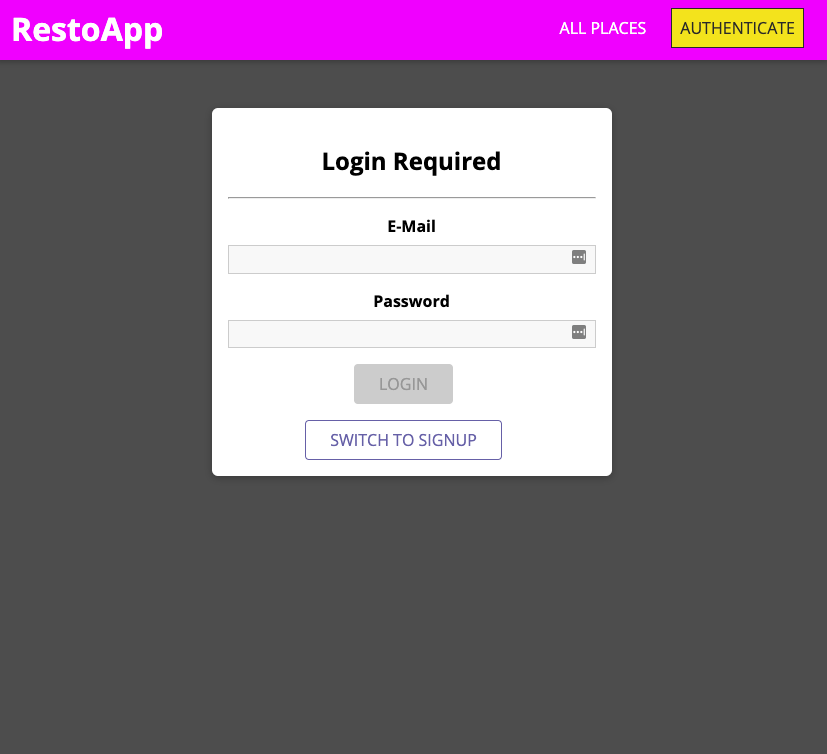
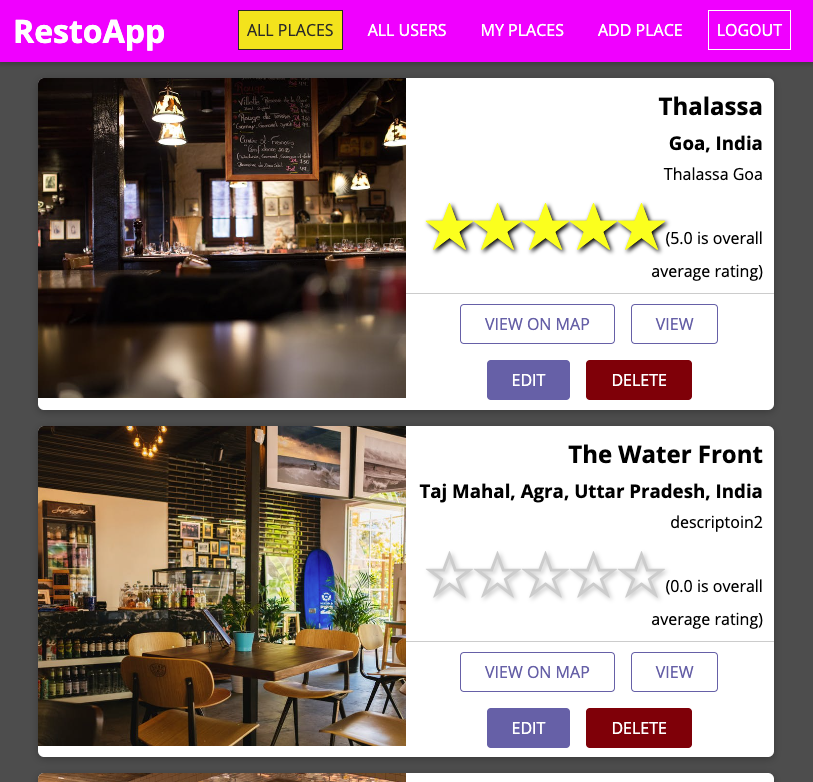
- At the backend its a Nodejs app and MongoDB as data store
- At front its a reactjs based application : Single Page Application (SPA)
Use below docker-compose file by saving as docker-compose.yml
version: "3.4"
services:
  mongo1:
    hostname: mongodb
    container_name: mongodb
    image: mongo:latest
    environment:
        MONGO_INITDB_DATABASE: ${DATABASE_NAME}
        MONGO_REPLICA_SET_NAME: rs0
    expose:
      - 27017
    ports:
      - 27017:27017
    restart: always
    entrypoint: [ "/usr/bin/mongod", "--bind_ip_all", "--replSet", "rs0" ]
- Make a .env file in same folder so that docker-compose can place your values in placehoder
inside the template
- put below in
.envfile
DATABASE_NAME=restodb - put below in
- run
docker-compose up -d
shell into the container: docker exec -it mongodb /bin/bash
execute mongo command in the container's shell
register the replica set member by running
rs.initiate({
      _id: "rs0",
      version: 1,
      members: [
         { _id: 0, host : "localhost:27017" }
      ]
   }
)
use this URL to connect: mongodb://localhost:27017/{DATABASE NAME}?replicaSet=rs0
- cd to frontend folder
- in the root directory i.e.
frontendfolder create.envfile containing values as per belowREACT_APP_GOOGLE_API_KEY=<YOUR API KEY> REACT_APP_BACKEND_ENDPOINT=<backend server's url> - npm install
- npm start
-
cd to backend folder
-
edit nodemon.json file as per your own values:
{ "env": { "LOCATION_API_TOKEN": "<YOUR_API_TOKEN>", "MONGODB_CONN_URL": "mongodb://localhost:27017/restodb?replicaSet=rs0&retryWrites=true&w=majority", "APP_JWT_SECRET": "<supersecret_dont_share_this:changeit>" } }-
LOCATION_API_TOKEN: got from locationiq.com after registering and creating an app in dashboard -
APP_JWT_SECRET: used to encrypt the json web token -
If you want to register sample users and restaurants also then you can comment below line in
server.jsfile.-
  async function runDataCreation() {
  await UserTests.createUsers(app);
  await PlaceTests.createPlace(app);
  }
  // UN-COMMENT BLOW TO RUN ONLY IF YOU WANT TO CREATE SAMPLE DATA
  runDataCreation();
-
-
-
npm installto install dependencies -
run command
npm start- If not able to connect with monogodb server, the app will NOT start
-
this will run a backend server at 5000 on localhost (as per the given properties)