Home
The first local-only AI memory to break 74% retrieval on LoCoMo. No cloud. No APIs. No data leaves your machine.
SuperLocalMemory gives AI assistants persistent memory across sessions. Install once, and your AI remembers your projects, preferences, decisions, and debugging history — forever.
npm install -g superlocalmemory    # or: pip install superlocalmemory
slm setup                          # Choose mode A/B/C
slm warmup                        # Pre-download embedding model (optional)
That's it. Your AI now remembers you.
| Mode | What It Does | Cloud Required |
|---|---|---|
| A: Local Guardian | Zero cloud. Your data never leaves your machine. EU AI Act compliant. 74.8% on LoCoMo. | No |
| B: Smart Local | Local LLM via Ollama for answer synthesis. Still fully private. | No |
| C: Full Power | Cloud LLM for maximum accuracy (87.7% on LoCoMo). | Yes |
V3 Dashboard Screenshots
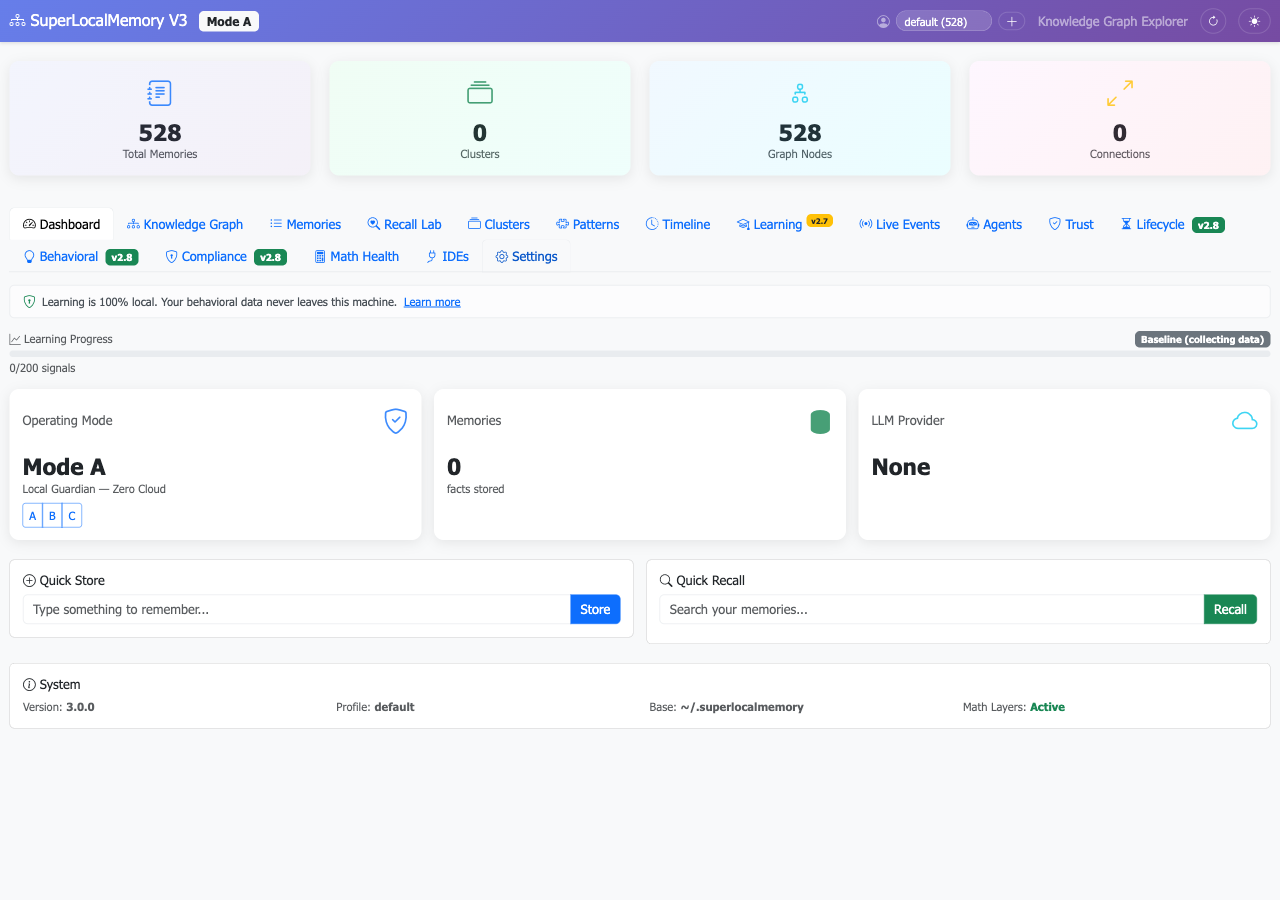
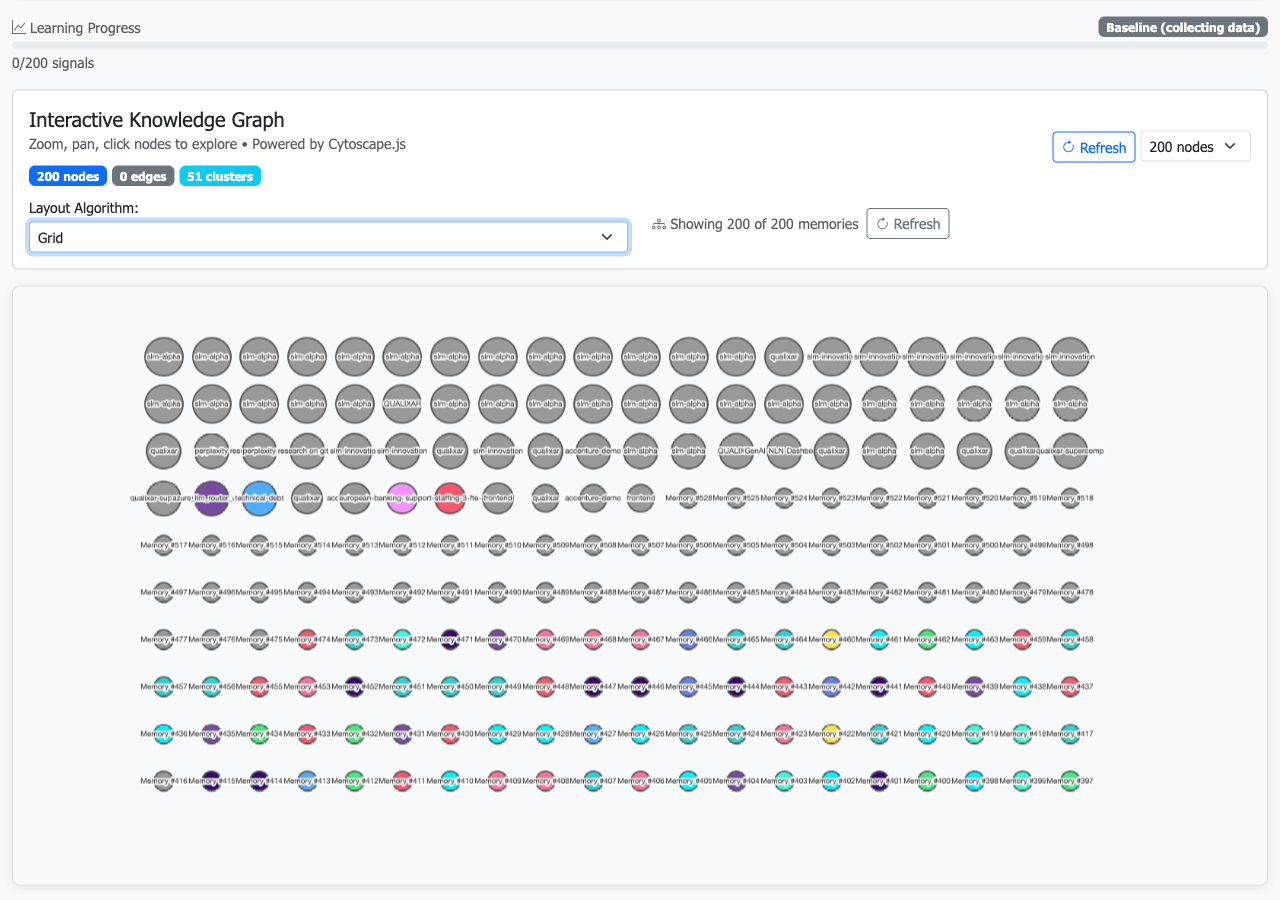 |
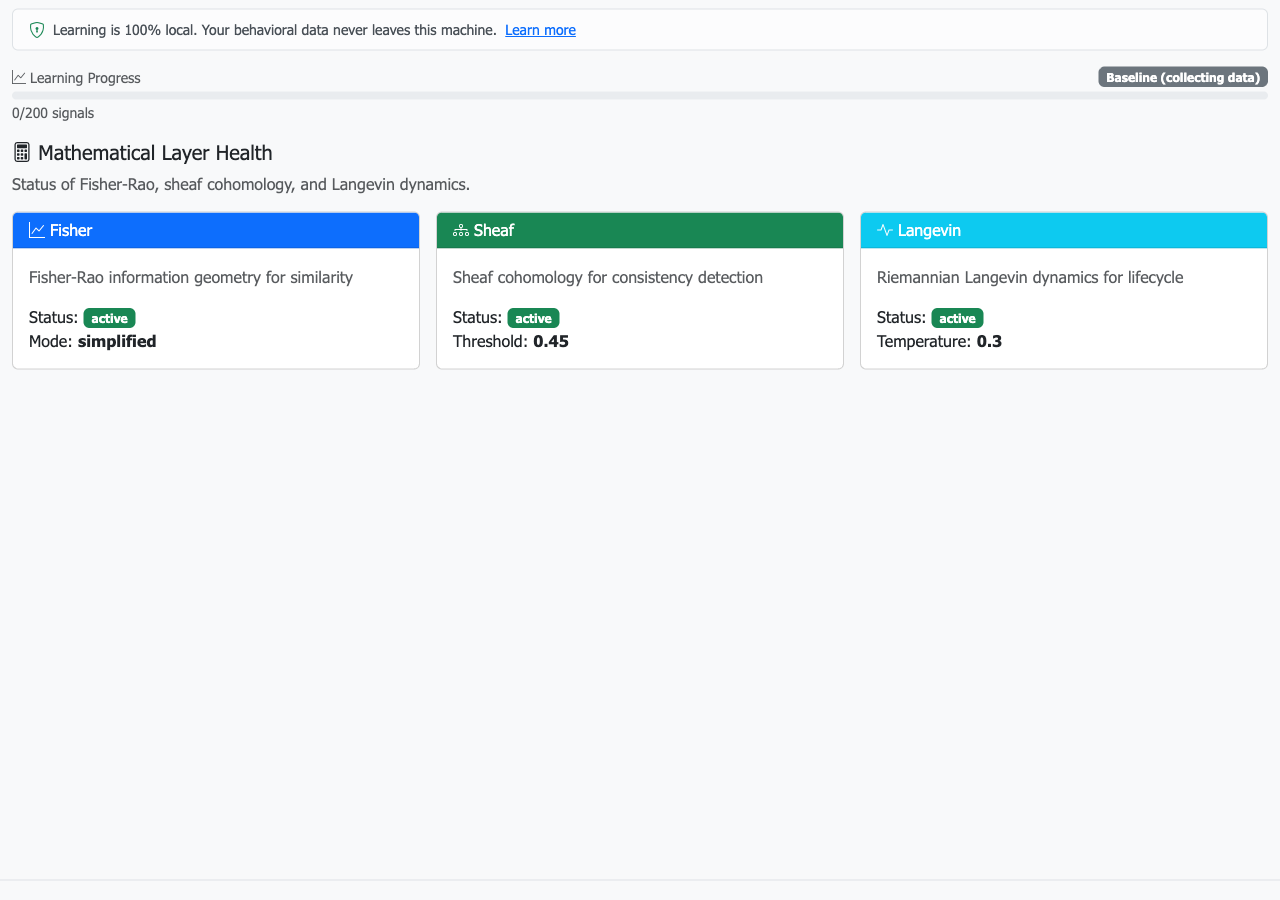 |
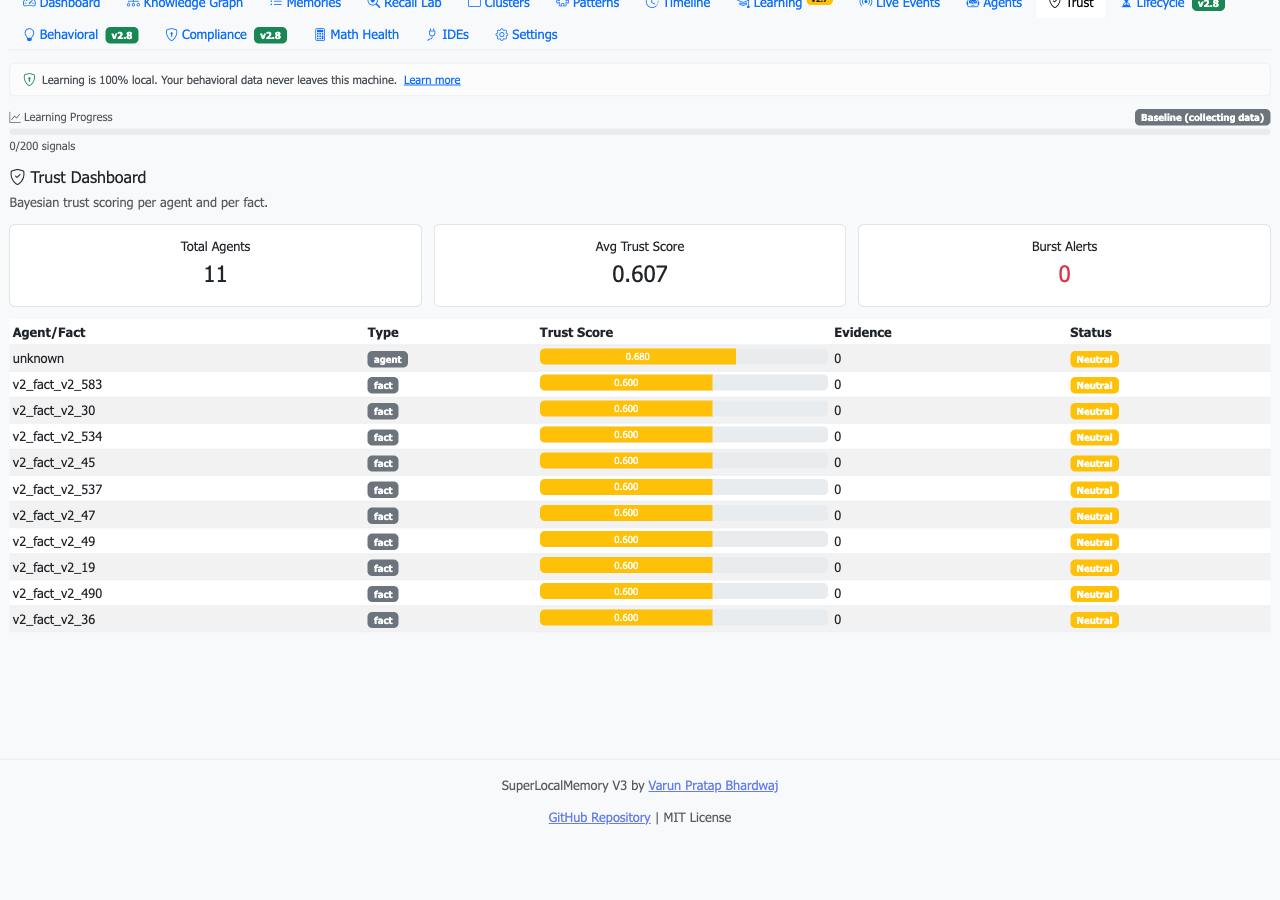 |
- Works in 17+ IDEs — Claude Code, Cursor, VS Code, Windsurf, Gemini CLI, JetBrains, and more
- 4-channel retrieval — Semantic + keyword + entity graph + temporal for maximum accuracy
- Mathematical foundations — Fisher-Rao similarity, sheaf consistency, Langevin lifecycle
- Trust scoring — Bayesian trust per agent and per fact
- EU AI Act compliant — Mode A satisfies data sovereignty by architecture
- 85% open-domain — highest of any system evaluated, including cloud-powered ones
- 1400+ tests — production-grade reliability
- Multi-profile — isolated memory contexts for work, personal, clients
| Page | What You'll Learn |
|---|---|
| Installation | Full install guide — npm, pip, git clone |
| Quick Start Tutorial | Step-by-step for new users and V2 upgraders |
| Getting Started | Install + first memory in 5 minutes |
| Modes Explained | A vs B vs C — which is right for you |
| CLI Reference | All 15 slm commands with examples |
| MCP Tools | All 24 MCP tools for IDE integration |
| IDE Setup | Per-IDE configuration guide |
| Migration from V2 | Upgrade guide for existing users |
| Auto-Memory | How auto-capture and auto-recall work |
| Architecture Overview | How the system works |
| Mathematical Foundations | The math behind the memory |
| Compliance | EU AI Act, GDPR, retention policies |
| FAQ | Common questions answered |
- V3 Paper: Information-Geometric Foundations for Agent Memory (arXiv) | Zenodo
- V2 Paper: Privacy-Preserving Multi-Agent Memory (arXiv)
Part of Qualixar | Created by Varun Pratap Bhardwaj