Non GPU and Low CPU usage GTK Audio Visualizer for Linux
| Normal | Mirror |
|---|---|
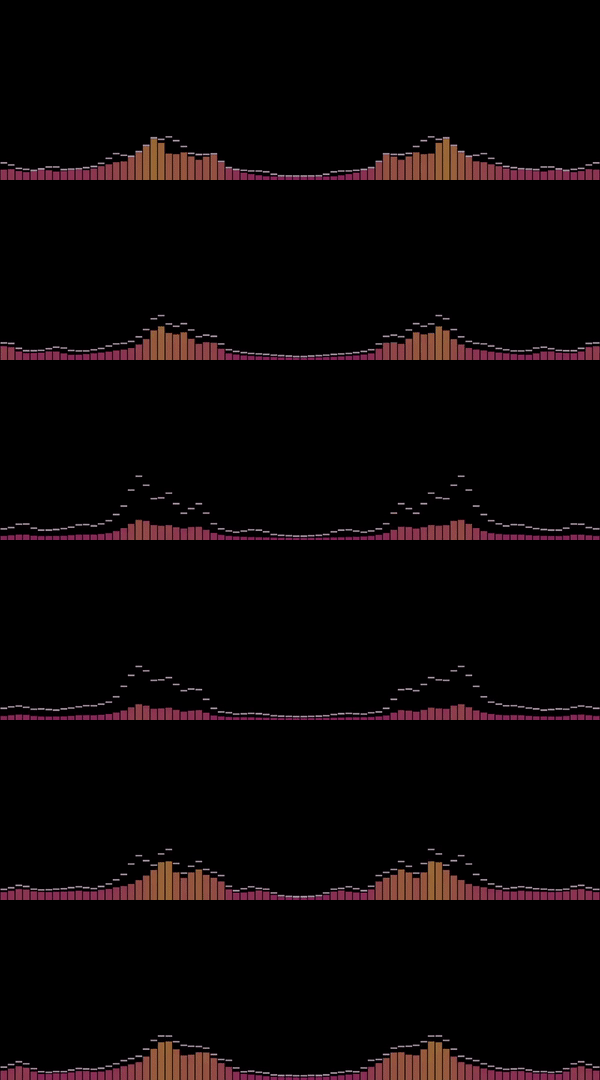 |
 |
Normal.mp4
Mirror.mp4
- Basically you need to get the raw output from the sound card (C does that very well).
- Run a Fast Fourier transform
- Then a Low-pass filter
- Finally, some Linear interpolation to draw
- Pulse Audio (libpulse)
- Debian:
sudo apt-get install lippulse0 libpulse-dev
- Debian:
- Python 3
- Numpy (numpy)
pip3 install numpy
- SciPy (scipy)
pip3 install scipy
cd qaudio
make
./soundbars.py [-h] [--size SIZE] [--max_fps MAX_FPS] [--bars BARS] [--space SPACE] [--opacity OPACITY] [--fps] [--no_mirror]
| Parameter | Description |
|---|---|
| -h, --help | show this help message and exit |
| --size | Window Size (default: 1600x900) |
| --max_fps | Max FPS |
| --bars | Number of bars |
| --space | Space Between Bars (default: 1) |
| --opacity | Overall Opacity (default: 0.7) |
| --fps, --fps_show | Show FPS |
| --no_mirror | Remove Mirror Effect |