Static, embeddable Notion widgets built with Next.js App Router, TypeScript, and Tailwind CSS.
Includes clock, timer, stopwatch, D-Day, quotes, weather, progress, and music player widgets with URL-based customization and per-instance settings.


- What's Included
- Showcase
- Quick Start
- Fork & Deploy Your Own
- Widget Routes
- Instance IDs
- Common Query Params
- Music Player (English)
- Recent Updates
- Notion Quotes Sync
- Vercel Quote Sync (Free Plan)
- How to Confirm Cron Is Running
- Trigger Sync On Notion Changes
- SEO and Indexing
- Code of Conduct
- Contributing
- Security
- License
- Repo Structure
- Contact / Requests
- Notes
- Clock, Timer, Stopwatch, Quotes, D-Day, Weather, and Progress widgets
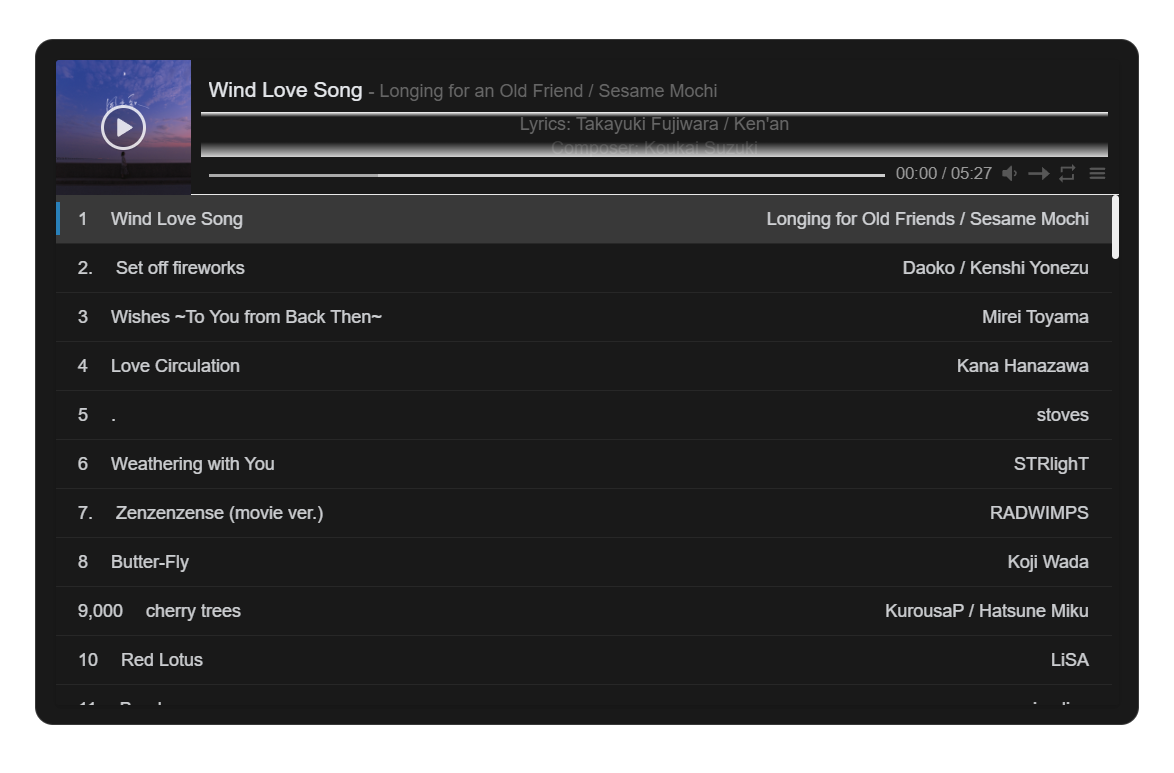
- Music Player widget (APlayer + MetingJS)
- Static-compatible, iframe-safe embeds for Notion
- Theme, layout, color, and behavior customization through query params
- Responsive UI with transparent-friendly embeds
- Per-instance settings for widgets that store state
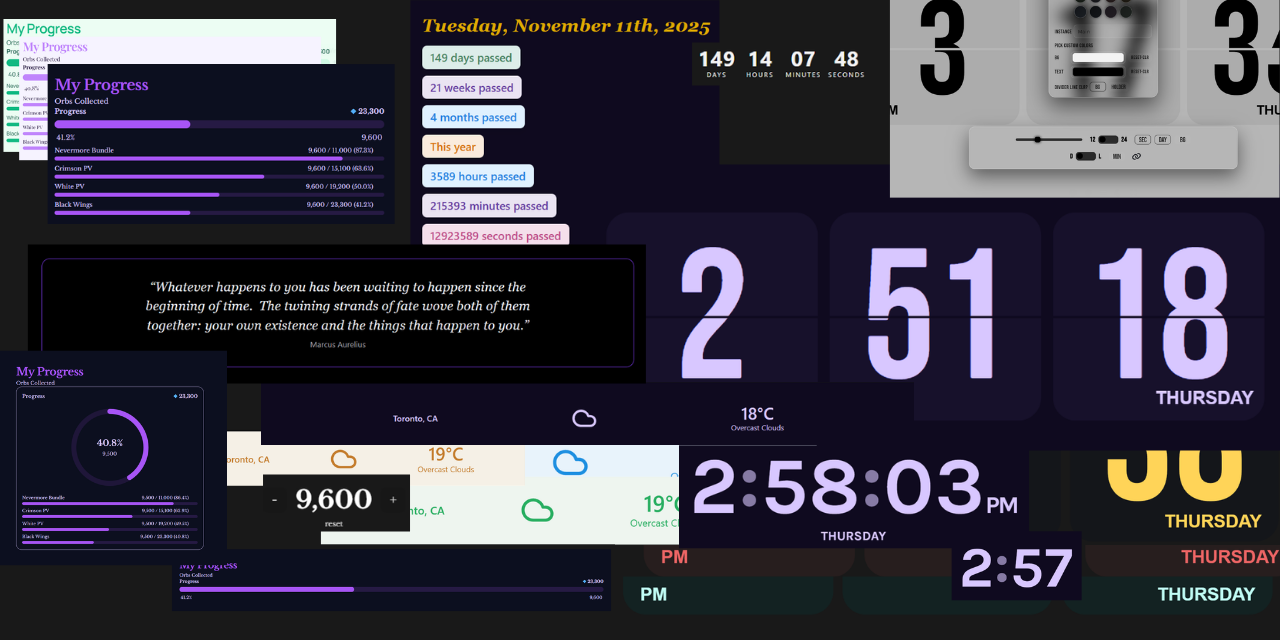
Screenshots:
| Clock | Timer | Stopwatch |
|---|---|---|
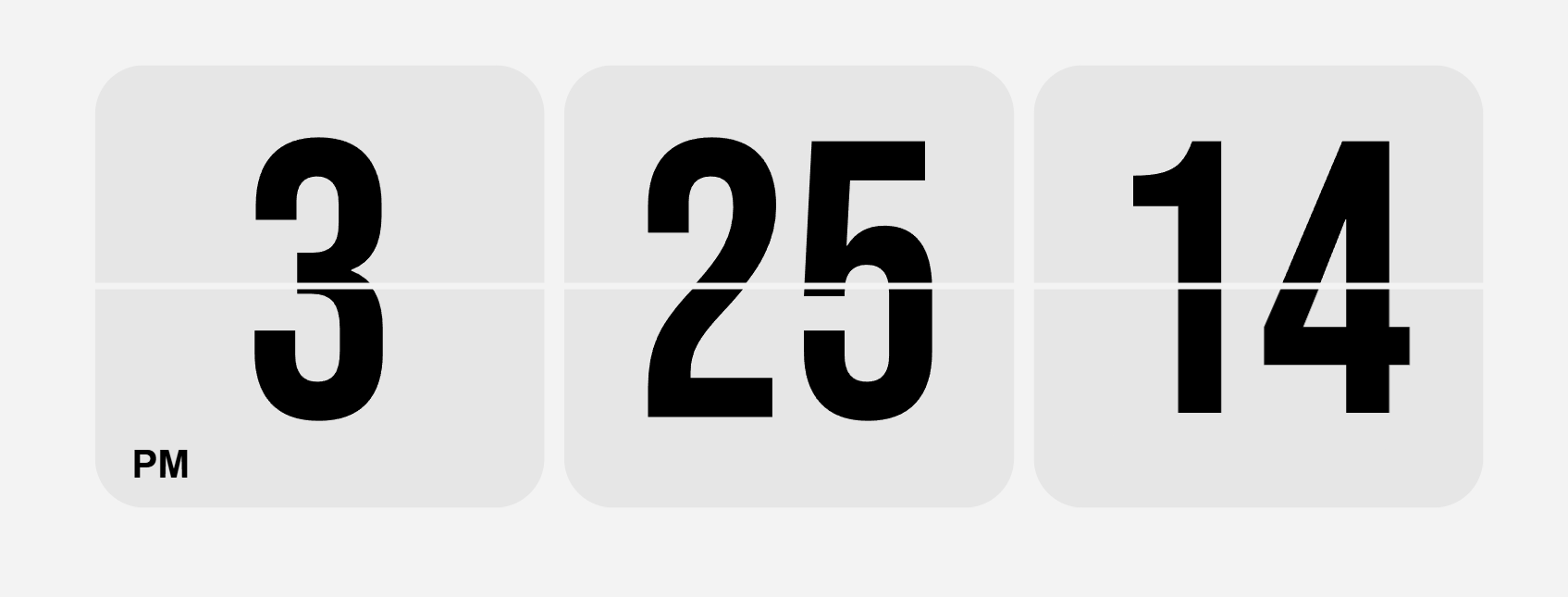 |
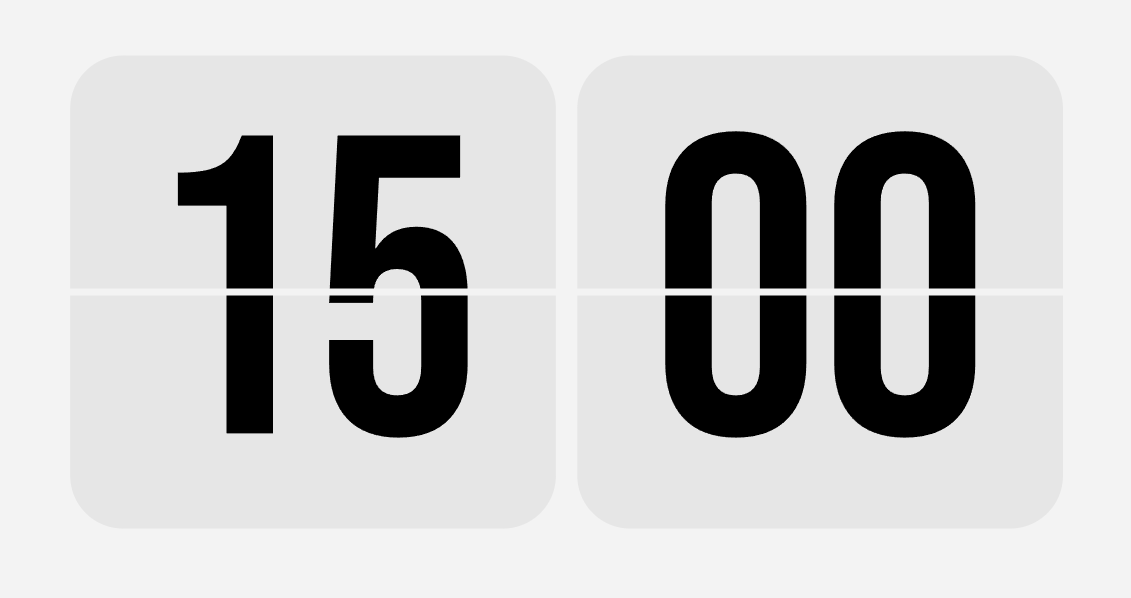 |
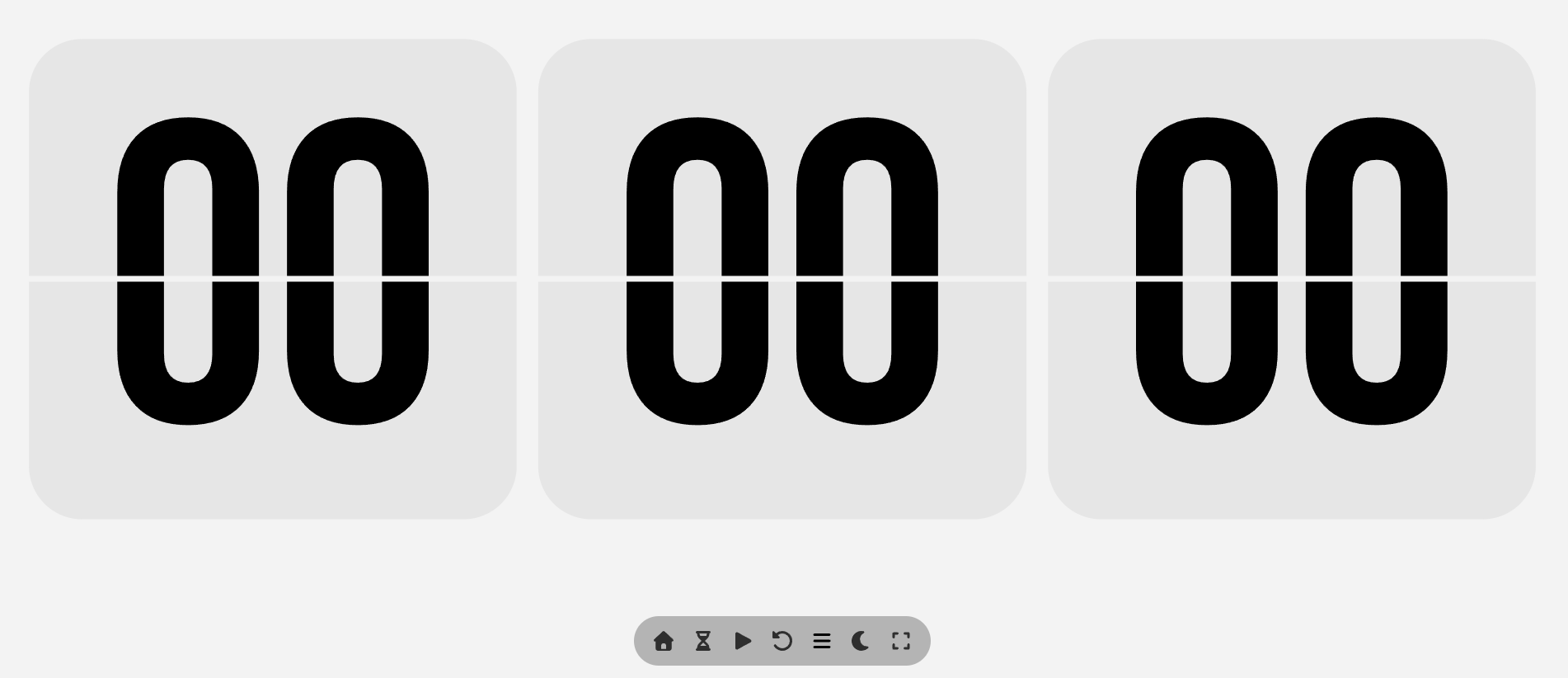 |
| Weather | Quotes | Progress |
|---|---|---|
 |
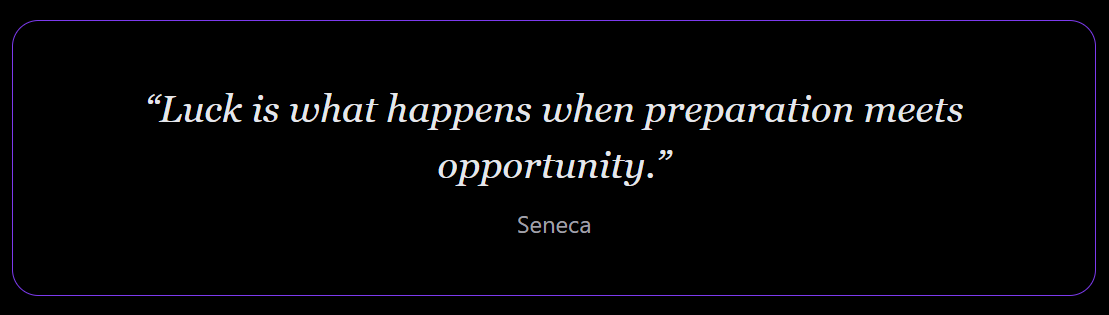 |
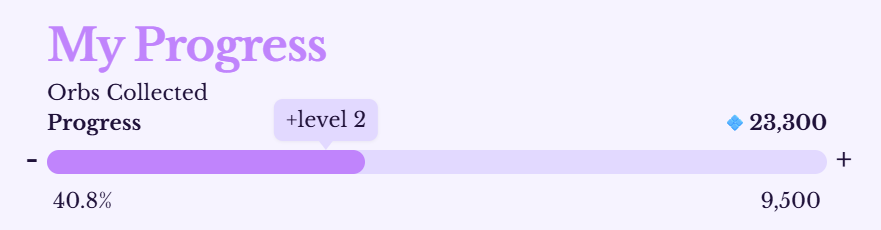 |
| D-Day | Music Player |
|---|---|
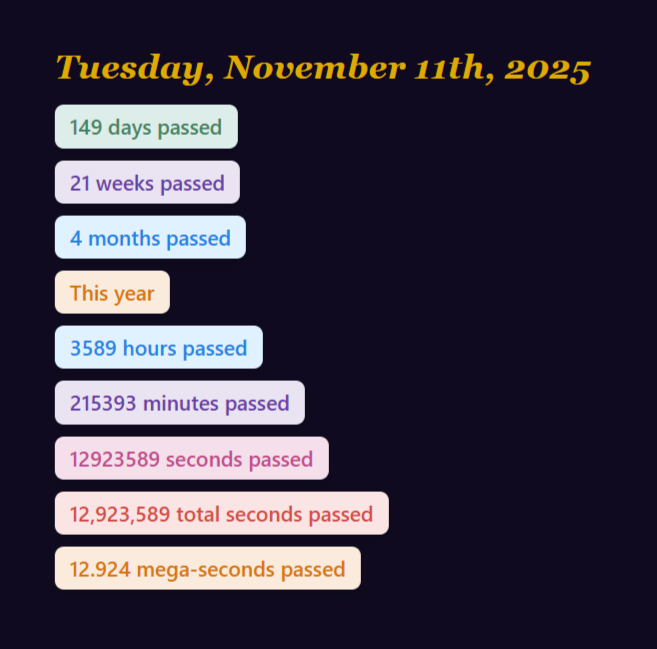 |
 |
npm install
npm run sync:quotes
npm run dev
Open http://localhost:3000/clock or http://localhost:3000/quotes.
-
Fork the repo on GitHub: https://github.com/rushhiii/notion-widgets
-
Clone your fork locally:
git clone https://github.com/YOUR_USERNAME/notion-widgets.git cd notion-widgets -
Install dependencies:
npm install
-
(Optional) Sync Notion quotes locally:
- Create
.env.localwithNOTION_TOKENandNOTION_DATABASE_ID - Run
npm run sync:quotes
- Create
-
Test locally:
npm run dev
Open
http://localhost:3000/clockto verify. -
Push to your GitHub fork:
git add .
git commit -m "Deploy to Vercel"
git push origin main
-
Deploy to Vercel:
- Go to https://vercel.com and sign in
- Click "Add New" → "Project"
- Select your forked repo
- Click "Deploy"
-
(Optional) Add environment variables in Vercel:
- Go to project Settings → Environment Variables
- Add
NEXT_PUBLIC_OPENWEATHER_API_KEYif you use weather widgets - Redeploy for changes to take effect
Your widgets will be live at https://YOUR_VERCEL_APP.vercel.app/clock, /timer, etc.
/clock/timer/stopwatch/dday/quotes/weather/progress/music-player/audio-player
Use instance to isolate settings or saved state across multiple embeds of the same widget. Only a-z, 0-9, _, and - are kept.
Supported for stateful widgets (clock, progress, music player). Safe to include on quotes and D-Day for consistent link naming.
Example:
/progress?instance=work&embed=1
- Clock:
tz,format,seconds,theme,controls,size,bg,text,instance - Timer:
t,start,theme,controls,size - Stopwatch:
t,start,theme,controls,size - Quotes:
category,source,mode,rotate,interval,bg,border,text,accent,instance - D-Day:
date,mode,align,showdate,bg,color,titleColor,dayColor,timeColor,instance - Weather:
location,lat,lon,units,mode,details,theme,bg,text,accent - Progress:
title,label,goal,progress,prefix,suffix,accent,track,text,bg,embed,instance - Music Player:
server,type,id,colorscheme,theme,loop,order,preload,volume,list-folded,list-max-height,storage-name,instance - Audio Player:
layout,src,title,artist,cover,data,accent,bg,text,volume,start,loop,queue,autoplay,instance
Native HTML audio widget for custom MP3 files and JSON playlists hosted in your repo/CDN/object storage.
Examples:
- Small single-track:
https://notion.busiyi.world/audio-player/?layout=small&src=/audio/instrumental.mp3&title=my%20magic%20shop&artist=instrumental&embed=1 - Medium card:
https://notion.busiyi.world/audio-player/?layout=medium&src=/audio/satisfaction.mp3&title=Satisfaction&artist=The%20Rolling%20Stones&embed=1 - Large playlist from JSON:
https://notion.busiyi.world/audio-player/?layout=large&data=/audio/playlist.json&queue=1&loop=playlist&embed=1
Playlist JSON shape:
[
  {
    "src": "/audio/track-1.mp3",
    "title": "Satellite",
    "artist": "Harry Styles",
    "cover": "/audio/covers/satellite.jpg"
  }
]
Options:
| option | default | description |
|---|---|---|
| layout | small |
small, medium, or large |
| src | optional | Single track mp3 URL (relative or absolute) |
| title | Instrumental Track |
Display title for single track |
| artist | Custom Source |
Display artist for single track |
| cover | optional | Cover image URL |
| data | optional | Playlist JSON URL (array or { "tracks": [] }) |
| accent | by layout | Accent color |
| bg | by layout | Background color |
| text | by layout | Text color |
| volume | 0.8 |
Initial volume (0..1) |
| start | 0 |
Initial track index for playlist mode |
| loop | none |
none, track, playlist |
| queue | 1 |
Show queue list in large mode |
| autoplay | 0 |
Autoplay on load |
| instance | optional | Isolates data variations and link naming |
Yes, this works. Keep the widget code in this repo and host audio files + playlist JSON in another public repo.
Recommended hosting URL format (better than raw.githubusercontent):
https://cdn.jsdelivr.net/gh/<owner>/<repo>@<branch>/<path-to-file>
Example friend repo layout:
audio-assets/
   playlist.json
   tracks/
      intro.mp3
      ambient-loop.mp3
   covers/
      intro.jpg
      ambient-loop.jpg
Example playlist.json in your friend's repo:
[
   {
      "src": "https://cdn.jsdelivr.net/gh/friendname/audio-assets@main/tracks/intro.mp3",
      "title": "Intro",
      "artist": "Instrumental",
      "cover": "https://cdn.jsdelivr.net/gh/friendname/audio-assets@main/covers/intro.jpg"
   }
]
Then use this in your widget URL:
/audio-player?layout=large&data=https://cdn.jsdelivr.net/gh/friendname/audio-assets@main/playlist.json&embed=1
Notes:
- Repo/files must be public, or the browser cannot fetch them.
- Keep file names stable and URL-safe.
- Very large files are better on object storage/CDN (R2/S3) if you scale up.
Cloudflare R2 is the best fit if you want to host a few GB of MP3s with direct public URLs.
- Create an R2 bucket in Cloudflare.
- Upload your
tracks/andcovers/files. - Make the bucket public, or expose it through a public custom domain.
- Build
playlist.jsonso everysrcandcoverpoints to the public R2 URL for that object. - Point the audio player
dataparameter at the publicplaylist.jsonURL.
Example playlist entry using a public R2 domain:
[
   {
      "src": "https://media.example.com/tracks/ENG/21%20Savage%20-%20Rockstar.mp3",
      "title": "Rockstar",
      "artist": "21 Savage",
      "cover": "https://media.example.com/covers/21-savage-rockstar.jpg",
      "category": "eng",
      "type": "speed up"
   }
]
If you keep the bucket private, the widget needs a small signing proxy so it can request short-lived URLs from your app before playback.
If you do not want to add billing details, do not use R2. Cloudflare may still require a payment method to enable the subscription, even if you stay within the free monthly limits.
If you want public audio hosting without adding a card, use a host that supports public direct links with no payment setup. Internet Archive is the most practical fallback for a multi-GB audio library.
Basic flow:
- Upload the MP3s to a public Internet Archive item.
- Copy the direct file URLs for each track.
- Generate
playlist.jsonwith those URLs. - Point the audio-player
dataparam at the JSON file.
This avoids billing setup and still works with the widget's existing playlist loader.
If you are managing a private music collection repo (for example, MyMusicCollection), you can use it as a datasource for the audio player while keeping files restricted.
- Host audio in a public repo with a restrictive "Personal Use" license.
- Use jsDelivr CDN links to the repo files (as shown in the friend repo section above).
- License restricts usage legally (not technically), but files are publicly accessible.
- Best for: small/medium collections, when you trust the license to deter misuse.
Example:
- Repository:
https://github.com/V0idVanguard/MyMusicCollection - Playlist JSON:
https://cdn.jsdelivr.net/gh/V0idVanguard/MyMusicCollection@main/playlist.json - Widget URL:
/audio-player?layout=large&data=<above-json-url>&embed=1
- Store audio in a private Cloudflare R2 bucket (free-tier friendly for ~3GB).
- Create an API endpoint in your widget app that generates short-lived signed URLs.
- Widget first fetches playlist metadata, then requests signed URLs from your API.
- Signed URLs expire quickly (2–10 minutes), so files stay private.
- Best for: full privacy, no direct public file access.
Implementation coming soon. For a public bucket, use the R2 section above and skip signing.
See MUSIC_COLLECTION_LICENSE.txt for the template license you can use in your private music collection repos.
Powered by APlayer + MetingJS, supports both Netease and Tencent playlists/songs/albums/artists/search.
Examples:
- Tencent playlist:
https://notion.busiyi.world/music-player/?server=tencent&type=playlist&id=7888484143 - Netease playlist with list height:
https://notion.busiyi.world/music-player/?server=netease&type=playlist&id=12528089157&list-max-height=96 - Netease song with forced dark mode:
https://notion.busiyi.world/music-player/?server=netease&type=song&id=28285910&colorscheme=dark
Options:
| option | default | description |
|---|---|---|
| server | required | Music provider: netease, tencent |
| type | required | Type: song, playlist, album, search, artist |
| id | required | song id, playlist id, album id, search keyword, artist id |
| colorscheme | auto | dark, light, or auto (follow system) |
| theme | #2980b9 |
Primary accent color |
| loop | all |
Loop mode: all, one, none |
| order | list |
Play order: list, random |
| preload | auto |
Preload mode: none, metadata, auto |
| volume | 0.7 |
Default volume (overridden after manual adjustment) |
| list-folded | false |
Fold playlist by default |
| list-max-height | 340px |
Playlist max height (numeric values treated as px) |
| storage-name | metingjs |
localStorage key for player settings |
| instance | (optional) | Suffixes storage-name and isolates settings per embed |
- Instance IDs added to progress, quotes, D-Day, and music player builders; stateful widgets now scope storage by instance.
- D-Day builder now supports compact mode, default/dark/light theme handling, centered compact tiles, and separate title/text color controls.
- Progress widget now persists +/- edits in embedded mode across refreshes.
- Landing page typography and hero styling were updated to use Libre Baskerville for headings.
- CSS import typing issue in
app/layout.tsxwas fixed with a global declaration file.
- Duplicate
.env.exampleto.env.local. - Set
NOTION_TOKENandNOTION_DATABASE_ID. - Share your Notion database with the integration.
- Run
npm run sync:quotes.
This repo is configured so production deploys always sync Notion quotes before building:
vercel.jsonusesbuildCommand: npm run sync:quotes && next build- A daily cron is configured at
/api/cron/sync-quotes
Important for Vercel Hobby (free) plan:
- Cron frequency is limited to once per day.
- Invocation can happen any minute within the configured hour (UTC).
Required Vercel environment variables:
NOTION_TOKENNOTION_DATABASE_IDVERCEL_DEPLOY_HOOK_URLCRON_SECRET(recommended, must be random and long)
Set up steps:
- In Vercel, create a Deploy Hook for your production branch.
- Add
VERCEL_DEPLOY_HOOK_URLfrom that hook. - Add a random
CRON_SECRET. - Redeploy once so cron + env changes are active.
Use this quick checklist in Vercel:
- Open project Settings -> Cron Jobs.
- Confirm
/api/cron/sync-quotesis listed and enabled. - Click View Logs on that cron entry.
- Look for logs from
app/api/cron/sync-quoteslike:[cron/sync-quotes] Trigger accepted[cron/sync-quotes] Deploy hook queued successfully
- Open Deployments and confirm a new production deployment was created near that timestamp.
Manual health test (recommended):
- Send
POST https://YOUR_DOMAIN/api/cron/sync-quoteswith headerAuthorization: Bearer <CRON_SECRET> - Expected response: JSON with
ok: true - Then verify a new deployment starts in Vercel.
Notes for Hobby plan:
- Cron can run any minute within the configured hour (UTC), not always exact minute.
- Cron failures are not retried automatically, so check logs when a run is missed.
Because Hobby cron only runs daily, you can trigger an early sync whenever new quotes are added.
Use this endpoint:
POST /api/cron/sync-quotes
Authorize with either:
- Header:
Authorization: Bearer <CRON_SECRET> - Or query param:
?secret=<CRON_SECRET>
What happens next:
- Endpoint verifies secret.
- Endpoint calls your Vercel deploy hook.
- New production build runs
npm run sync:quotes. - Updated quotes are included in your live site.
You can connect this endpoint to any automation tool (for example Make/Zapier/n8n) that fires on Notion database changes.
SEO baseline added in this repo:
- Rich global metadata in
app/layout.tsx app/sitemap.tsfor all public widget routesapp/robots.tswith sitemap reference and crawl rules- Private routes under
app/prvt/are markednoindex
To use your real domain in canonical metadata and sitemap, set:
NEXT_PUBLIC_SITE_URL=https://your-domain.com
See CODE_OF_CONDUCT.md.
See CONTRIBUTING.md for workflow, PR checklist, and test expectations.
See SECURITY.md for vulnerability reporting and security practices.
This project is licensed under MIT. See LICENSE.
See docs/REPO_STRUCTURE.md for architecture and folder conventions.
Open an issue or discussion for feature requests, collaboration ideas, or bugs.
- No backend/database is required.
- Widgets are optimized for Vercel and Notion embeds.


