Riverrun is a self-custodial mobile trading app for Hyperliquid DEX, built with React Native and Expo. It provides a native iOS and Android experience for perpetual futures trading with full control over your funds.
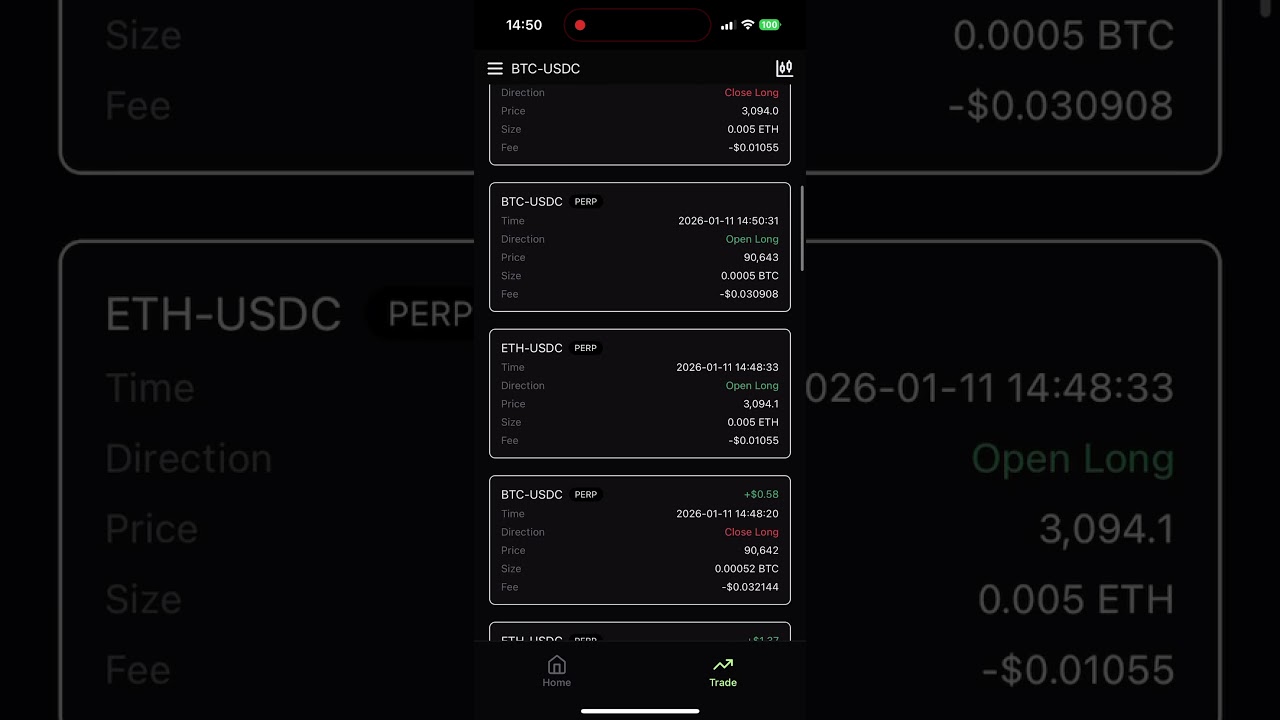
This project was developed by the original Perpetual Protocol team under the product name PERP GO. After Perpetual Protocol was transferred to a new team, the original team decided to open source this project and share the development work with the community.
License: CC BY 4.0 (Creative Commons Attribution 4.0 International)
Copyright: © 2026 SadCoderLabs (original Perpetual Protocol team before 2025)
Important: The "PERP" brand has been transferred to a new team. If you fork and deploy this project, do not use the PERP brand. See REBRANDING.md for details on what needs to be changed.
Riverrun is a mobile-first trading application that lets you trade perpetual futures on Hyperliquid directly from your phone.
Key Characteristics:
- Self-Custodial: You always control your private keys — we never have access to your funds
- Native Mobile: Built with React Native for iOS and Android with native performance
- Full-Featured: Complete trading experience including advanced order types, charting, and portfolio management
- Hyperliquid Powered: Direct integration with Hyperliquid L1 for fast, low-cost perpetual futures trading
| Method | How it Works | Best For |
|---|---|---|
| Privy (Email Login) | Sign in with email to create an embedded wallet. Your private key is generated locally and encrypted — only you can access it. You can export your private key anytime. | New users who want a simple onboarding experience |
| Reown (WalletConnect) | Connect your existing wallet (e.g. Rainbow) via WalletConnect. Your keys stay in your wallet app. | Users who already have a crypto wallet |
Both methods are fully self-custodial — your keys, your coins. The app never has custody of your funds.
- Perpetual Futures: Trade crypto perpetuals with up to 50x leverage
- Order Types: Market, Limit, Stop Market, Stop Limit orders
- Take Profit / Stop Loss: Set TP/SL with percentage-based or USD-based targets
- Real-time Data: Live order book, price feeds, and funding rates
- TradingView Charts: Professional charting with multiple timeframes (requires TradingView Advanced Charts license)
- Embedded Wallet: Create a wallet instantly via email login (powered by Privy)
- External Wallets: Connect any WalletConnect-compatible wallet (e.g. Rainbow)
- Deposit/Withdraw: Bridge USDC from Arbitrum to Hyperliquid L1
- Portfolio Overview: Real-time account equity, positions, and P&L
- Position Tracking: Monitor all open positions with unrealized P&L
- Trade History: Complete history of all trades and orders
- Push Notifications: Get notified about order fills and liquidations
- Agent Wallet: Delegate trading to an agent wallet for automated strategies
- Builder Fee: Configure builder fee settings for the app
- Referral System: Apply referral codes for trading fee discounts
- Node.js 18+
- pnpm 10+ (
npm install -g pnpm@latest-10) - EAS CLI (
npm install -g eas-cli) - iOS Simulator (macOS) or Android Emulator
To run this app, you'll need accounts for the following services:
| Service | Purpose | Required | Setup |
|---|---|---|---|
| Expo/EAS | Build & deployment | Yes | Create project, get projectId |
| Privy | Embedded wallet | Yes | Get App ID |
| Reown | WalletConnect | Yes | Get Project ID |
| TradingView Advanced Charts | Charting library | Yes | Apply for license, host library files |
| Sentry | Error tracking | Optional | Get DSN |
| Segment | Analytics | Optional | Get Write Key |
| Intercom | Customer support | Optional | Get App ID & API Keys |
Note: See docs/env.md for detailed environment variable configuration.
This app references a backend API (BACKEND_API_BASE_URL) which is only used for push notifications (device registration). The backend is completely optional — all core trading features work without it.
If you want push notifications, see: riverrun-backend
If you don't set up a backend:
- All trading, wallet, deposit/withdraw features work normally
- Push notifications will be disabled
- The app gracefully handles the missing backend
# 1. Clone and install
git clone <repo-url>
cd riverrun
pnpm install

# 2. Configure environment variables
# Create .env.local with your service credentials:
cat > .env.local << EOF
APP_VARIANT=development
EXPO_PUBLIC_REOWN_PROJECT_ID=your_reown_project_id
# Add other variables as needed (see docs/env.md)
EOF

# 3. Start development server
pnpm start
Press i for iOS Simulator or a for Android Emulator.
For testing native features (Privy wallet, WalletConnect), you need a development build:
# Build for iOS
pnpm run build:development:ios

# Build for Android
pnpm run build:development:android
Note: Expo Go does not support native modules. You must use a development build for full functionality.
riverrun/
├── app/                    # Expo Router (file-based routing)
│   ├── (tabs)/            # Tab navigation screens
│   ├── (modal)/           # Modal screens
│   └── chart/             # Chart screens
│
├── contexts/              # Core business logic (Hexagonal Architecture)
│   ├── agent/             # Agent wallet management
│   ├── bridge/            # Cross-chain bridging
│   ├── builderFee/        # Builder fee management
│   ├── history/           # Trade history
│   ├── margin/            # Margin & leverage
│   ├── market/            # Market data
│   ├── order/             # Order management
│   ├── position/          # Position management
│   ├── referral/          # Referral system
│   └── telemetry/         # Error tracking & analytics
│
├── app-internal/          # React layer & DI
│   ├── di/                # Dependency Injection container
│   └── features/          # React hooks for each context
│
├── infra/                 # Infrastructure layer
│   └── hyperliquid/       # Hyperliquid API integration
│
├── components/            # Shared UI components
├── config/                # App configuration
└── docs/                  # Documentation
This project follows Hexagonal Architecture (Clean Architecture):
- Contexts: Pure business logic with ports & adapters
- App-Internal: React hooks and DI container
- Infra: External service integrations
For detailed architecture guide, see docs/hexagonal-architecture-guide.md.
| Category | Technology |
|---|---|
| Framework | Expo SDK 54, React Native 0.81 |
| Navigation | Expo Router (file-based) |
| UI | Tamagui |
| State | Zustand |
| DI | Awilix |
| Forms | React Hook Form + Zod |
| Wallet | Privy, Reown (WalletConnect) |
| API | Hyperliquid SDK |
| Telemetry | Sentry |
| Branch | Purpose | Auto-deploys to |
|---|---|---|
develop |
Development & testing | Preview (OTA) |
main |
Production releases | Production (OTA) |
# Start dev server
pnpm start

# Lint & format
pnpm lint
pnpm format

# Run tests
pnpm test

# Build
pnpm run build:development    # Dev build
pnpm run build:preview        # Preview build
pnpm run build:production     # Production build

# OTA updates (usually handled by CI)
pnpm run update:preview
pnpm run update:production| Document | Description |
|---|---|
| Hexagonal Architecture Guide | Architecture patterns & development guide |
| Environment Variables | Environment configuration |
| Versioning | Version management & release process |
| Telemetry Guidelines | Error tracking & analytics |
| Rebranding Guide | How to rebrand if forking this project |
See .claude/coding-style.md and .claude/naming-conventions.md for:
- File naming conventions
- TypeScript style (prefer
undefinedovernull) - Component patterns
# Clear cache and restart
pnpm start --clear# Re-pull from EAS
eas env:pull --environment developmentCheck that you have the latest EAS CLI:
pnpm add -g eas-cli- riverrun-backend - Push notification service (optional)
Thanks to the following people who have contributed to this project: