Audio-reactive Canvas 2D presets for the Moltamp cockpit shell — vibe coding visuals for Claude Code, Codex CLI, Gemini CLI, and Aider.


Download Moltamp · Browse the Gallery · Authoring Guide · Contributing
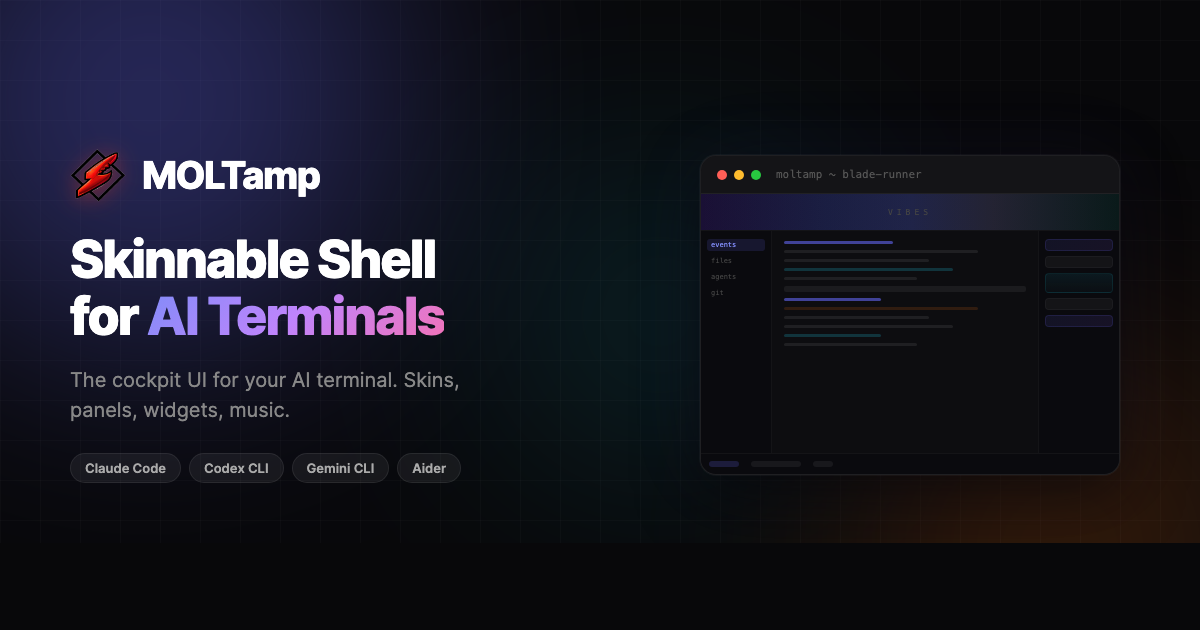
This is the open-source visualizer library for Moltamp — a skinnable cockpit UI for AI coding terminals like Claude Code, Codex CLI, Gemini CLI, and Aider. A Moltamp visualizer is an audio-reactive Canvas 2D preset that renders inside the vibes banner above your terminal — bars, waveforms, particles, geometry, anything that pulses to the music while you code.
Visualizers run as single-file render functions. No DOM, no libraries, no WebGL. Microphone audio is FFT-analyzed by Moltamp and handed to your renderer as a Uint8Array along with beat detection state and the active skin's color palette — so every preset automatically retones for every theme.
If you've ever wanted lo-fi beats with a Winamp-style visualizer pulsing above your AI pair-programmer — this is the place.
Keywords: Claude Code visualizer, AI terminal visualizer, audio reactive canvas, music visualizer, Winamp visualizer, vibe coding, Codex CLI visuals, Gemini CLI visuals, Aider visuals, Moltamp.
| Bars Classic frequency bars with beat scaling |
Circle Radial frequency bars with gradient fill |
Spectrum Rainbow bars split at the midline |
Wave Dual waveform with glow on beat |
| Your preset here → submit a PR | |||
Browse every community preset (with live previews) at moltamp.com/community.
moltamp-visualizers/
├── visualizers/        <- One folder per preset (drop-in installable)
│   ├── bars/
│   ├── circle/
│   ├── spectrum/
│   └── wave/
├── VISUALIZERS.md      <- Full render-function spec — read this first
├── CONTRIBUTING.md     <- PR checklist + review criteria
└── README.md
Inside Moltamp (recommended):
Settings → Visualizers → Import → pick the preset folder or
.zip.
From the command line:
git clone https://github.com/shoot-here/moltamp-visualizers.git
cp -r moltamp-visualizers/visualizers/circle ~/Moltamp/visualizers/
Restart Moltamp and pick the preset from the visualizer dropdown in the vibes panel.
A preset is two files in a folder:
visualizers/my-preset/
  preset.json       <- manifest
  renderer.js       <- the render function
preset.json
{
  "id": "my-preset",
  "name": "My Preset",
  "version": "1.0.0",
  "author": "Your Name",
  "description": "What it looks like in one sentence.",
  "dataType": "frequency"
}
renderer.js
module.exports = function(ctx, data, W, H, colors, beat) {
  var bars = Math.min(data.length, 48);
  var bw = W / bars;
  for (var i = 0; i < bars; i++) {
    var h = (data[i] / 255) * H * (1 + beat.decay * 0.2);
    ctx.fillStyle = data[i] > 200 ? colors.red : colors.accent;
    ctx.fillRect(i * bw + 1, H - h, bw - 2, h);
  }
};
That's a working preset. The full argument reference, advanced techniques, performance tips, and a ready-to-paste AI prompt block all live in VISUALIZERS.md.
| Arg | Type | Description |
|---|---|---|
ctx |
CanvasRenderingContext2D |
Drawing context (Retina-scaled) |
data |
Uint8Array |
Frequency bins (0-255) or waveform samples |
W, H |
number |
Canvas size in CSS pixels |
colors |
object |
Skin palette: accent, dim, magenta, cyan, green, red, yellow, blue |
beat |
object |
energy, peak, isBeat, decay (0-1, smooth falloff) |
waveData |
Uint8Array? |
Waveform data when dataType is "both" |
beat.decay is your best friend — it jumps to 1 on each beat and smoothly falls back to 0. Multiply it into sizes, alphas, and blur radii for buttery pulsing:
var lineWidth = 1.5 + beat.decay * 2;       // Thickens on beat
ctx.shadowBlur  = beat.decay * 10;           // Glow pulses
var scale = 1 + beat.decay * 0.15; // Subtle size pulsePoint Claude, ChatGPT, Codex, or any LLM at VISUALIZERS.md — it includes a complete prompt block in the "For AI-Generated Presets" section with the full render-function spec and the most common pitfalls AI tools hit.
- Fork this repo
- Create
visualizers/your-preset-id/withpreset.json+renderer.js - Test it against a few skins (light + dark palettes)
- Run through the checklist in CONTRIBUTING.md
- Open a PR — we review weekly
Merged presets ship in the next Moltamp release and appear in the in-app visualizer dropdown plus moltamp.com/community.
MIT — use, fork, remix, ship. Attribution appreciated but not required.
