Improve website performance by conditionally inlining critical css.
What is Critical Css ?
Critical css is the css for the above-the-fold content of a page. This script identifies and extracts the critical css of a webpage.
Steps:
- Clone the repo using the https url.
cd <directory-name>to navigate to the local directory.- Run the command,
app.js. This will extract the critical css for the sample index.html file which is present in the project and inlines it to the html.
How this works ?
The npm package, critical, under the hood uses puppeteer to launch the page in a headless chromium and identifies the critical css.
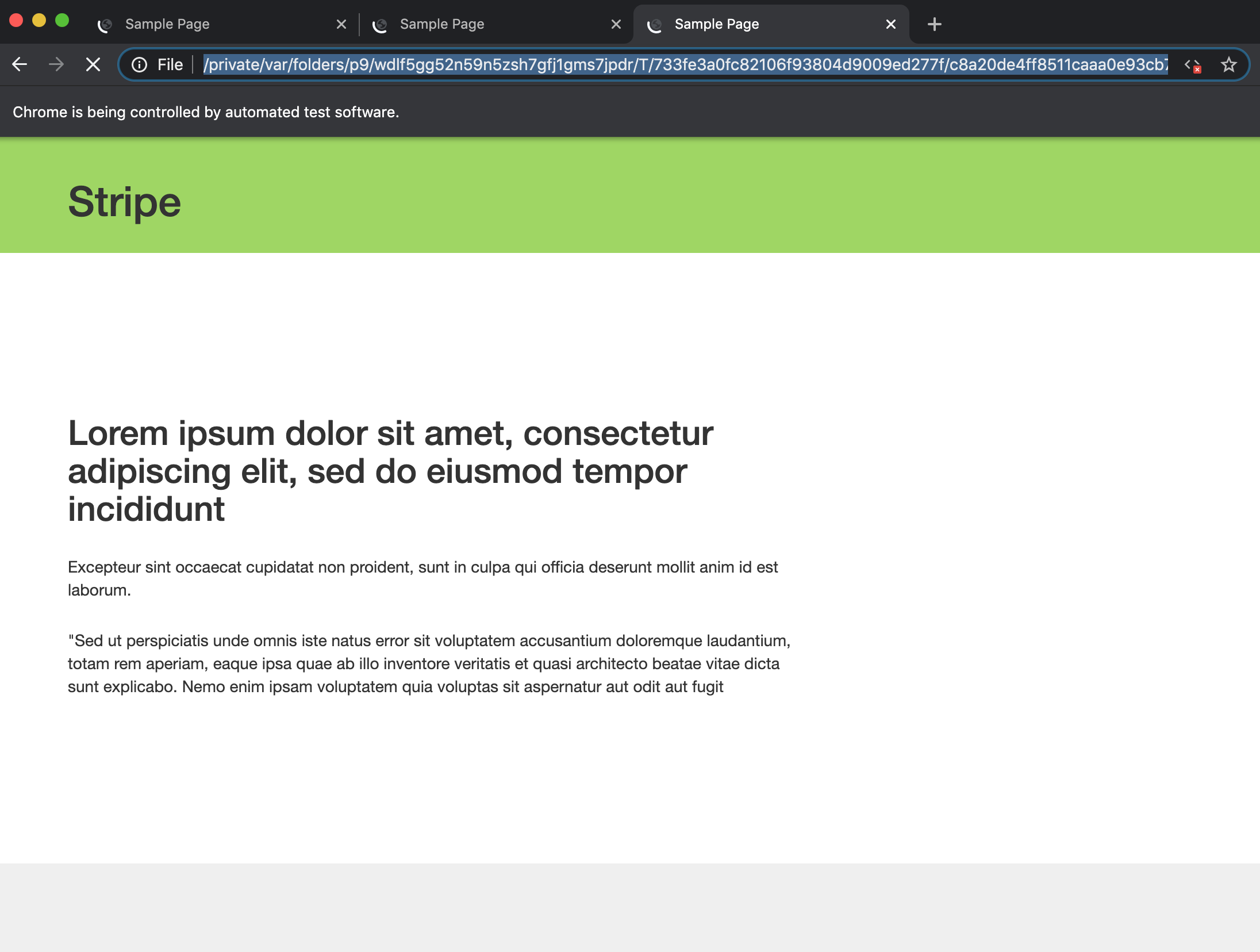
To debug, in extractCriticalCss.js file, pass the headless option in puppeteer to false and set the slowMotion prop to 200 or 500.
const opts = {
  headless: false, //change it to false for debugging
  slowMo: 500, //increase the tmeout, say 200, while debugging, to visually see how it happens
  timeout: 0
};
When the headless option is set to false, we can visually see how puppeteer works by launching the page with given screen resolutions.
Using this script, the critical css can be either inlined or extracted to a separate file.
To extract the css to a file,
target: { // use this property, if you need the critical css in a separate file
  css: 'critical.css'
}
To inline the critical css,
inline: true // use this prop to directly inline the critical css to the htmlWhy conditionally inline critical css ?
We need not inline the critical css to a page everytime, instead, we can inline the css ony when its not readily available in the user's browser cache. Since the browser cache will have a copy of css which can be used for fast loading of webistes, we can retain the caching behaviour. The browser cache css will become a stale one only when the css of a page has been modified, and that would be the ideal time to inline it.
How to conditionally inline the critical css ?
Using a cookie & a hashed value for css files, we can check if the css available in the cache is a stale one or not. If the browser cache is stale, we can inline it. When the page loads for the first time, if the cookie value & the css file hash value are different, we will inline the css, while the actual css file loads in the background and gets cached by the browser. Now, when the user visits the page the next time or reloads it (Now both hash values will be same and hence no inlining css), the css will be served from the browser cache and this way we could increase the page loading time while retaining the browser caching behaviour.
<body onload="setCookie()" >
  <script type="text/javascript">
    function setCookie () {
      document.cookie = "cssVersion=<some-hash-value>";
    }
  </script>

  {%- if the css hash version doesnt match the cookie cssVersion, inline it %}  {# add an if condition accordingly #}
    <style>
      {{criticalCss}} //extracted critical css
    </style>
  {%- endif %}
</body>
How to use this script for multiple pages ?
Using Promises, we can run as many as urls we want. In app.js, replace the code with the below snippet:
(async function () {
  const extractCriticalCss = require('./extractCriticalCss');
  await Promise.all([
    extractCriticalCss('https://www.google.com'),
    extractCriticalCss('https://www.abc.com'),
    extractCriticalCss('https://www.bcd.com'),
    extractCriticalCss('https://www.cfgd.com'),
    extractCriticalCss('https://www.cndchd.com')
  ]).then((res) => {
    console.log('Critical Css for the pages has been extracted successfully !', res);
  }).catch((err) => {
    if (err) console.log('An error occured while trying to extract critical css !', err);
  });
 })();