
Build your own cloud platform with Superphenix



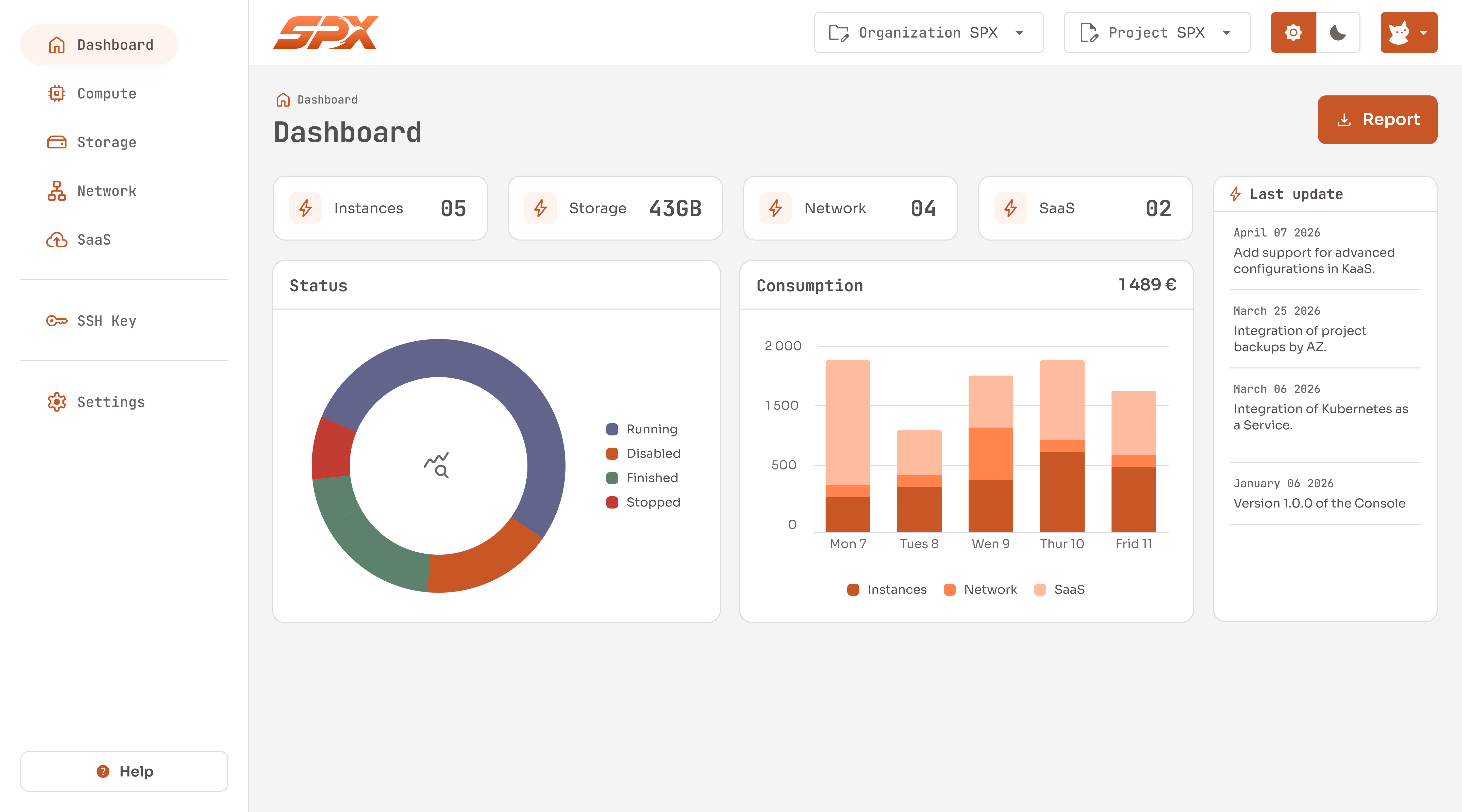
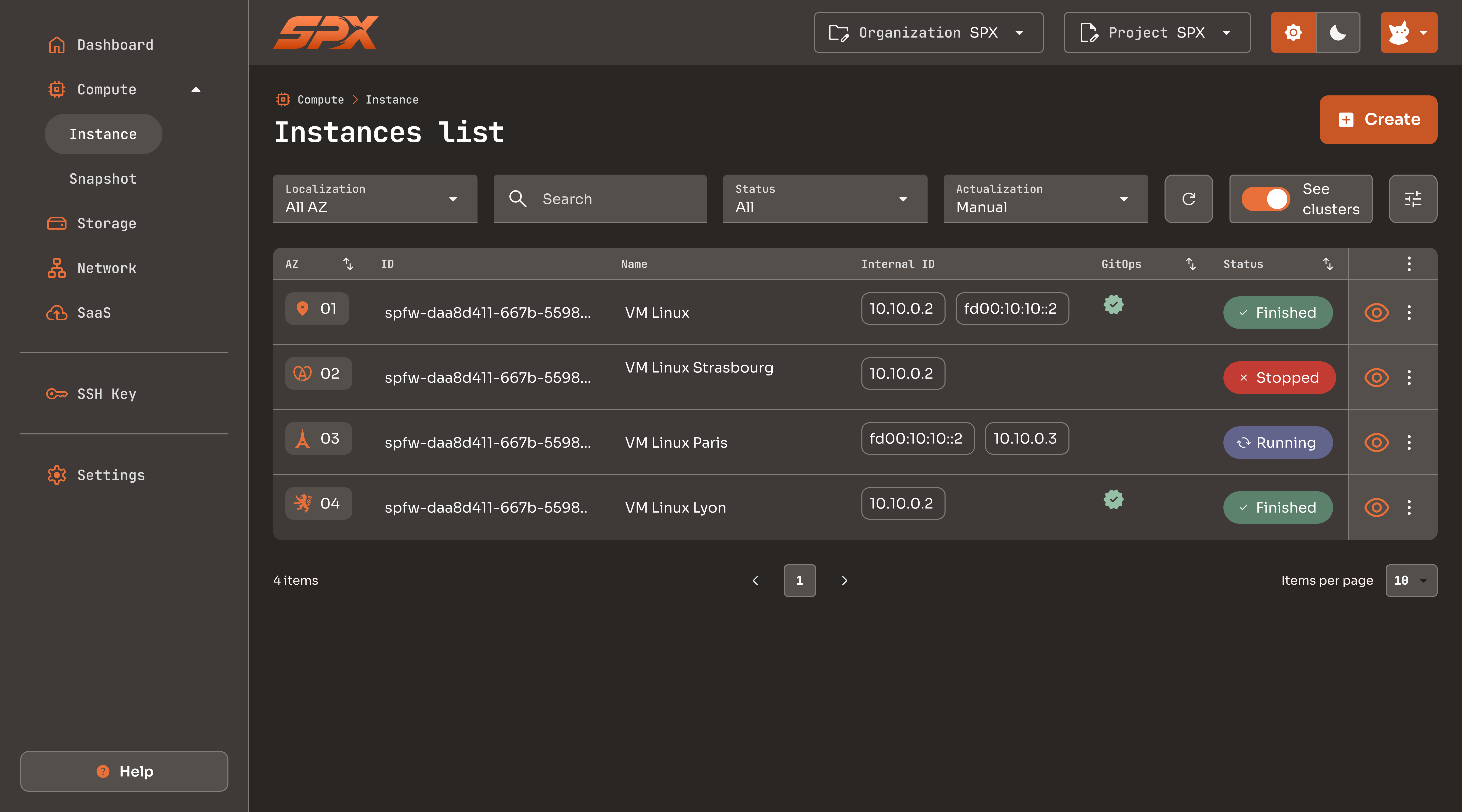
This repository contains the code for the frontend of the Superphenix web console.
The console connects to the Superphenix API and allows you to manage your resources and AZs.
 |
 |
Head to the Superphenix Github repository to learn more about Superphenix.
- Node.js - version ^18.19.1 or newer
To start a local development server, run:
ng serveOnce the server is running, open your browser and navigate to http://localhost:4200/.
The application will automatically reload whenever you modify any of the source files.
Angular CLI includes powerful code scaffolding tools. To generate a new component, run:
ng generate component component-nameFor a complete list of available schematics (such as components, directives, or pipes), run:
ng generate --helpTo build the project run:
ng buildThis will compile your project and store the build artifacts in the dist/ directory.
To execute unit tests with the Karma test runner, use the following command:
ng testFor end-to-end (e2e) testing, run:
ng e2eSuperphenix is open source under the Apache License 2.0.