Build audio plugins in Rust. VST3, CLAP, AU v2, AU v3 (macOS + iOS), AAX (Pro Tools), and standalone from a single Rust codebase. Dead simple developer experience: in 5 minutes, you can load your own plugin in a DAW and test your custom DSP, MIDI, and GUI.


# Install the CLI (one-time)
cargo install cargo-truce

# Scaffold a new plugin
cargo truce new my-plugin
cd my-plugin

# Run the plugin standalone — no DAW needed
cargo truce run

# Build and install
cargo truce install --clap
cargo truce install --vst3

# Open your DAW, scan for plugins, load "MyPlugin"
Every
cargo trucecommand builds in release mode by default; pass--debugfor fast-compile iteration.
Other formats:
cargo truce install              # formats in your plugin's default features
cargo truce install --vst3       # VST3
cargo truce install --au3        # AU v3 (macOS, requires Xcode)
cargo truce install --ios        # AU v3 on the booted iOS Simulator
cargo truce install --ios-device # AU v3 on a tethered iPhone / iPad
cargo truce install --aax        # AAX (requires AAX SDK)
cargo truce install --vst2       # VST2
cargo truce install --lv2        # LV2

cargo truce validate             # auval + pluginval + clap-validator on installed plugins
Build without installing:
cargo truce build                # bundle all formats into target/bundles/ without installing
cargo truce build --clap --vst3  # subset of formats
cargo truce build --shell        # hot-reload shell build

cargo truce run                  # launch the plugin standalone (no DAW)
cargo truce run -p my-plugin     # standalone for a specific crate
cargo truce screenshot --out screenshots/main.png            # render the editor to a file
cargo truce screenshot -p my-plugin --out screenshots/main.png   # multi-plugin: pick one
cargo truce screenshot --state s.pluginstate --out shots/cool.png   # load saved state first
cargo truce screenshot --check --out screenshots/main.png    # CI gate: diff against baseline

cargo truce package              # signed .pkg (macOS) or Inno Setup .exe (Windows)
                                 # → target/dist/<Plugin>-<version>-<platform>.{pkg,exe}
cargo truce package -p my-plugin --formats clap,vst3,aax   # subset
cargo truce package --no-sign                              # dev builds, skip signing
Scaffolded plugins default to CLAP + VST3 + standalone. VST2, AU, and AAX are
opt-in per plugin via Cargo.toml features. On Windows, cargo truce install must be run from an Administrator command prompt (plugin
directories are system-wide).
Drop a presets/ directory of .preset TOML files next to your crate and
cargo truce install ships them to every format's native preset system —
CLAP preset-discovery, the AU factory list in Logic, .vstpreset, LV2
pset:Preset. cargo truce preset is the authoring toolbox on top:
cargo truce preset list                   # every preset across factory / user / pack scopes
cargo truce preset pull                    # harvest presets you saved in your DAW into the library
cargo truce preset convert in.aupreset out.vstpreset   # re-envelope between any two formats
cargo truce preset init                    # stamp uuids into hand-authored .preset files
Your DAW's own "Save Preset" is the authoring frontend: dial in a sound,
save it in the host, then pull converts it into a .preset — uuid-stable,
so re-pulling the same name updates in place instead of duplicating. The
standalone host (cargo truce run) also has a native Presets menu for
browsing and saving. Full reference at
truce.audio/docs/guide/presets.
A suite of example plugins ship in-tree to cover the basics — gain, EQ, synth, transpose, arpeggio, tremolo, plus four gain variants showing the egui / iced / Slint / Vizia backends. See truce.audio/docs/examples for the full table with screenshots.


reiss-mcpherson-effects, a companion repo porting the audio-effect implementations from Reiss & McPherson's Audio Effects: Theory, Implementation and Application to truce.
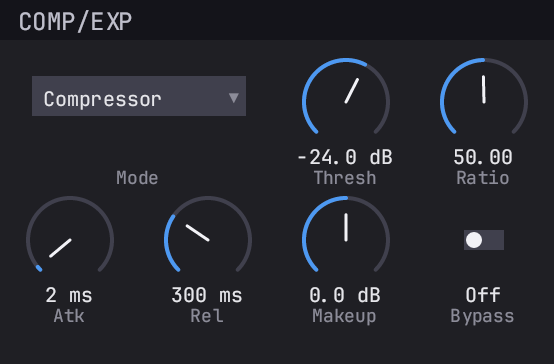
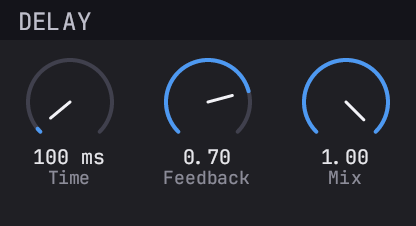
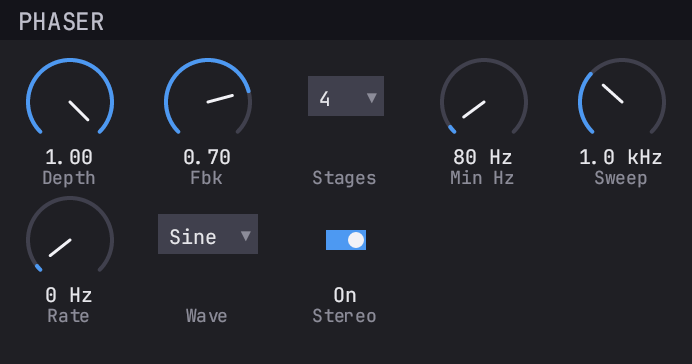
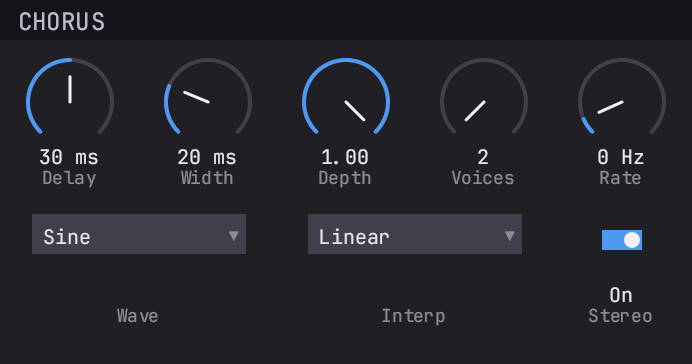
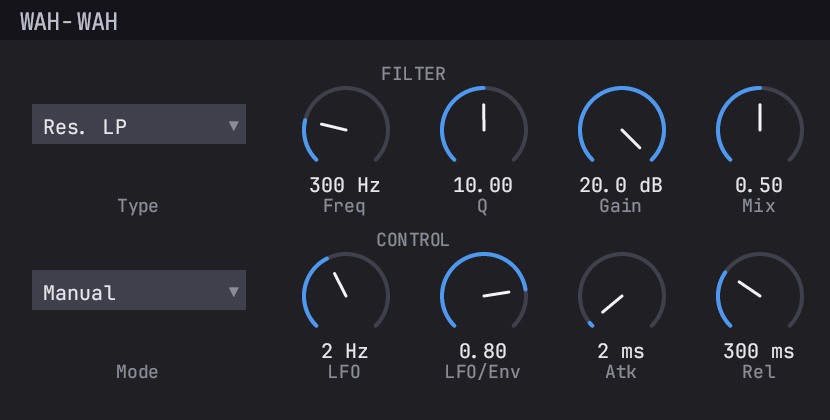
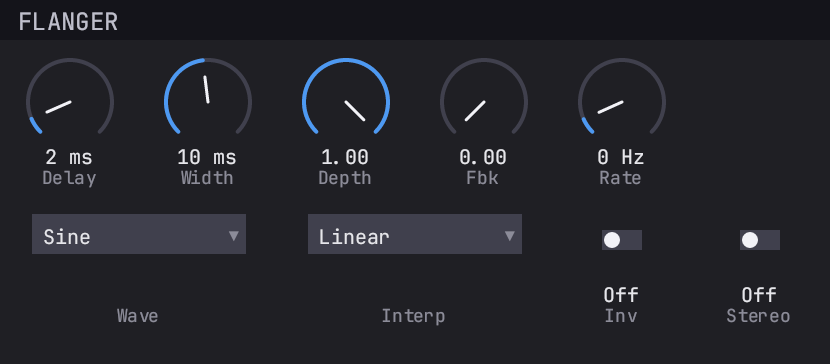
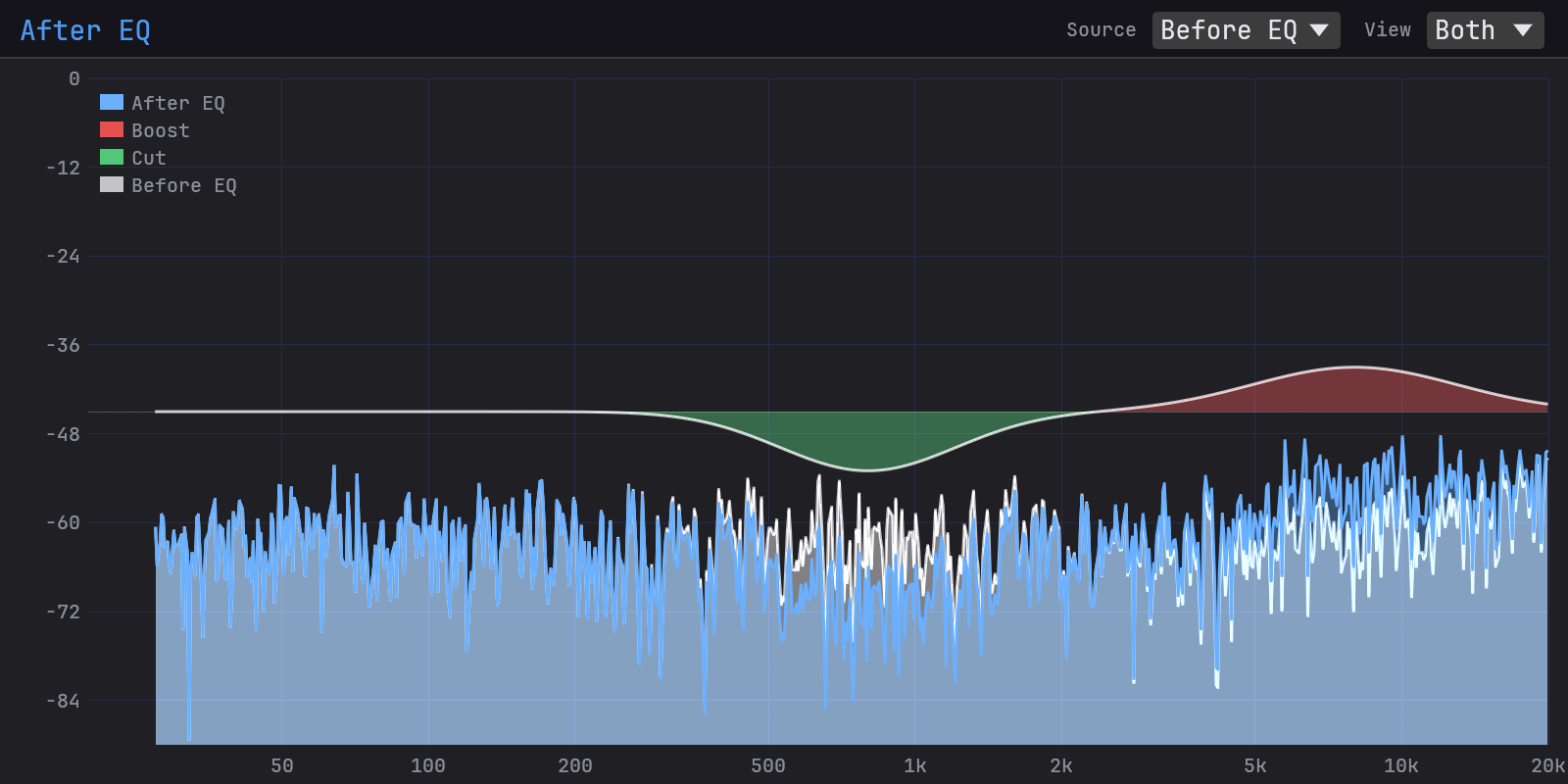
truce-analyzer, a real-time spectrum analyzer with diff overlay for debugging/reverse-engineering plugins.
use truce::prelude::*;
use truce_gui::IntoLayoutEditor;
use truce_gui_types::layout::{knob, widgets, GridLayout};
#[derive(Params)]
pub struct GainParams {
#[param(name = "Gain", range = "linear(-60, 6)",
unit = "dB", smooth = "exp(5)")]
pub gain: FloatParam,
}
use GainParamsParamId as P;
pub struct Gain;
impl PurePluginLogic for Gain {
type Params = GainParams;
fn process(params: &GainParams, buffer: &mut AudioBuffer,
_events: &EventList, _ctx: &mut ProcessContext) -> ProcessStatus {
for i in 0..buffer.num_samples() {
let gain = db_to_linear(params.gain.read());
for ch in 0..buffer.channels() {
let (inp, out) = buffer.io(ch);
out[i] = inp[i] * gain;
}
}
ProcessStatus::Normal
}
fn editor(params: Arc<GainParams>) -> Box<dyn Editor> {
GridLayout::build(vec![widgets(vec![knob(P::Gain, "Gain")])])
.into_editor(¶ms)
}
}
truce::plugin! { logic: Gain, params: GainParams }Switch the import to
truce::prelude64::*to writef64DSP instead —param.read()returnsf64, the audio buffer isf64, and the format wrapper widens/narrows at the block boundary. Sameimpl PluginLogicheader on both precisions.
By platform:
| Format | macOS | Windows | Linux | iOS |
|---|---|---|---|---|
| CLAP | Yes | Yes | Yes | — |
| VST3 | Yes | Yes | Yes | — |
| VST2 | Yes | Yes | Yes | — |
| LV2 | Yes | Yes | Yes | — |
| AU v2 | Yes | — | — | — |
| AU v3 | Yes | — | — | Yes |
| AAX | Yes | Yes | — | — |
AU is Apple-only by design — v2 is the legacy macOS-only component,
v3 ships on both macOS (.appex extension) and iOS (.appex inside
a container .app for AUM, GarageBand, Logic Pro for iPad, Cubasis,
BeatMaker 3, Loopy Pro). LV2 is the native Linux format and also
builds on macOS and Windows — supports audio, MIDI, state, and UI
(X11UI on Linux, CocoaUI on macOS, WindowsUI on Windows). AAX
requires the Avid AAX SDK and PACE/iLok signing for retail Pro Tools
releases. VST2 is opt-in on all platforms. iOS only hosts AU v3 by
platform contract; every other format is unviable there.
- 7 plugin formats from one codebase (CLAP, VST3 default; VST2, LV2, AU v2, AU v3, AAX opt-in)
- Cross-platform — macOS, Windows, Linux, plus iOS via AU v3 with the same Rust DSP, params, and editor
- MIDI 2.0 & multi-port — opt-in MIDI 2.0 / UMP and multiple MIDI in/out ports, with per-note expression (MPE) mapped across CLAP, VST3, and AU v3; MIDI 1.0 single-port plugins are unchanged
- f32 or f64 DSP — write 64-bit DSP with
prelude64; the host's native 64-bit audio wire is taken directly on VST3, VST2, and CLAP, widen/narrow elsewhere - Presets — factory presets from a directory of TOML files, shipped to every format's native preset system at install;
cargo truce presetconverts between formats and pulls presets saved in your DAW back into the library - Flexible GUI frameworks — Built-in widgets, egui, iced, slint, vizia, or raw window handle
- Resizable editors —
.resizable(true).min_size(_).max_size(_)on any backend, round-tripped through CLAPgui_set_size, VST3IPlugView::onSize, AU view-frame change, and LV2ui:resize - Declarative params —
#[derive(Params)]+#[param(...)]with linear/log/skewed/reversed ranges, linear/exp/log smoothing, units, and sample-accurate automation by default - Background work - offload graph builds, FFTs, or file reads onto a shared, bounded worker pool with
BackgroundTask; each task type picks concurrent or serialized (one-slot) execution.AudioTapstreams samples off the audio thread for analyzers and meters, drop-on-full so a stall never desyncs channels truce::plugin!— one macro generates all format exports + GUI + state serializationcargo truce— scaffold, build, install, validate, and package;doctorreports environment health, andpackageproduces signed distributable installers (.pkgwith notarization on macOS; Inno Setup.exewith Authenticode on Windows)- Real-time safe - your DSP never allocates or locks in
process(), and the audio thread never waits on another thread. Every path across the boundary is lock-free: params use atomic storage, meters ride wait-free atomic slots, state loads arrive on an SPSC queue drained between blocks, and a host state save reads a snapshot the audio thread publishes each block, so saving never touches the running plugin - State migration — a
migrate_statehook accepts pre-truce or other-framework state blobs, so a ported plugin keeps loading its old sessions and presets - Hot reload — edit DSP/layout, rebuild, hear changes without restarting the DAW
- Automated tests — audio, render, state, params, GUI screenshots
- Automated validation —
cargo truce validateruns auval, pluginval, and clap-validator in one command
Full docs live at truce.audio — install guide, first-plugin walkthrough, params / processing / GUI / audio testing / presets / shipping / hot-reload reference, per-format gotchas (CLAP, VST3, VST2, LV2, AU, AAX), and current status.
- Rust 1.92+ (
rustup update). - macOS: Xcode CLI tools (
xcode-select --install). Full Xcode for AU v3 + iOS. - Windows: MSVC build tools (Visual Studio 2019+ with the "Desktop
development with C++" workload). Rust
x86_64-pc-windows-msvctoolchain is required. - Linux: X11 + Vulkan development headers and JACK (via the PipeWire shim on modern distros).
- iOS: full Xcode, a booted iOS Simulator (
xcrun simctl boot ...) for--ios, or a paired & trusted device + Apple Developer team ID and.mobileprovisionfor--ios-device. - AAX: Avid AAX SDK (optional, obtain from developer.avid.com).
truce drew inspiration from nih-plug by Robbert van der Helm — the trailblazing Rust audio plugin framework whose API design, thread-safe parameter model, and overall shape informed countless decisions here.
truce is licensed under The Truce License, Version 1.0
(LICENSE, SPDX LicenseRef-TruceLicense-1.0), a dual
Apache-2.0 / MIT permissive grant
with one narrow rider.
For plug-in authors it is effectively just MIT / Apache-2.0. Build, ship, and sell plug-ins, plug-in suites, and internal SDKs under either license - no fees, no splash screen, no revenue cap, no email needed. Most users never need to read past this paragraph.
Contributions are inbound = outbound under the Truce License unless you explicitly state otherwise.
You need a Framework License, granted by permission, only to redistribute truce as a commercial framework to other developers, or to run it as a commercial service that provides its framework capabilities to other developers - anything sold, subscription-gated, dual-licensed commercially, or bundled into a paid offering. Free, OSI-licensed framework projects on top of truce are exempt. Plug-in authors and internal-SDK use are unaffected.
See LICENSE Section 2 for the precise boundary, the
exemption criteria, and the request procedure.
- General questions, bug reports, and maintainer contact: mahae@truce.audio
- Commercial Framework License requests: framework-licensing@truce.audio
Built a plugin with truce? You are welcome to add a "Built with Truce" badge to your project's README or site. It is optional - nothing requires it - but it helps others find the framework, and we appreciate it. Grab light, stacked, and mini variants plus copy-paste snippets at truce.audio/docs/reference/badges.