A cutting-edge browser extension designed to facilitate seamless communication with chat.openai.com using WebSockets. This extension enables users to interact with the chat interface by sending messages and receiving responses through a WebSocket server, providing a user-friendly and efficient experience.
This WebSocket API Bridge Extension is compatible with both ChatGPT Plus (including GPT-3.5 and GPT-4) and the Free Version, ensuring access for a wide range of users(without the api key).


- Establish real-time communication with chat.openai.com using WebSockets
- Effortlessly send messages to chat.openai.com via a WebSocket server
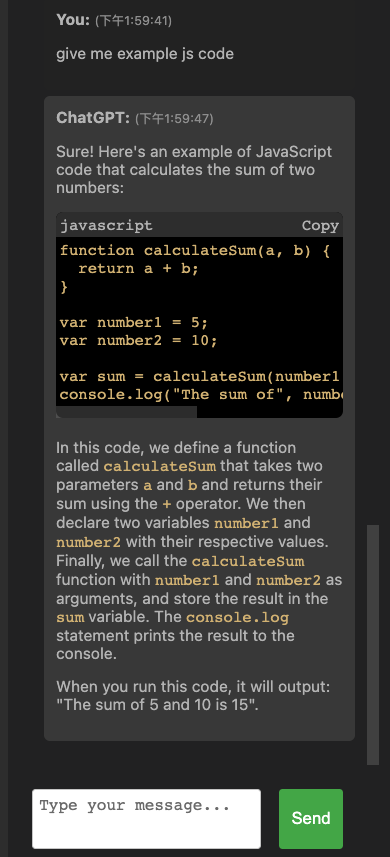
- Receive prompt responses from ChatGPT Web, directly displayed in the chat interface
- Broad compatibility with ChatGPT Plus (GPT-3.5 / GPT-4) and Free Version (https://chat.openai.com/)
If you're interested in collaborating on
- the Auto-GPT project, please give it a try: Auto-GPT-web-chat
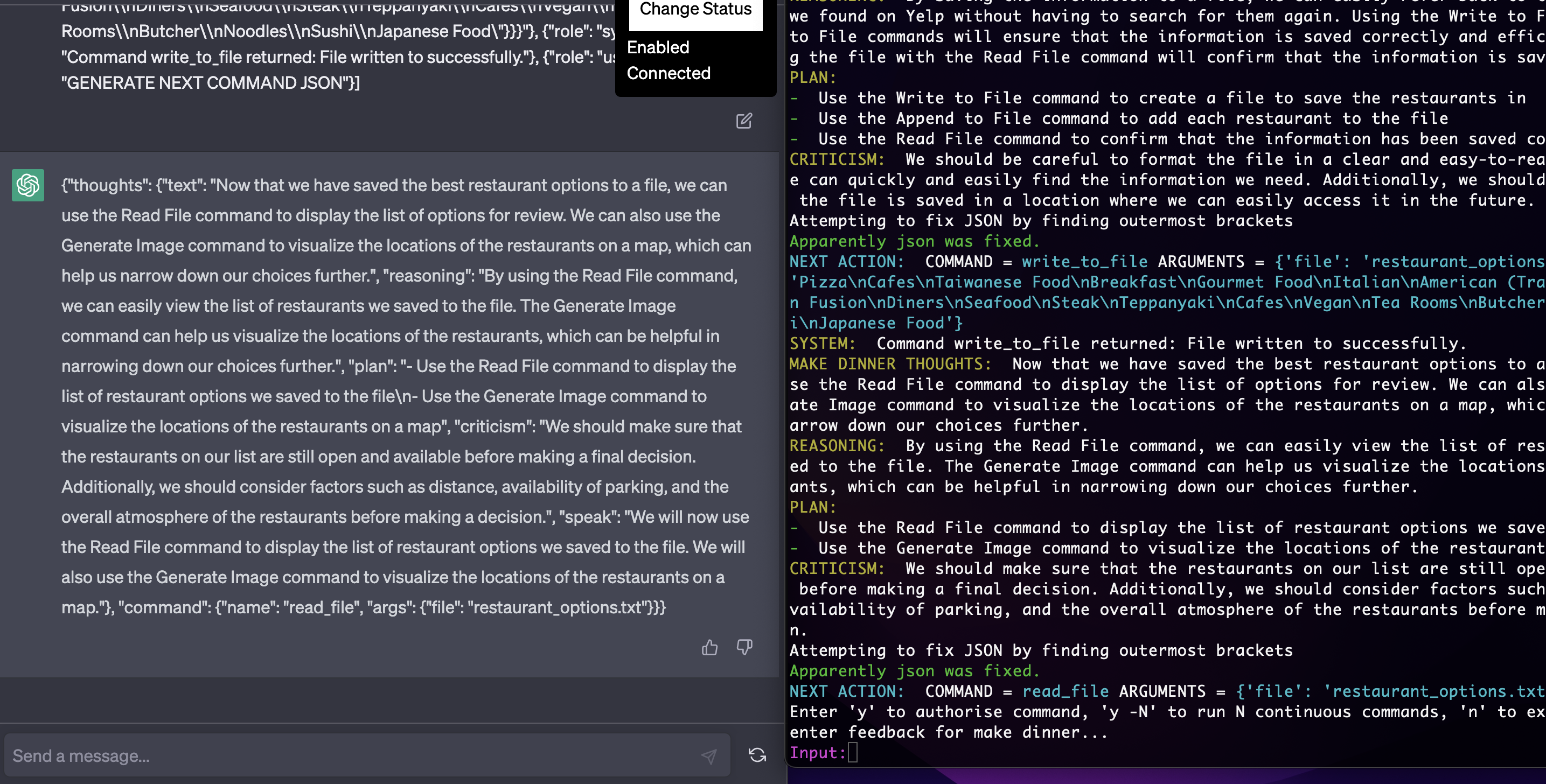
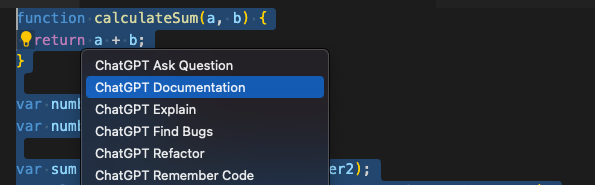
- the VS Code extension , please give it a try: VSCode Web ChatGPT Extension
git clone https://github.com/tylercode362/websocket-api-bridge-extension.git
cd websocket-api-bridge-extension/server
docker-compose up
Open Chrome and navigate to chrome://extensions/ Enable "Developer mode" in the top-right corner Click on "Load unpacked" and select the websocket-api-bridge-extension/extension folder Visit https://chat.openai.com/ and start using the extension.


The server exposes an API endpoint to send messages to the chat:
Send Message Send a message to chat.openai.com through the WebSocket server.
URL: /send-message
Method: POST
Content-Type: application/json
Data Params: { "message": "Your message here" }
Example:
curl -X POST -H "Content-Type: application/json" -d '{"message": "hi"}' http://localhost:3030/send-message
The response will contain the content generated by chat.openai.com.
Known Limitations The extension is only compatible with Google Chrome. The extension is designed to work specifically with chat.openai.com and may not function properly on other websites.