A Digital Infrastructure for College-Wide Event Collaboration and Control
Mini Project — Bachelor of Technology in Computer Science and Engineering, CVR College of Engineering, 2025–2026
| Name | Roll Number |
|---|---|
| Shaik Faizan Ahmed | 23B81A05L3 |
| AVS Mohan Kumar | 23B81A05M6 |
| K Prem Sagar Reddy | 23B81A05N5 |
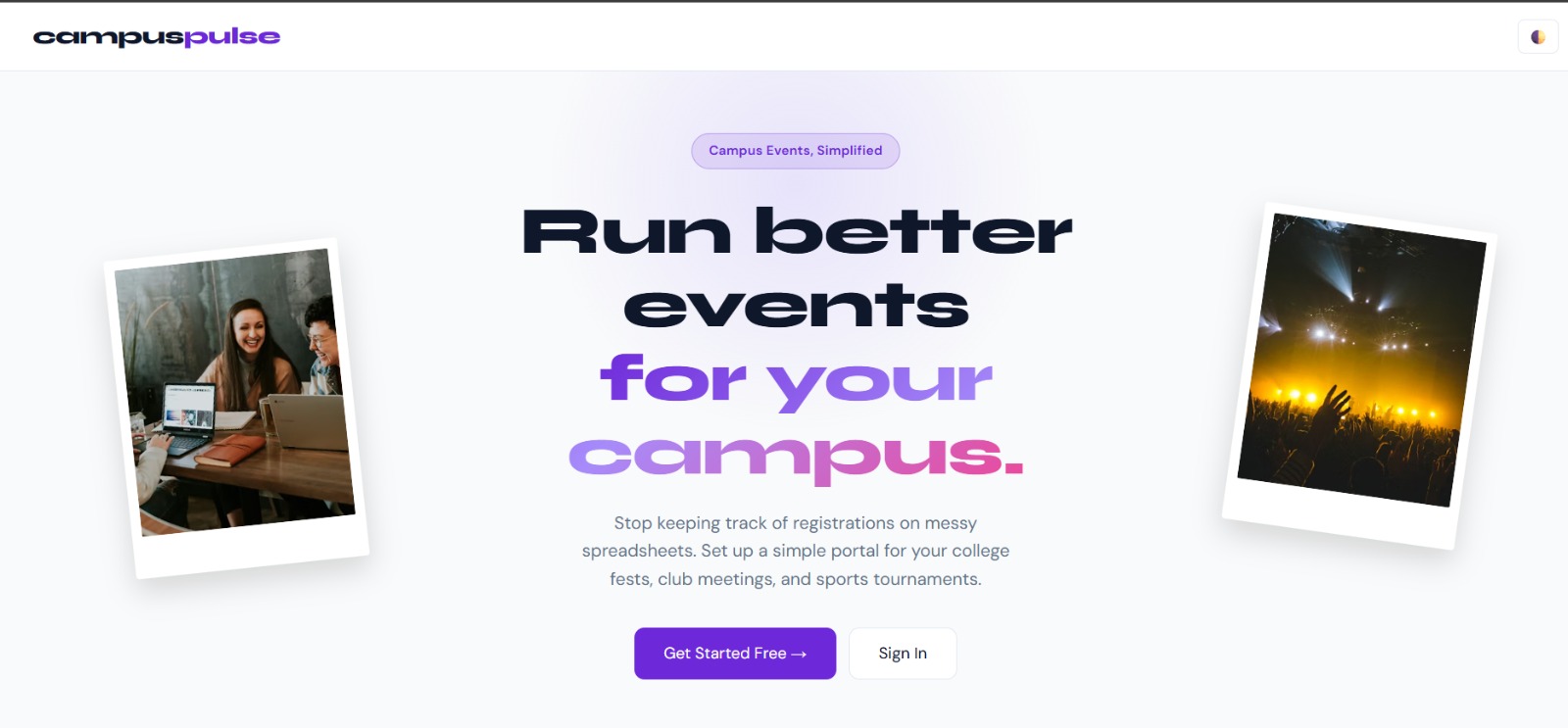
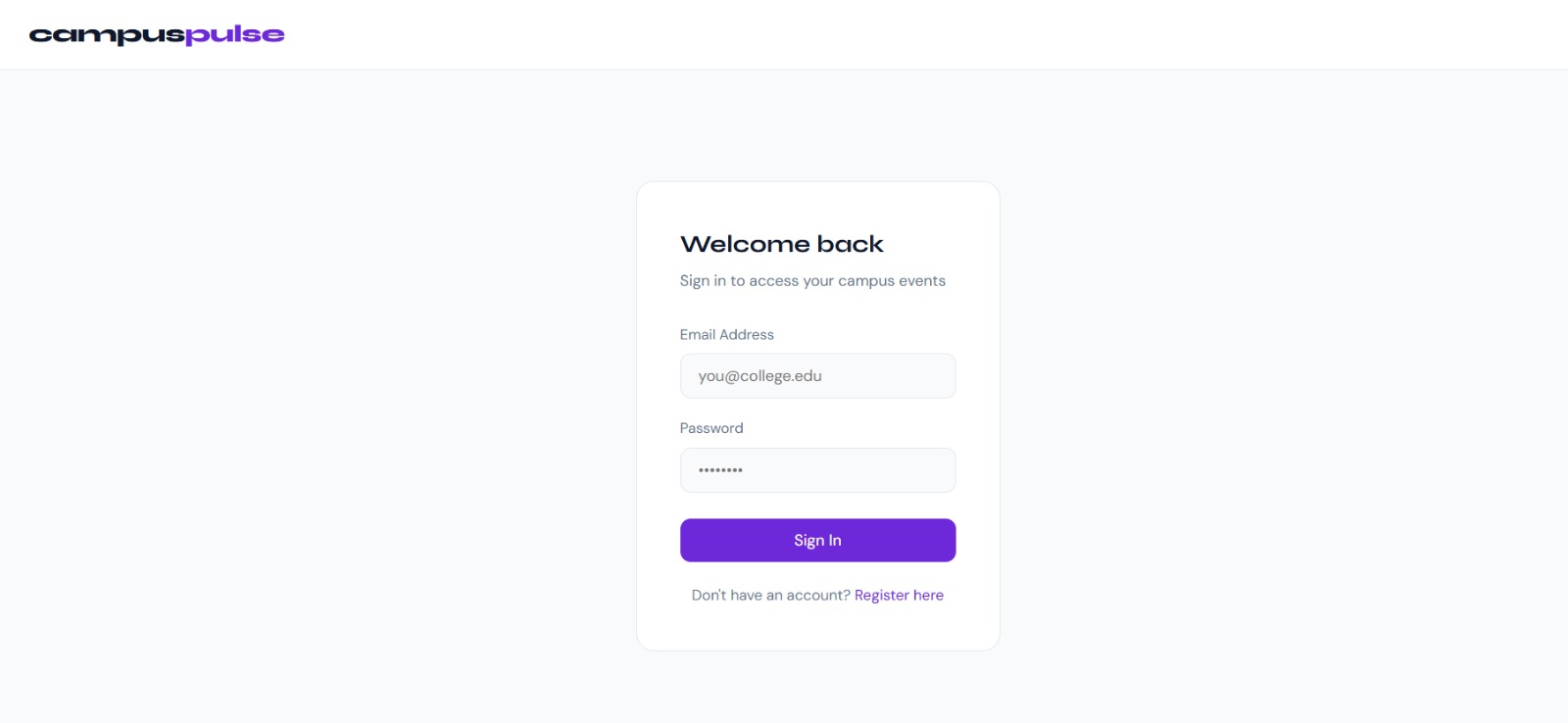
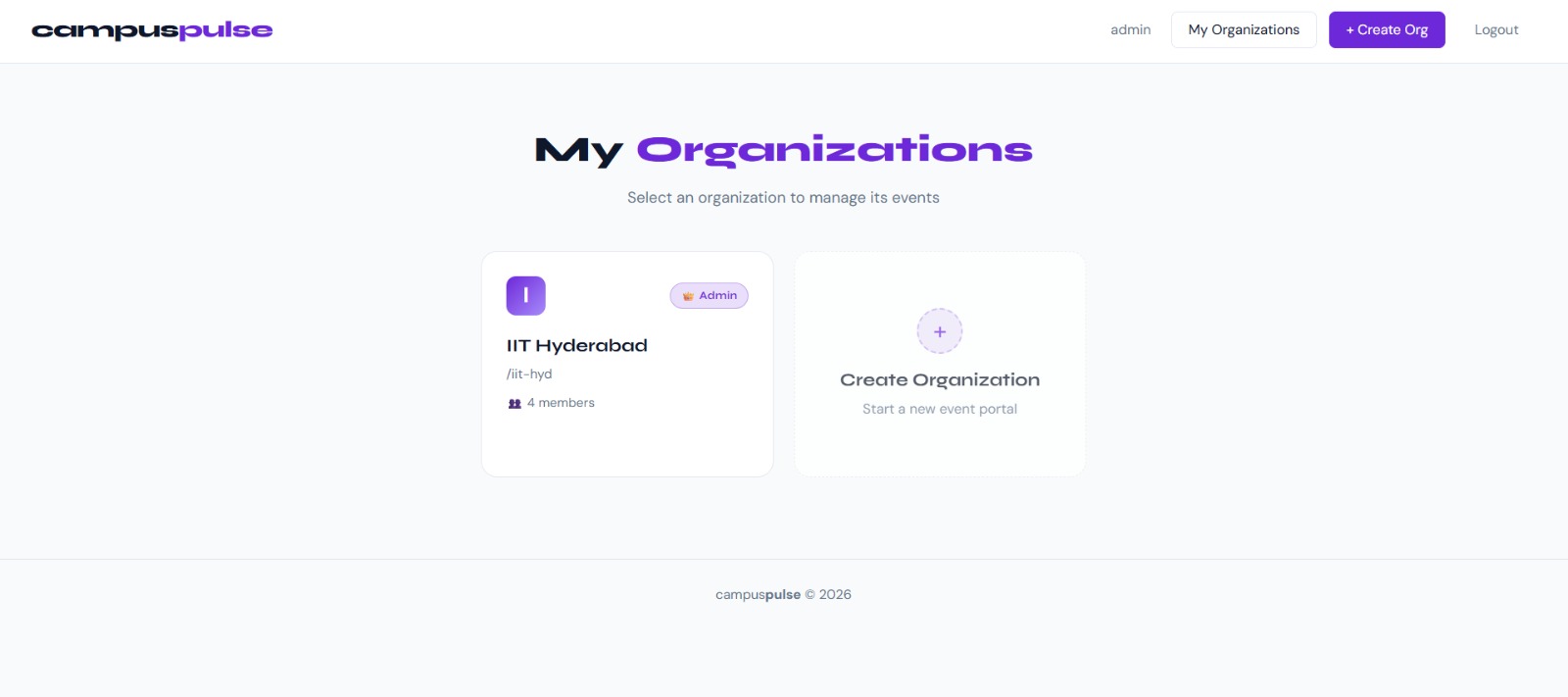
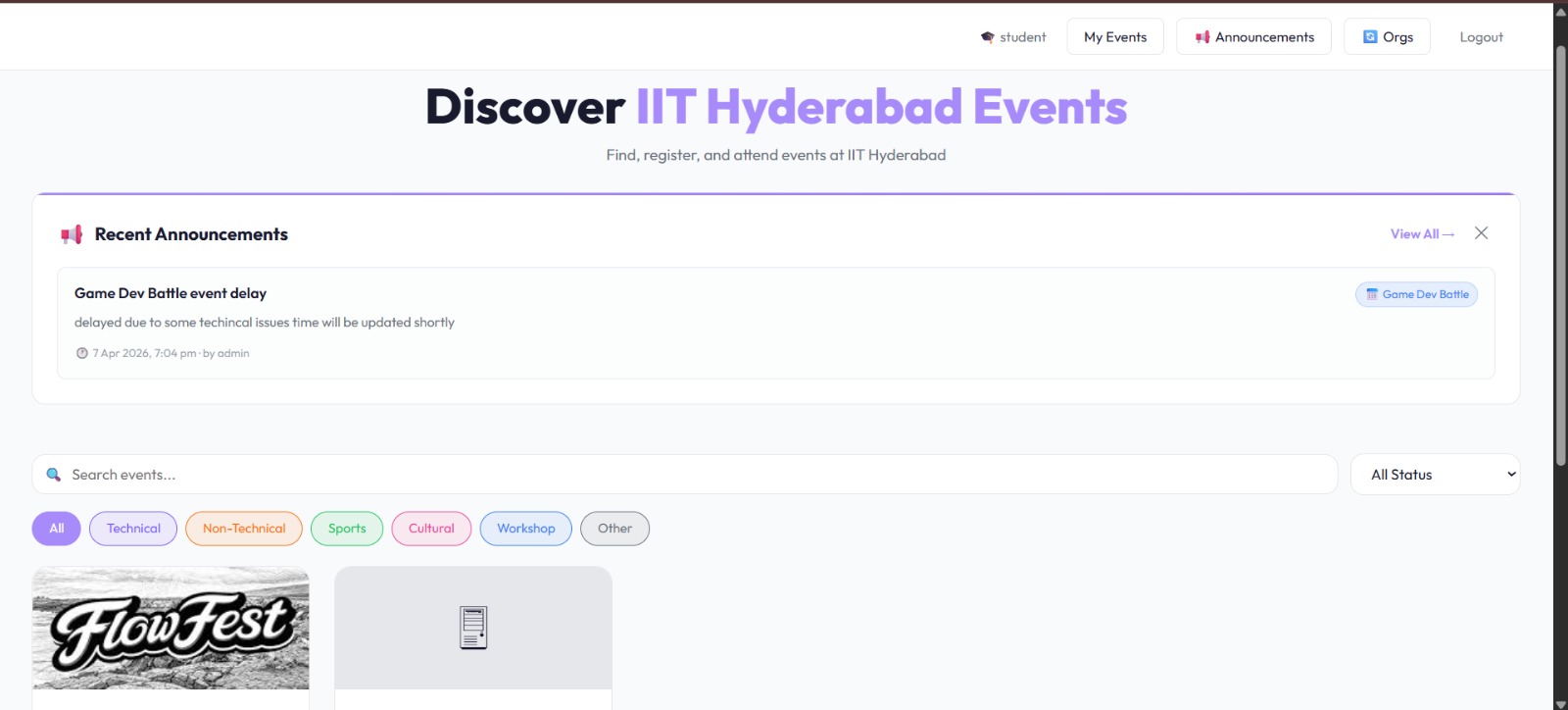
CampusPulse is a multi-tenant SaaS web application that digitizes and streamlines college event management. Each institution gets a dedicated portal via a unique URL slug (e.g. /iit-hyd/events). The platform eliminates manual paperwork, prevents unauthorized entries, enforces seat limits, and provides complete transparency across the event lifecycle.
- Multi-Tenant Architecture — Each college operates its own isolated portal with a unique slug-based URL
- Role-Based Access Control — Admin, Coordinator, and Student roles with clearly defined permissions
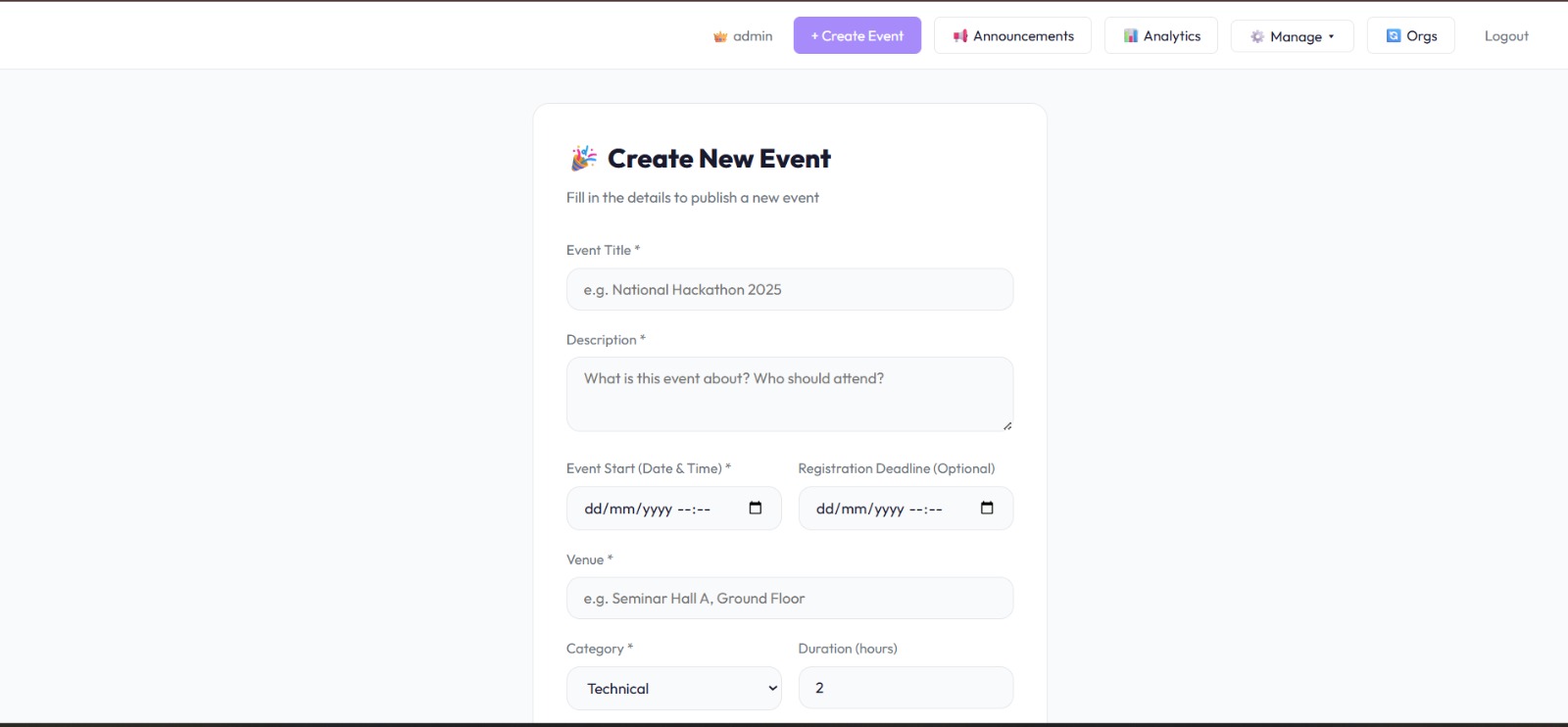
- Event Management — Create events with capacity limits, categories, deadlines, venue, and duration
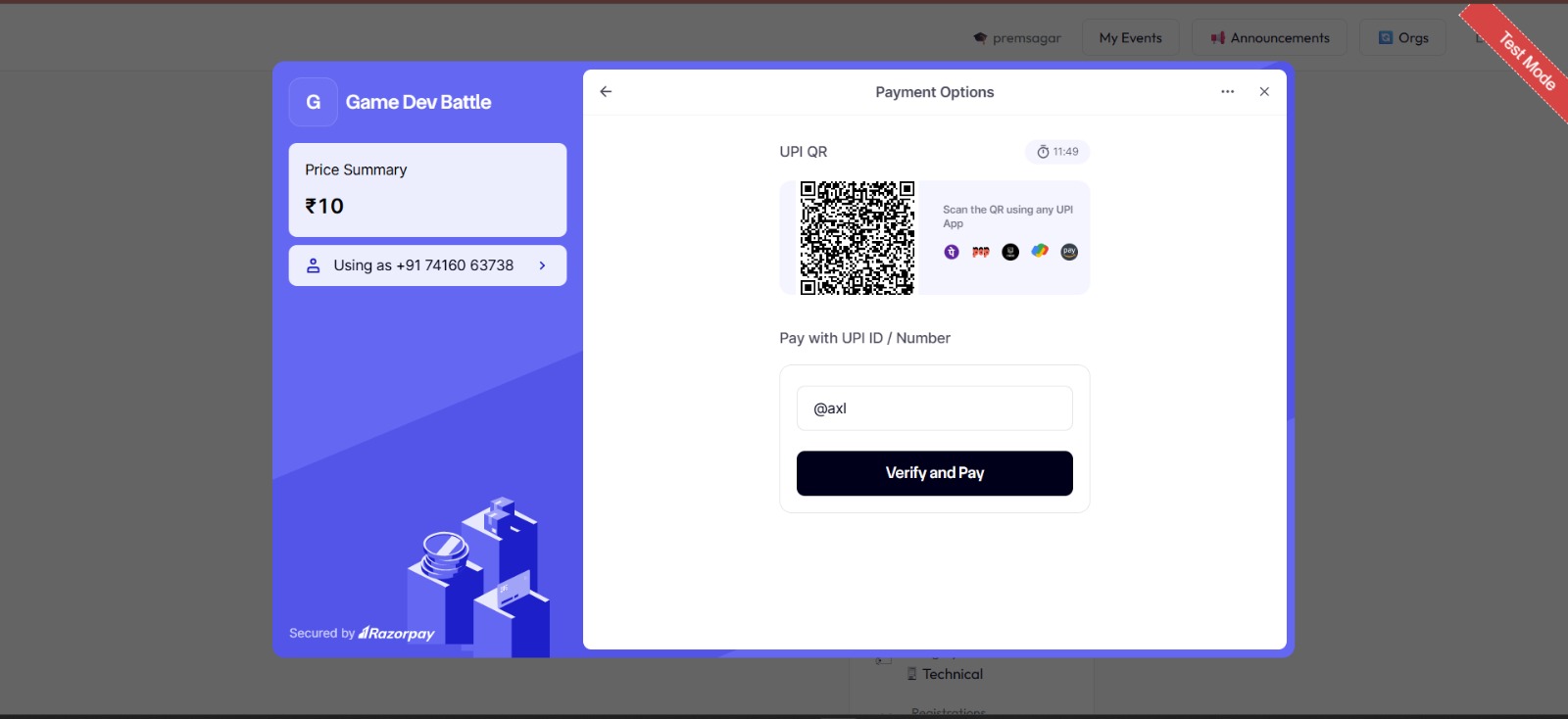
- Razorpay Payments — Paid event registration with per-organization key configuration
- QR Attendance System — Per-event QR for bulk scanning + per-student QR for secure individual entry; duplicate entry prevention
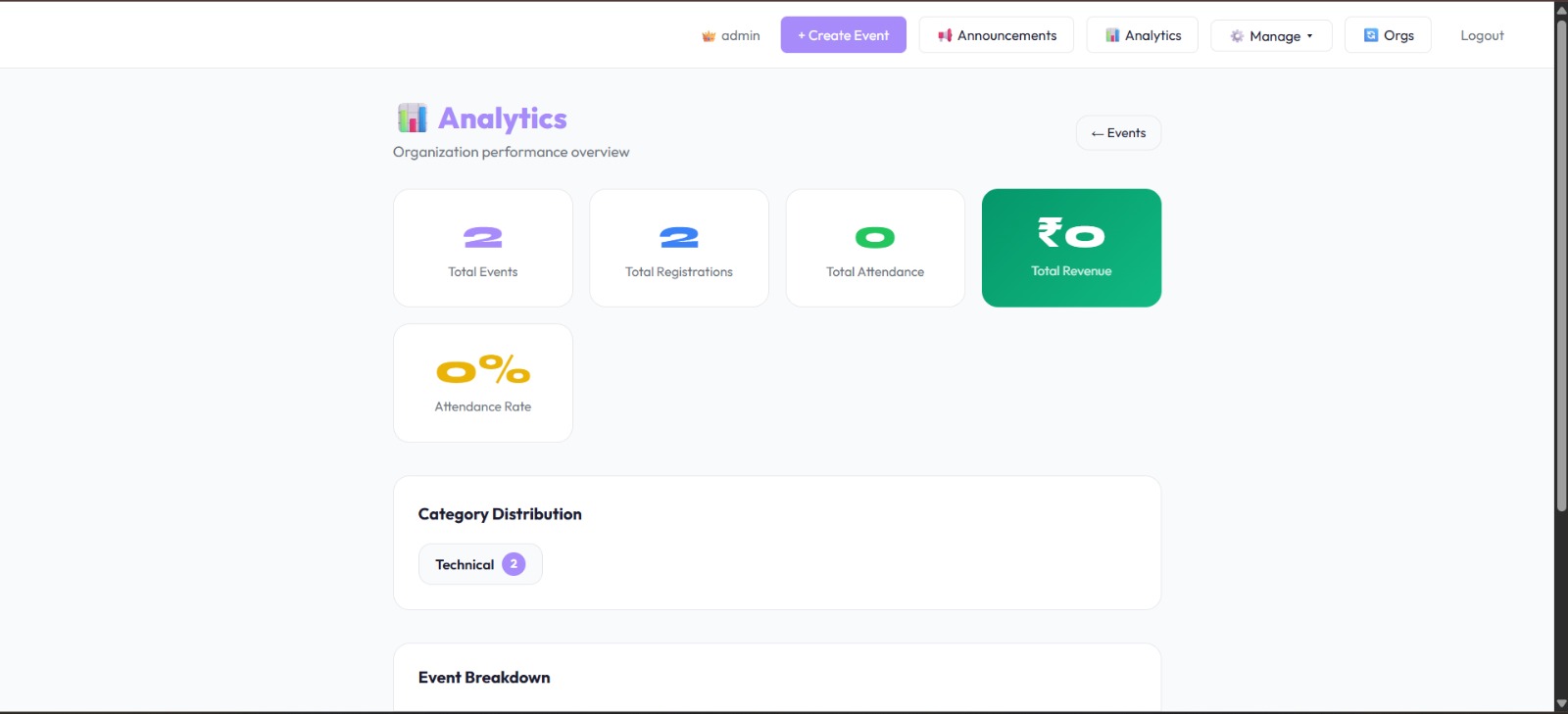
- Real-Time Analytics — Dashboard showing registrations, attendance, revenue, and category breakdown
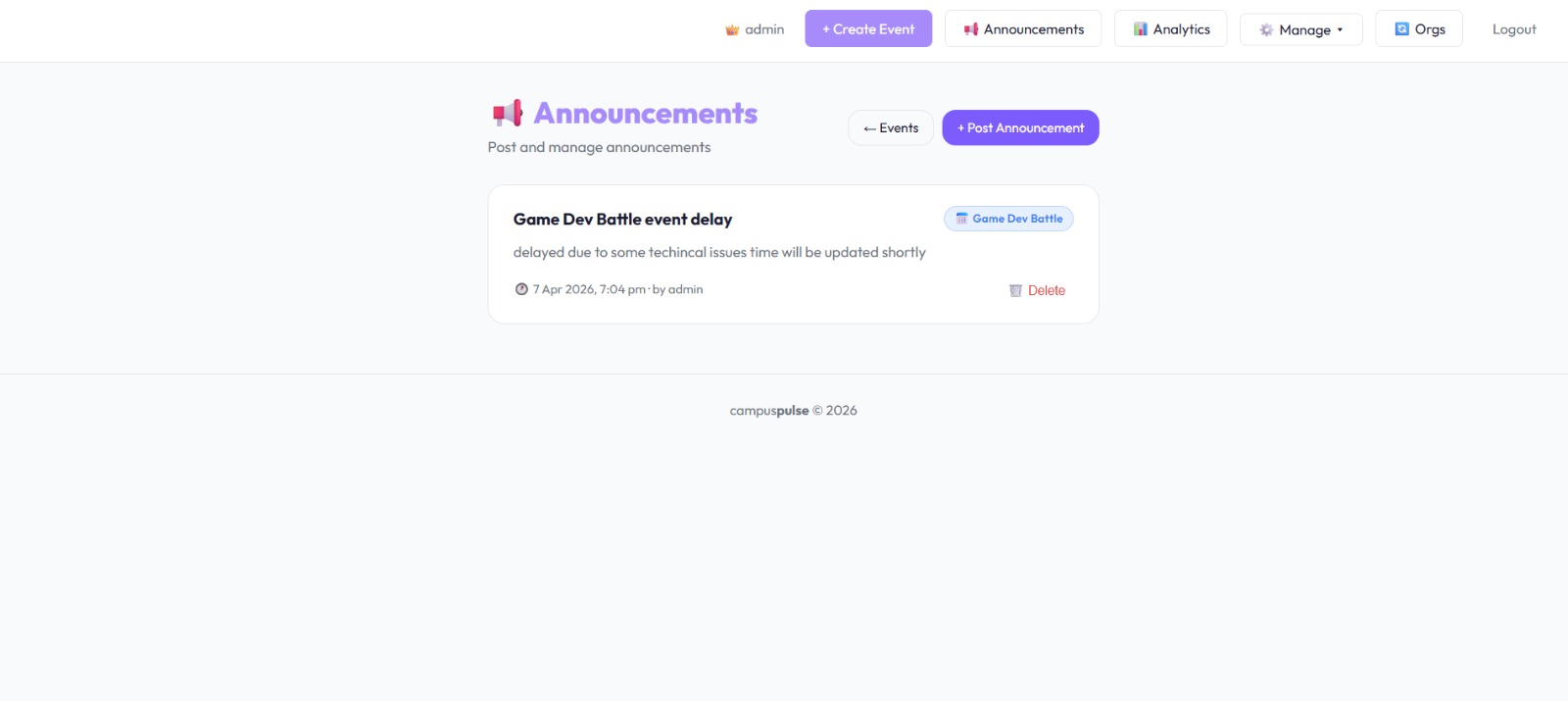
- Announcement System — Targeted announcements to all members or specific event participants
- Email Reminders — Automated cron job sends reminder emails 1 hour before events
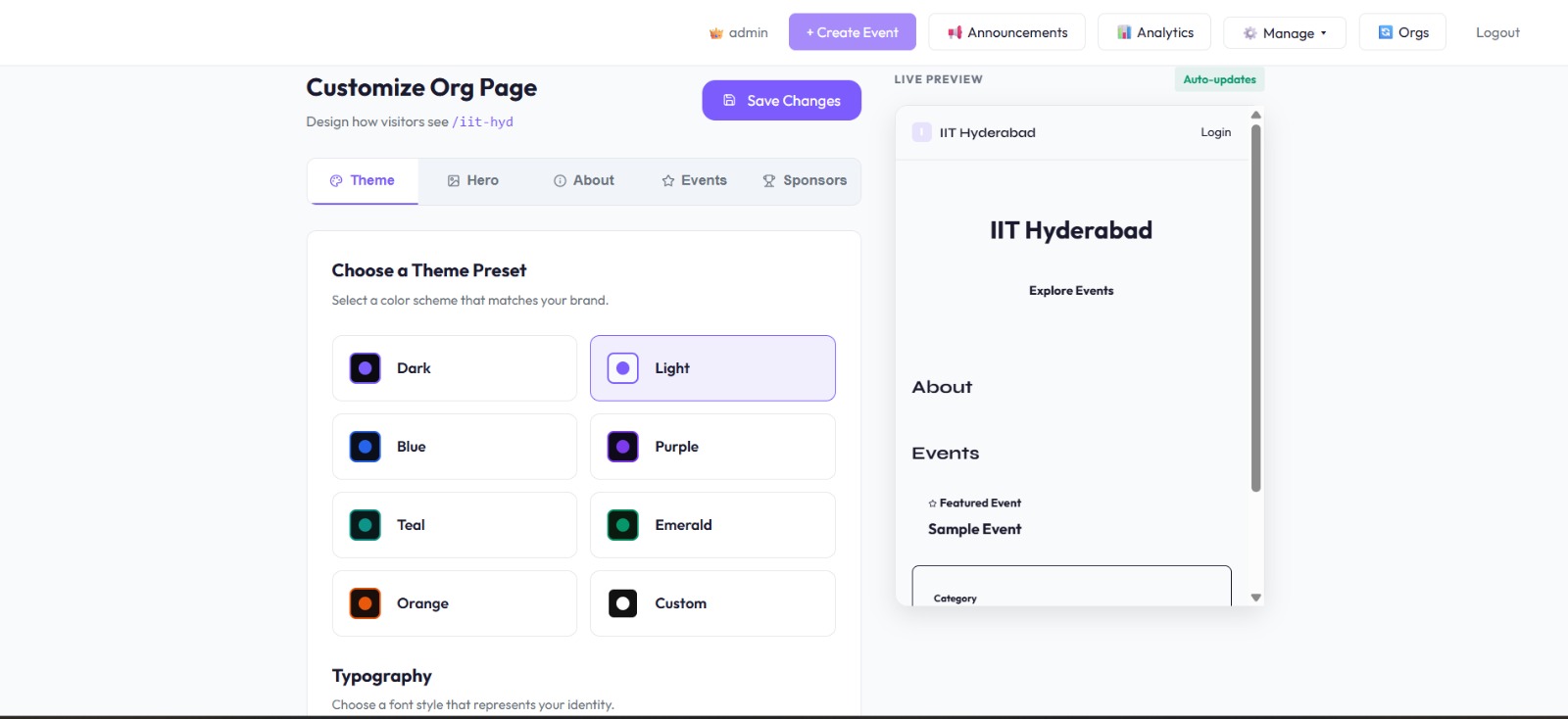
- Organization Customization — Logo, banner, theme colors, and portal branding
CampusPulse/
├── config/              # Database connection
├── controllers/         # Business logic (auth, events, orgs, analytics)
├── jobs/                # Cron jobs (event reminders)
├── middleware/          # Org slug resolver, auth guards
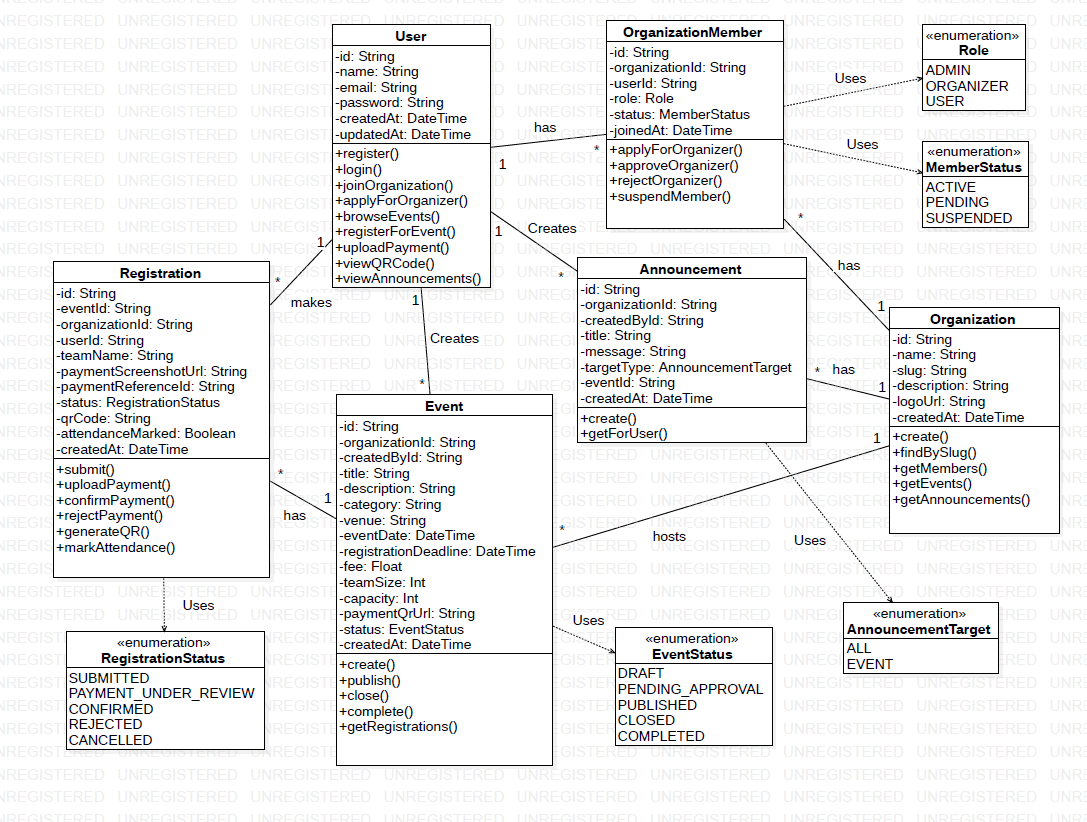
├── models/              # Mongoose schemas (User, Organization, Event, Announcement)
├── routes/              # Express route definitions
├── utils/               # Email utility
├── views/               # EJS templates
├── public/              # Static assets
├── assets/              # Screenshots and diagrams
├── frontend/            # Next.js 14 frontend
│   └── src/
│       ├── app/         # Pages
│       ├── components/  # Reusable UI components
│       ├── contexts/    # React contexts
│       ├── services/    # API service layer
│       └── types/       # TypeScript types
└── server.js            # Express entry point
| Layer | Technology |
|---|---|
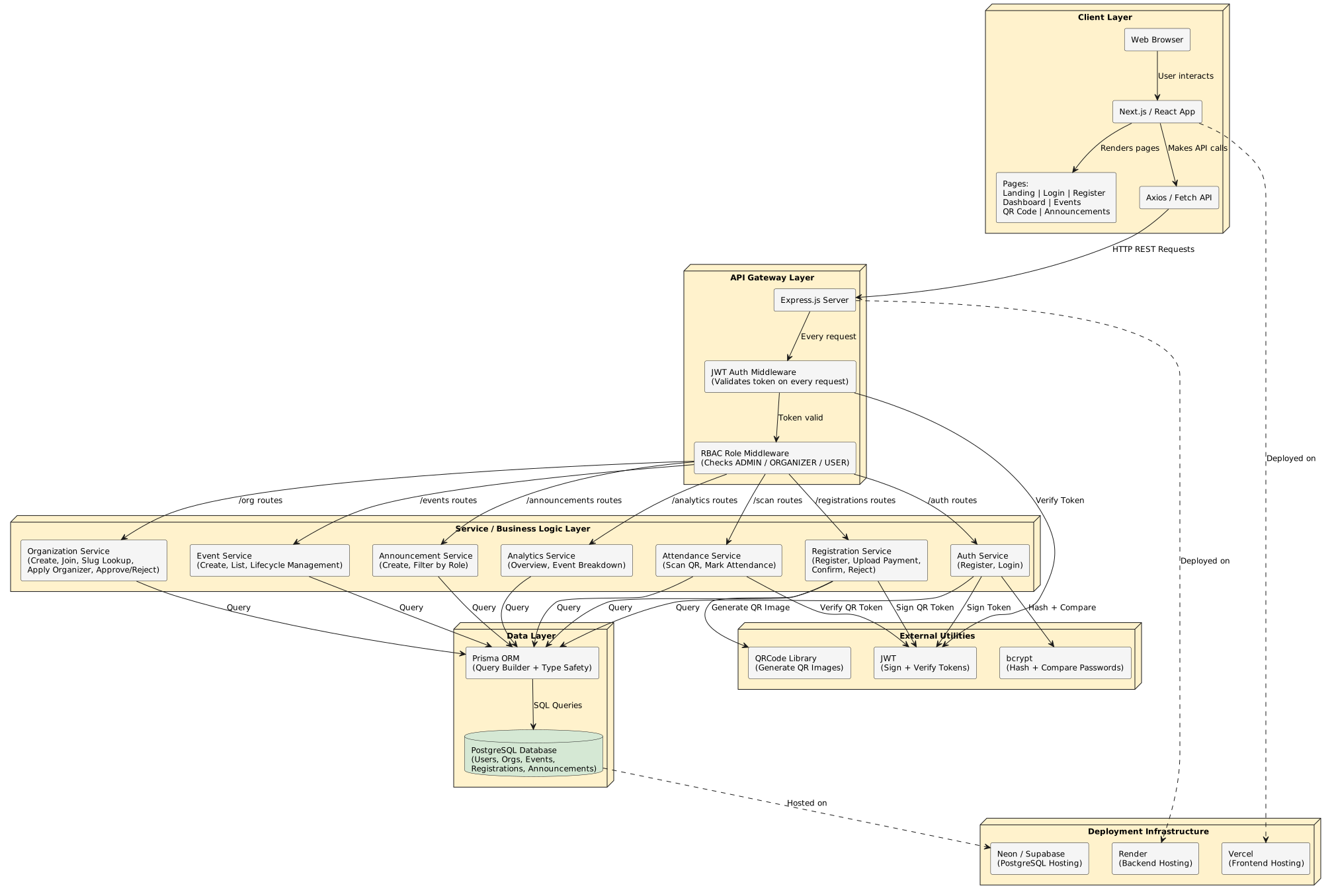
| Frontend | Next.js 14, React 18, TypeScript, Tailwind CSS |
| Backend | Node.js, Express.js |
| Database | MongoDB, Mongoose |
| Auth | JWT, bcryptjs, express-session |
| Payments | Razorpay |
| Image Storage | Cloudinary |
| Nodemailer (Gmail SMTP) | |
| QR Codes | qrcode |
| Scheduled Jobs | node-cron |
| Role | Permissions |
|---|---|
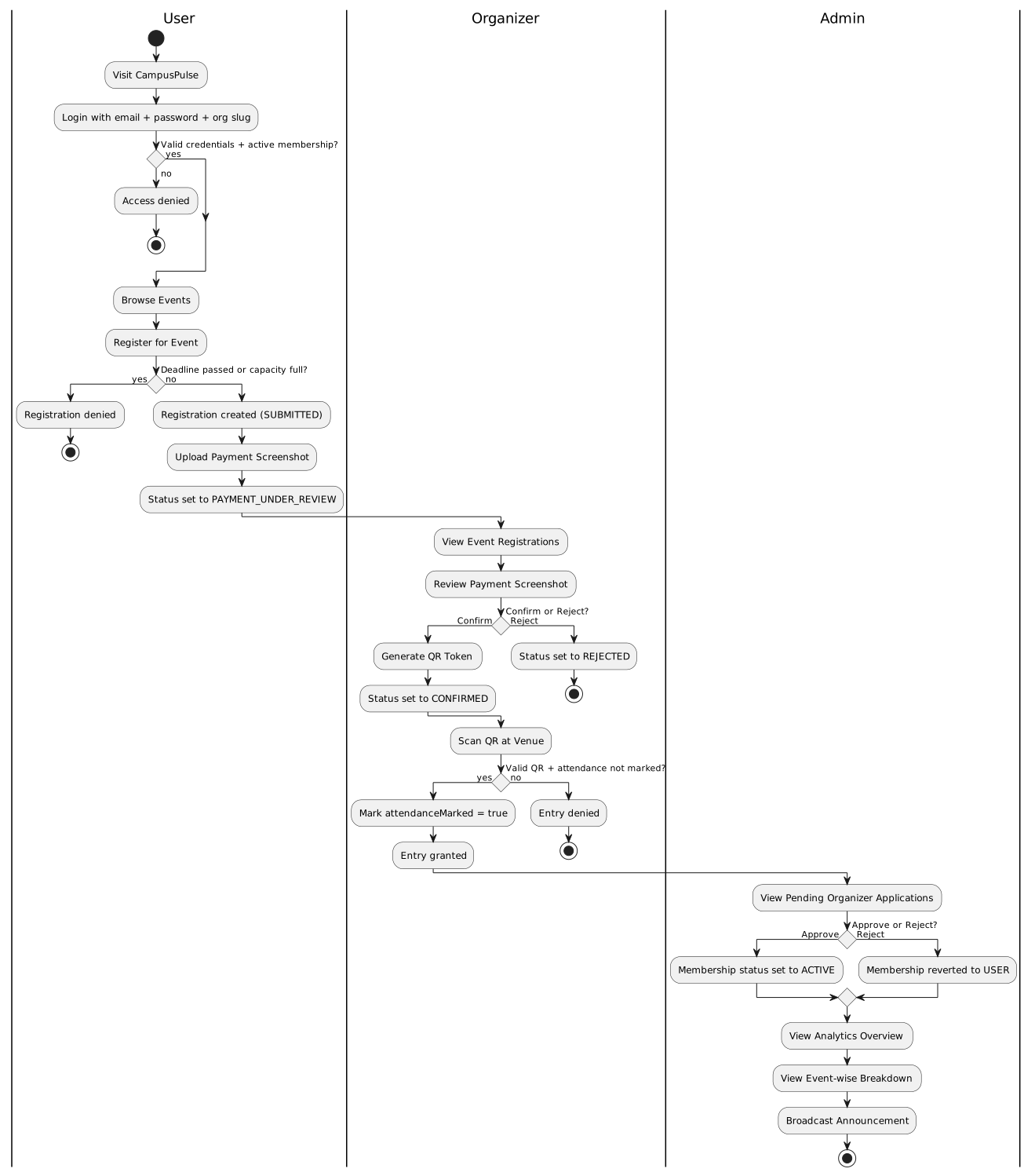
| Admin | Manage org, members, analytics, Razorpay config, announcements, customize portal |
| Coordinator | Create/edit/delete events, verify payments, scan QR, view participants |
| Student | Browse & register for events, make payments, view personal QR, track attendance |
- Node.js v18+
- MongoDB (local or Atlas)
- Cloudinary account
- Gmail account with App Password
git clone https://github.com/Shaik-Faizan-Ahmed/CampusPulse.git
cd CampusPulse/campus-pulse-main
npm install
cp .env.example .env   # Fill in your credentials
npm start # Runs at http://localhost:5000cd frontend
npm install
cp .env.local.example .env.local
npm run dev # Runs at http://localhost:3000Copy .env.example to .env and configure:
| Variable | Description |
|---|---|
MONGO_URL |
MongoDB connection string |
JWT_SECRET |
Session signing secret |
EMAIL_USER |
Gmail address |
EMAIL_PASS |
Gmail App Password |
CLOUDINARY_CLOUD_NAME |
Cloudinary cloud name |
CLOUDINARY_API_KEY |
Cloudinary API key |
CLOUDINARY_API_SECRET |
Cloudinary API secret |
RAZORPAY_KEY_ID |
Razorpay key ID (optional) |
RAZORPAY_KEY_SECRET |
Razorpay key secret (optional) |
⚠️ Never commit your.envfile. It is already in.gitignore.
ISC License — CVR College of Engineering, 2025–2026