
Aptune is a cli tool for MacOS that ducks system volume while you speak.
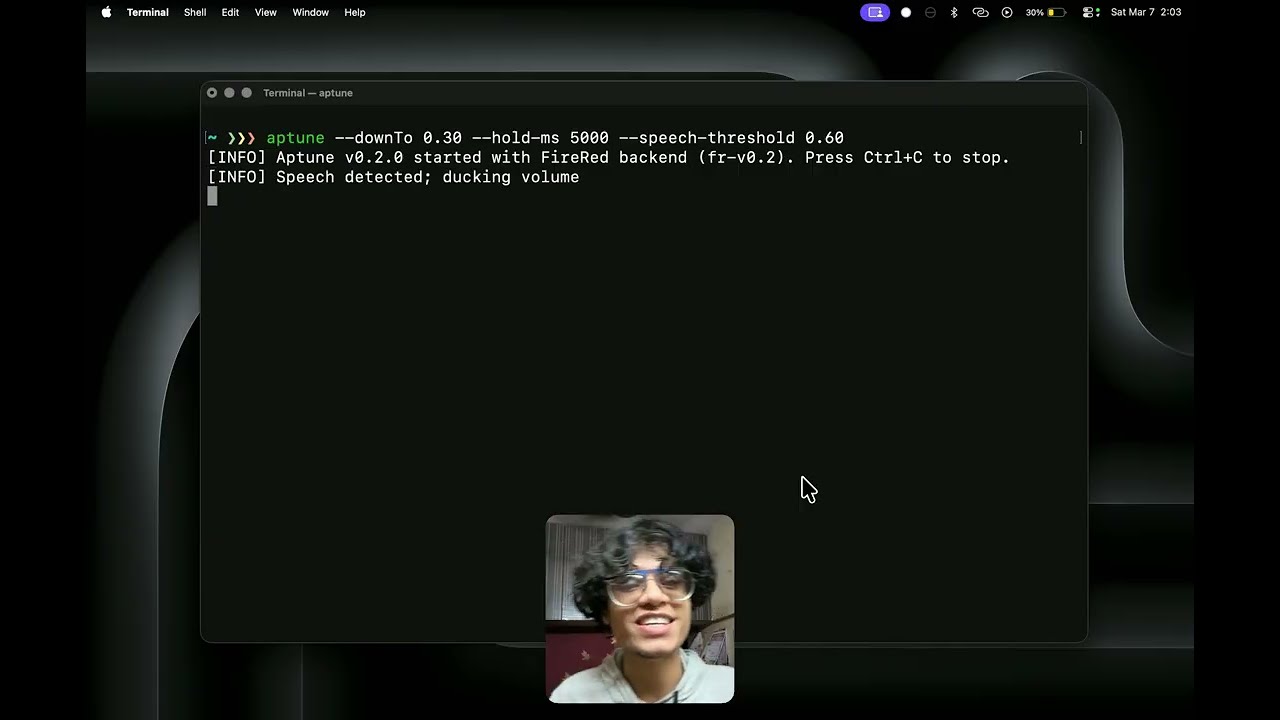
- On speech onset, volume ramps down to
current * configured multiplier. - After silence hold, volume ramps back to the pre-duck baseline.
- On exit (
Ctrl+C), Aptune restores baseline volume.
--down-to <0...1>(default0.25)--attack-ms <int>(default80)--release-ms <int>(default600)--hold-ms <int>(default250)--log-level info|debug(defaultinfo)--speech-threshold <0...1>(default0.7)-h,--help,help-v,--version,version
aptune use-built-in-mic
Temporarily keep the built-in microphone active while sending output to another device.aptune install-plugin built-in-mic
Install the optional built-in microphone Spotlight shortcut.
Optional macOS audio routing helper and Spotlight launcher: if you want Aptune to keep using your Mac's built-in microphone while playback stays on AirPods or another Bluetooth device, see docs/audio-routing-helper.md.
nix profile install github:yyovil/aptune#aptuneYou can also run it without installing:
nix run github:yyovil/aptune#aptune -- --versionThis flake is macOS-only because Aptune depends on Apple audio, Core ML, and AppleScript APIs.
Install Aptune from the tap:
brew tap yyovil/aptune https://github.com/yyovil/aptune
brew install aptune
Optional Spotlight launcher:
aptune install-plugin built-in-micAptune currently ships zsh completions.
If you install Aptune with the Nix flake or the Homebrew tap above, the completion file is installed automatically. Start a new zsh session or run:
exec zshIf you install Aptune from a release tarball, copy share/zsh/site-functions/_aptune into a directory on your fpath, then reload completions:
autoload -Uz compinit
compinit -i