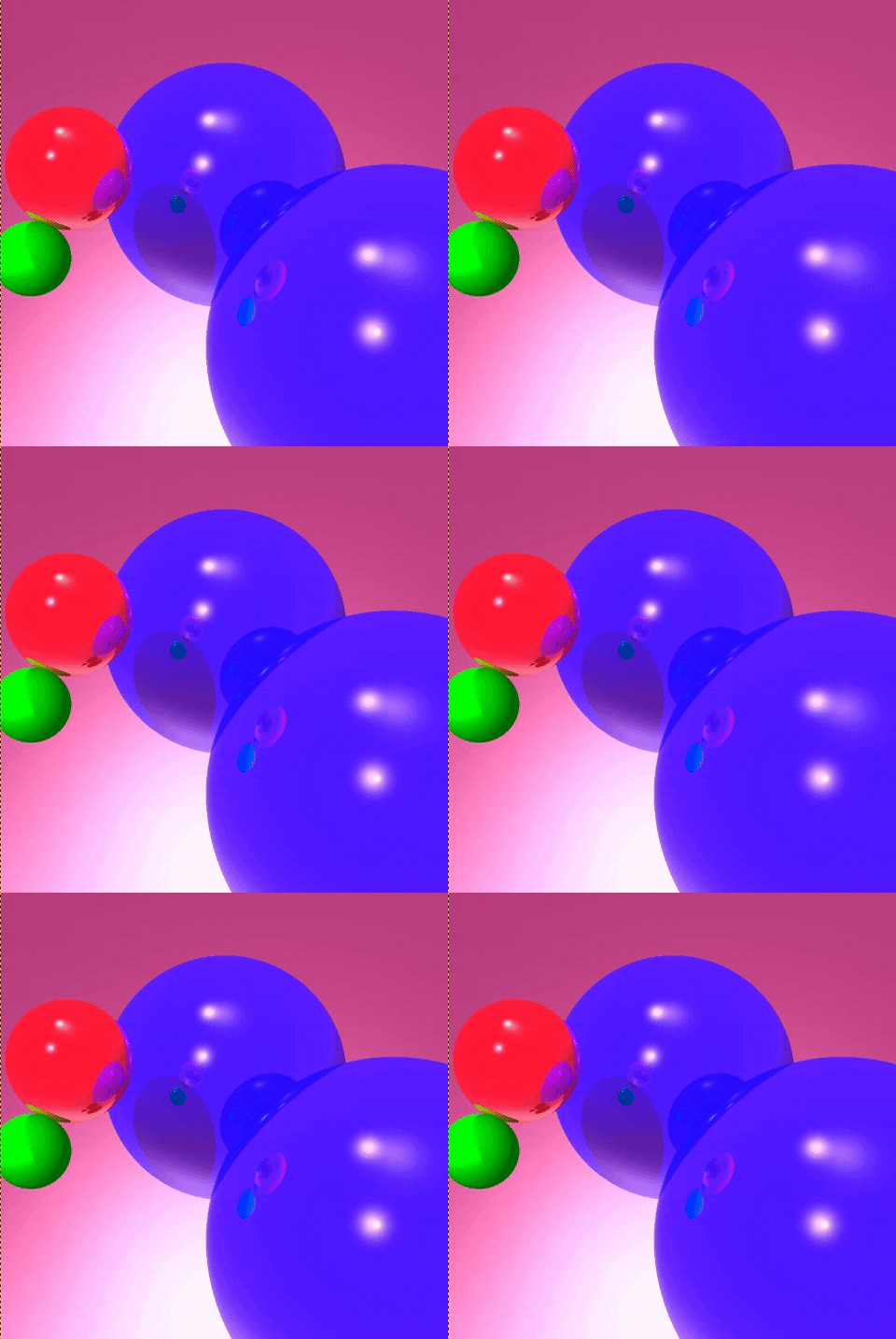
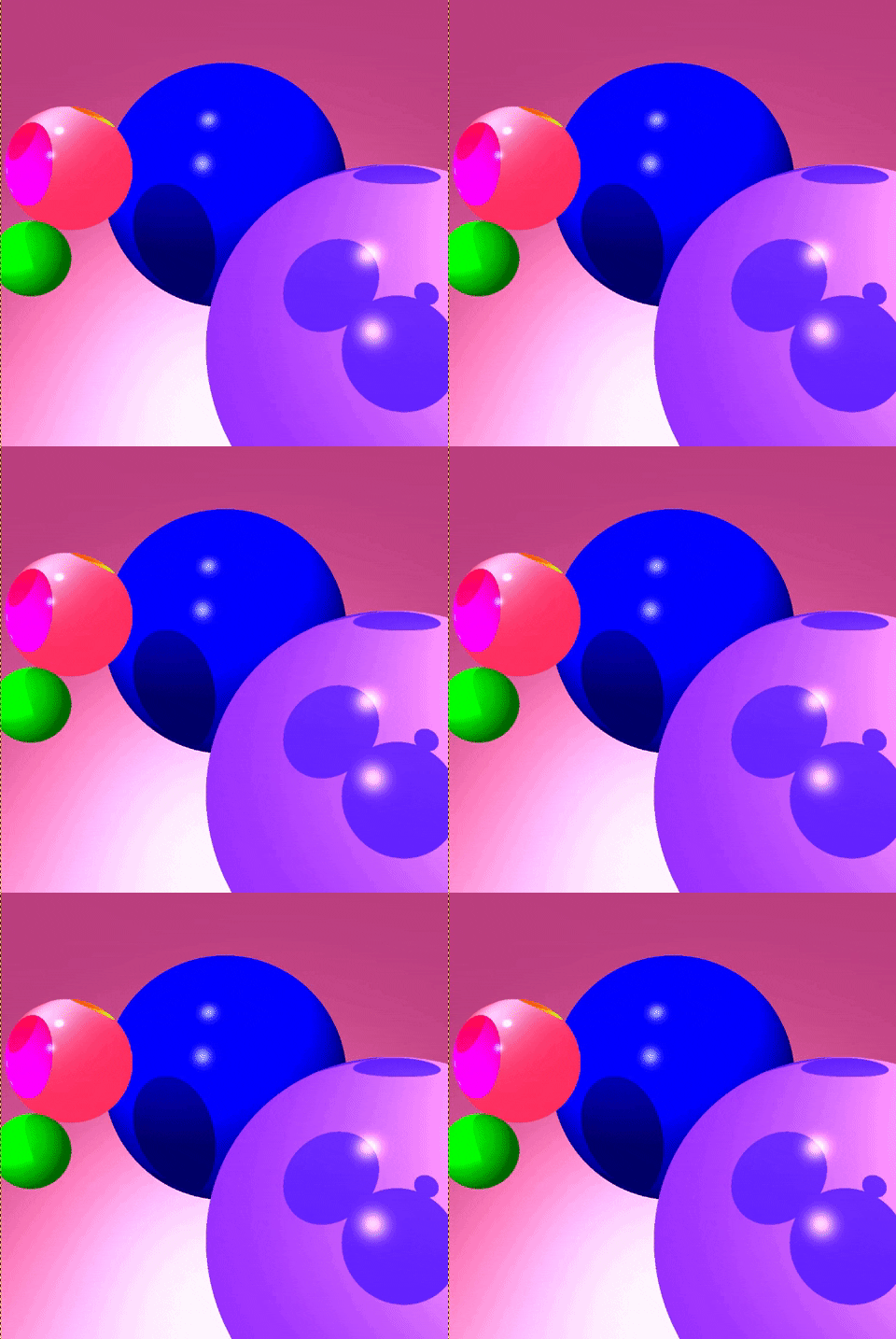
This program take as input(*.in files) a description of the scene objects, the lights and the viewing parameters. It will produce a .ppm file containing the ray-traced image of the scene. Program takes the input filename as a command line argument.
- Sphere Objects
- Solid Colored Objects
- Ambient, Diffuse and Specular Shading
- Shadow
- Reflection
- Refraction
Output File: The first line of the input file will contain the name of the output file.The second line will contain 2 integers denoting the width and the height of the final image. For example
myimage.ppm
400 300
Camera and viewing parameters: The next 4 lines contain the coordinates of the camera, the point camera is looking at (at point), the up vector, and the y-field of view in degrees. Assume that the viewing window is 1 unit from the camera and centered along the viewing direction (near = 1). For example
1
0.0 0.0 0.0 // camera
1.0 0.0 0.0 // at
0.0 1.0 0.0 // up
60 // fovy
Light Sources: The next line contains the number of light sources followed by as many lines (one per light source). Each successive line contains 9 floating point numbers: the (x,y,z) coordinates of the light source, the RGB components of its intensity, and the (a,b,c) components of the attenuation formula (a + bd + cd2). The first light source in the list will always be the ambient light, its position and attenuation factors will be ignored by the program.
Pigments: The next line contains the number of pigments numP followed by a sequence of as many lines each containing the description of one pigment. Pigments are numbered from 0 to numP - 1. Each pigment can be thought as a function that takes a surface point (x,y,z) and maps it to an RGB value. In this project you will need to support solid colors. The line for a solid pigment will be as follows: The word solid followed by three floating numbers corresponding to the RGB components of the color. Each point on a solid surface has the same color.
Surface Finishes: The next line contains the number of surface finishes, numF, followed by a sequence of as many lines each containing the description of one set of surface finish parameters. The surface finishes are numbered from 0 to numF - 1. Each surface finish consists of the following five scalar values: the ambient coeficient ka, diffuse coefficient kd, specular coefficient ks, the shininess a, reflectivity coefficient kr, refraction coefficient kt and n2.
Objects: The next line contains the number of objects, followed by as many lines (one per object). Each line starts with two integers. The first integer corresponds to the pigment number (integer between 0 and numP - 1) and the second integer corresponds to the surface finish number (between 0 and numF - 1). This is followed by the type of the object and its parameters.
You can open the .ppm files using GIMP or Adobe Photoshop.
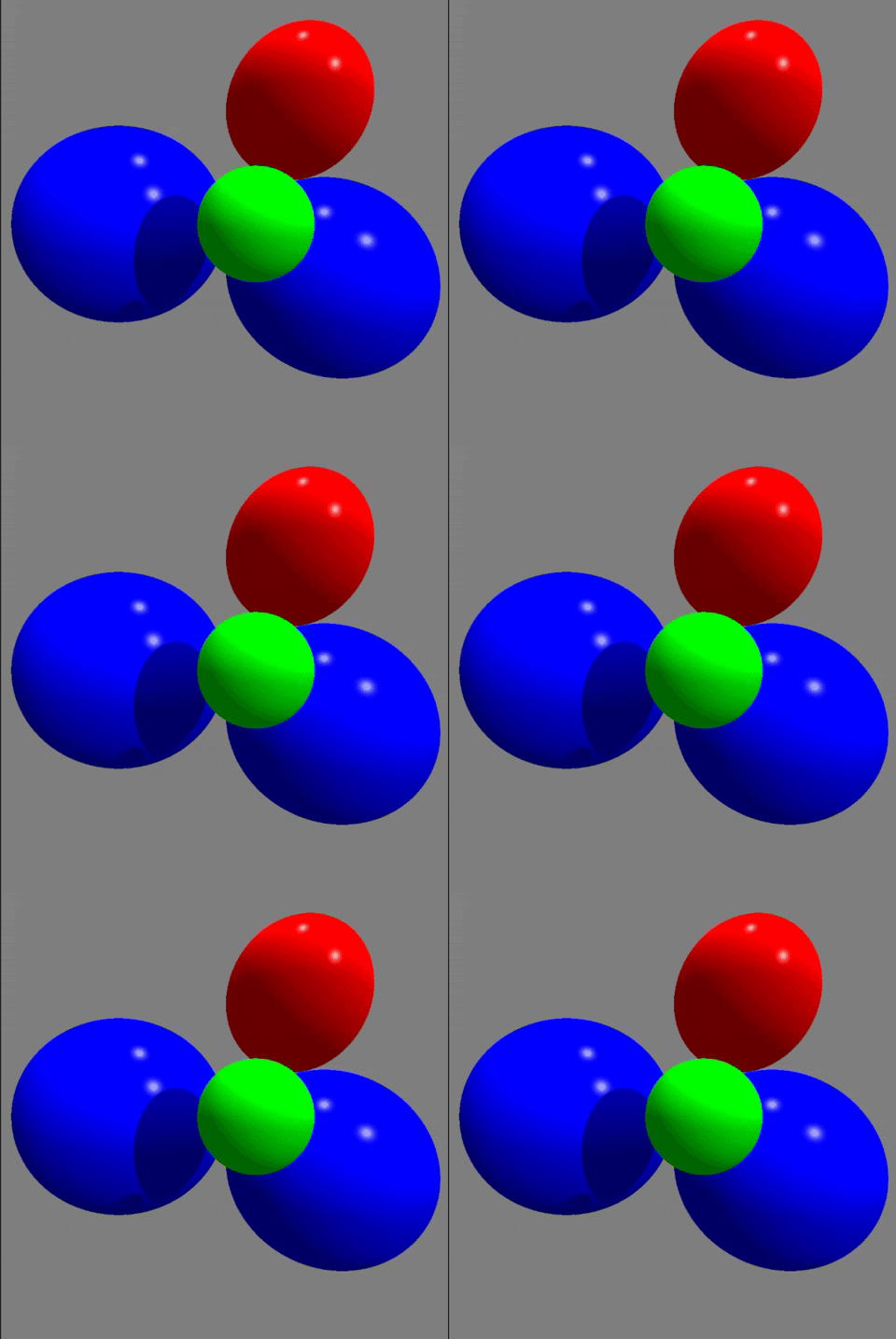
test1.in, test2.in
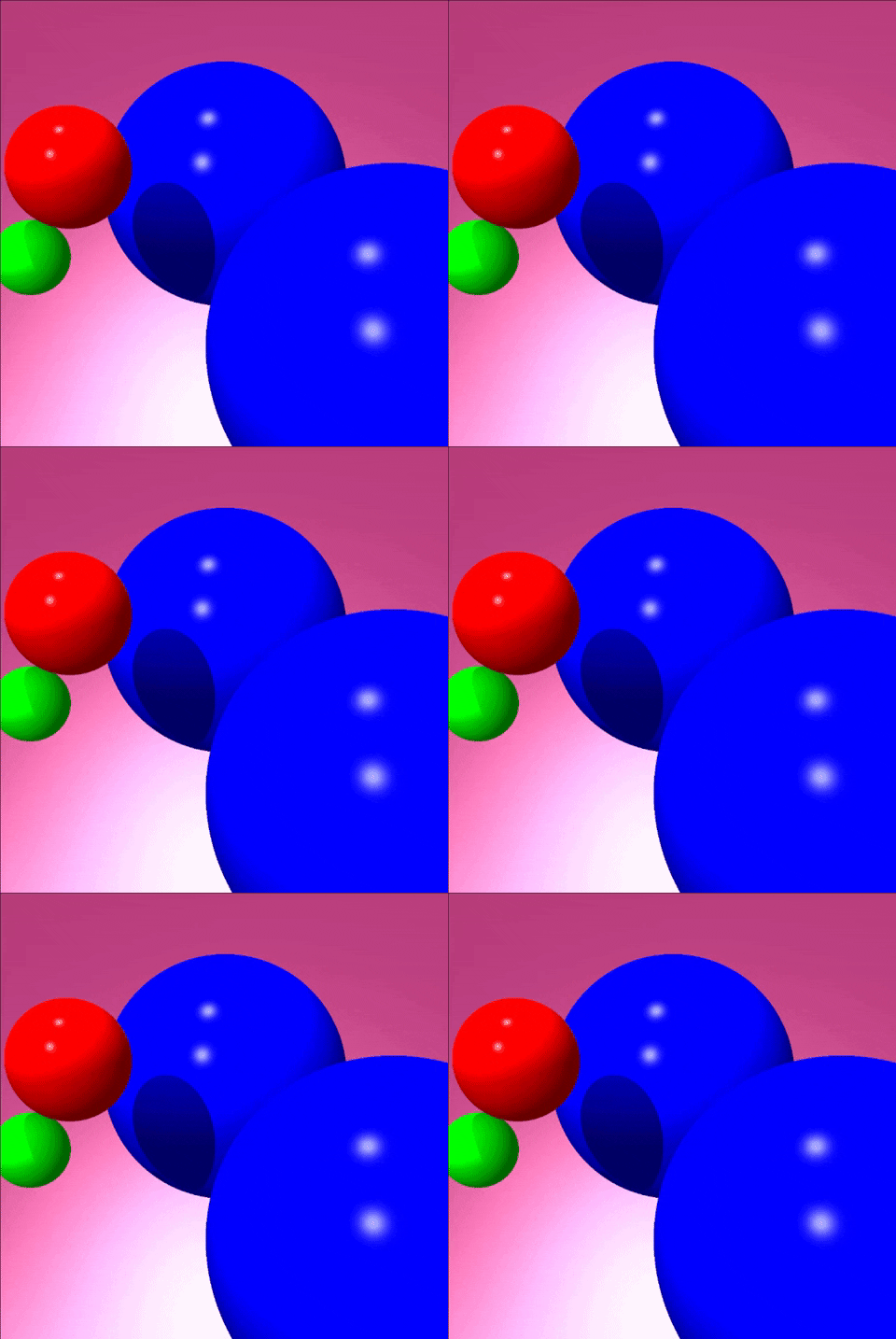
test2reflective.in, test2refractive.in