Project Setup in Visual Studio
You can now simply click on the "ModList Create Source" (ModList_CreateSource in 0.8.3.1 due to missing translation) button to automatically create the Visual Studio project with the correct references and a very basic template
This allow to skip step 1-2-3 of the mod creation guide
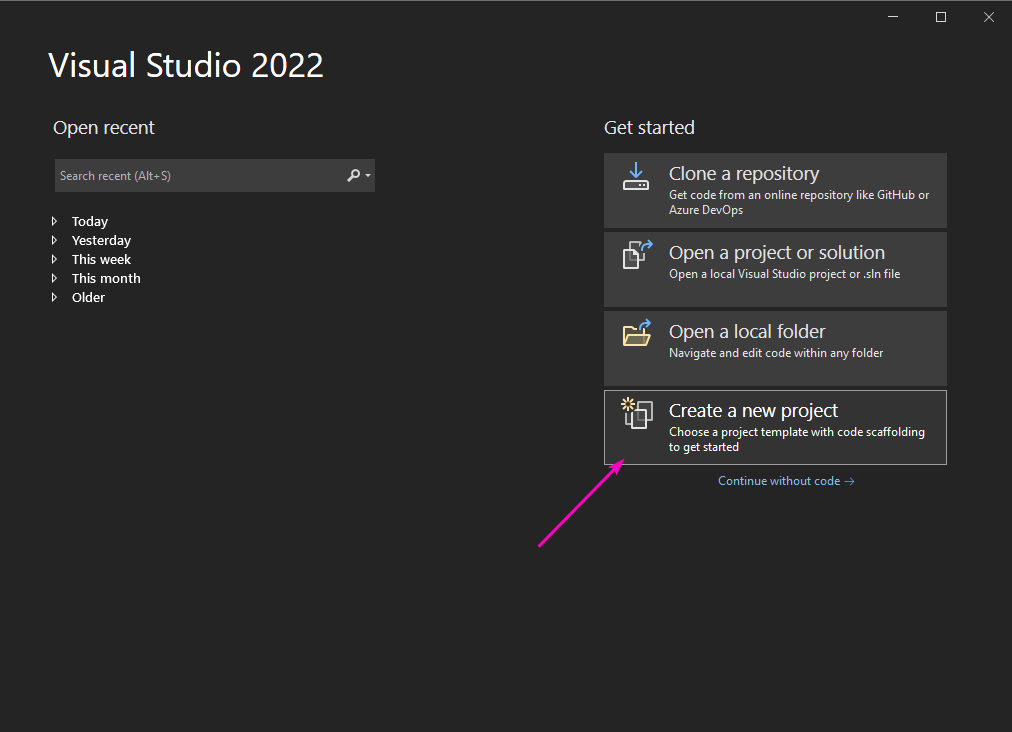
Open Visual Studio, and create a new project
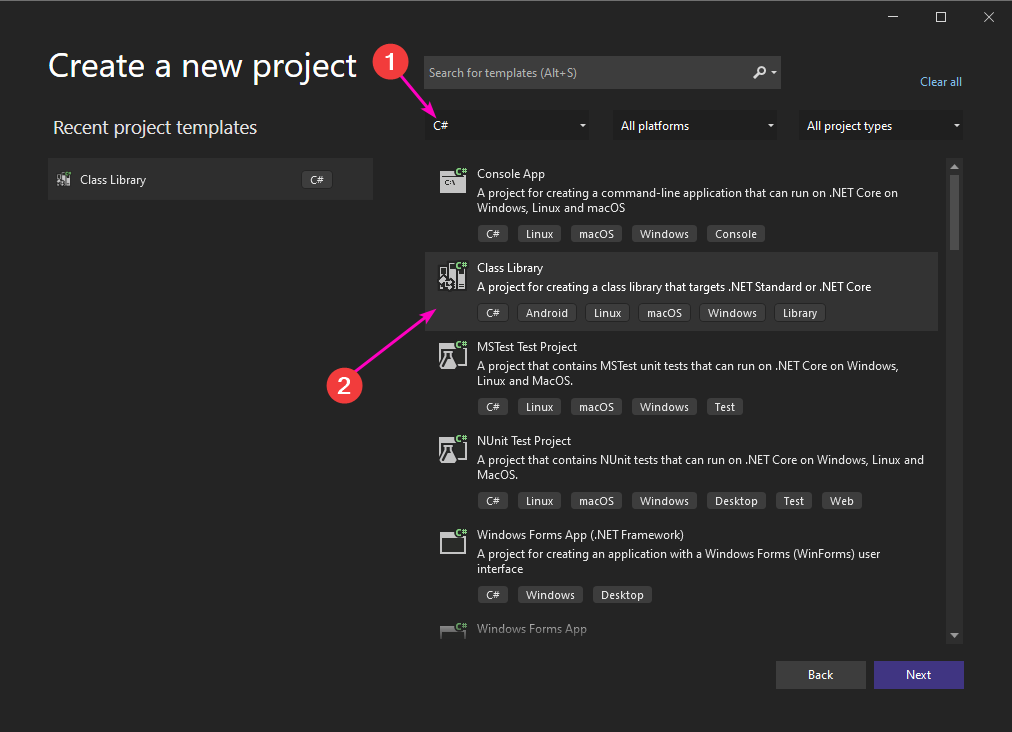
Then you make sure you are only viewing C# templates and select Class library
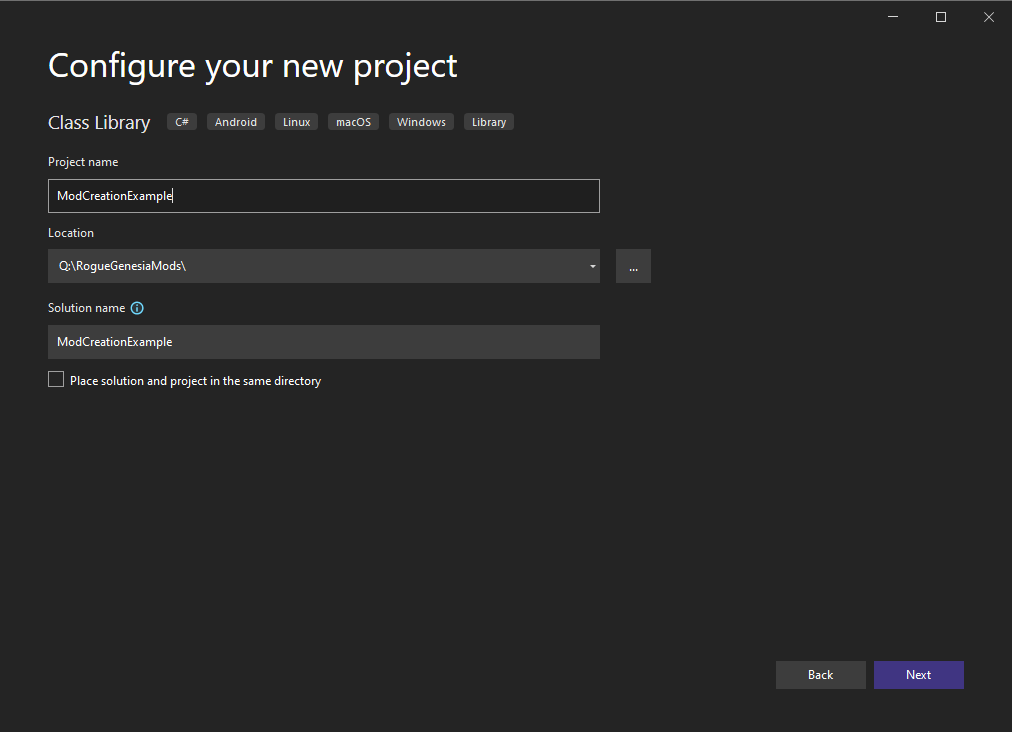
Set your project Name and location
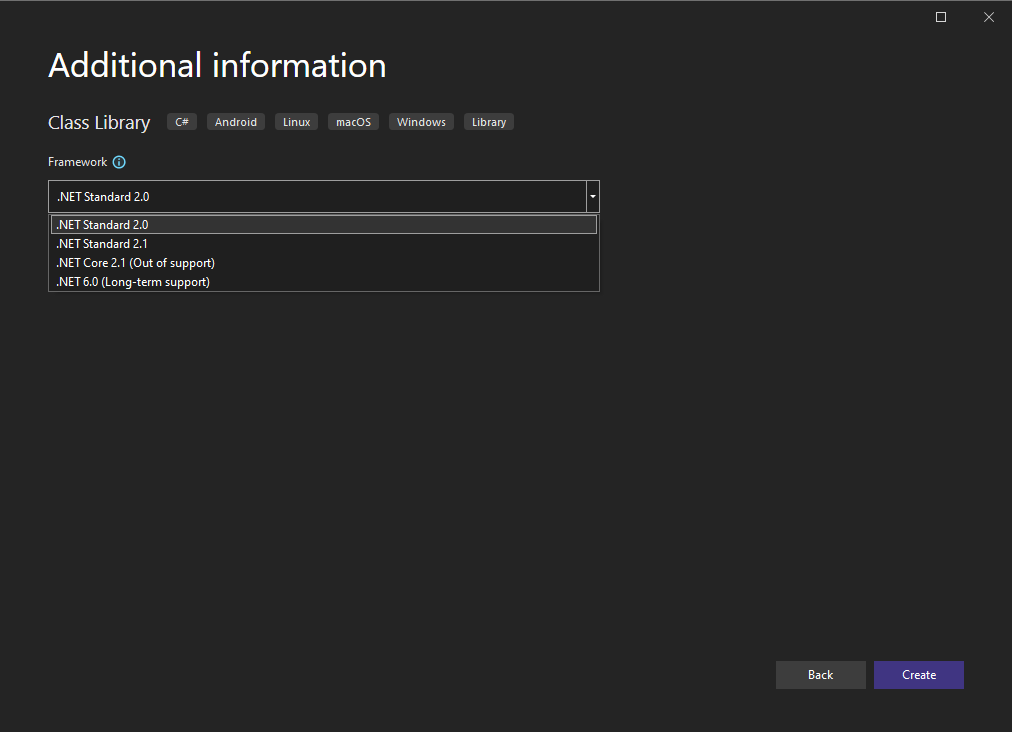
Set your project FrameWork to .Net Standard 2.0