You can find the UI images in our repository.
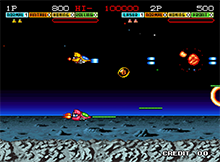
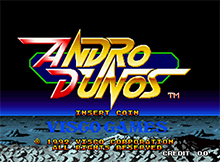
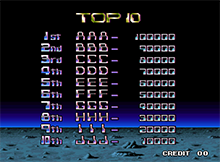
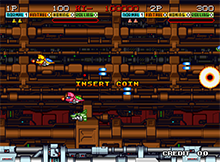
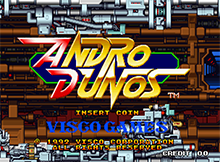
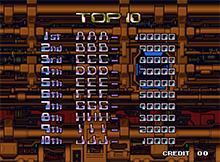
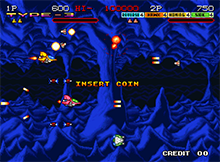
The game's intro follows a constant loop, which starts with a black screen showing the NEO GEO logo, the version currently in use and the SNK (Shin Nihon Kikaku) logo. Afterwards, the Visco Games logo appears, and subsequently three more screens show: A gameplay sequence, a title screen, and a player top 10 scoreboard. All three of them are directly related to the same stage of the game, which changes in every sequence of this 3 screens with 3 stages being shown total on every loop.
If at any given moment of the loop a coin is inserted, the game skips to the main menu screen.
- NEO GEO + Visco Games

- Gameplay + Title + Scoreboard (Stage 1)
- NEO GEO + Visco Games
- Gameplay + Title + Scoreboard (Stage 2)
- NEO GEO + Visco Games
- Gameplay + Title + Scoreboard (Stage 4)
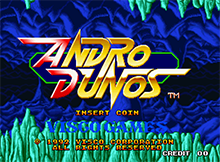
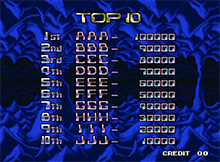
- Return to step 1.
When a coin is inserted, the player enters the main menu screen where a text pops up in intervals telling the player to press the 1st player button to start. This screen has a timer below, if 30 seconds pass the game starts automatically, but the timer can be reset by inserting another coin, and if such event happens, the pop up text will change and offer the possibility for a second player to join by pressing the 2nd player button instead. Every time a player joins or revives voluntarily after dying without extra lives left, a coin is wasted .
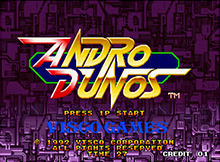
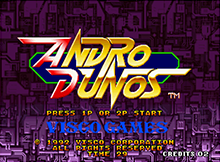
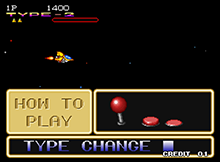
When the game starts, a tutorial video shows the different controls and usable features. Afterwards, an intro cutscene of the 1st player's ship launching into space from a hangar plays. If the 2nd player joined at any point before this sequence, his ship will also be shown in it. Both can be skipped by pressing the fire weapon button (one time each).
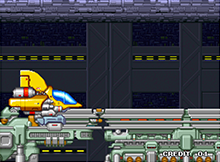
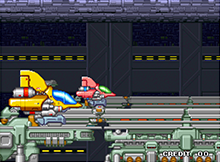
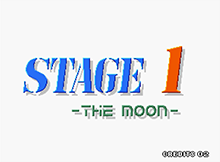
Then, the 1st stage title screen appears before the playable part starts.
Finally, the 1st player is given control of his ship when it appears. If a 2nd player joined beforehand, both appear, nonetheless if he didn't he still can do so at any point by inserting a coin (if there's none left to use) and pressing the 2nd player button.
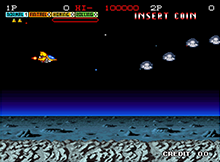
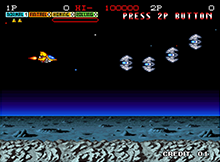
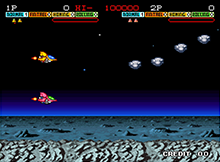
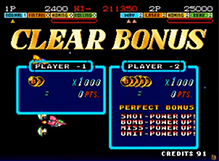
Once the final boss of a stage is defeated, a "Stage Clear" sign pops up, followed by a "Clear Bonus" that shows how many bonus balls each player has collected through the stage, getting +1000 points for each.
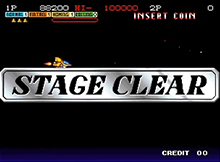
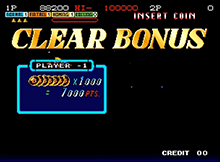
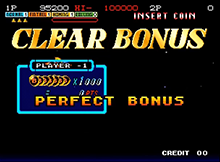
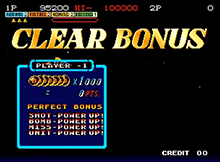
If all 7 are collected it's a perfect bonus, and the player who got the most will receive some power ups. Afterwards, the players leave the stage in a white beam to the next, where the correspondent stage screen will appear. An exception for this is the Stage 7, where after defeating the stage boss and going through the "Stage Clear" procedure the player is taken through a tunnel to the game's final boss.
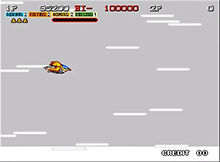
While playing, if there are two players and only one of them dies while out of extra lives, he will have an individual 10 second countdown (9->0, 0 included) while the other still plays, which prompts the dead player to join back. If a coin is used at any point after dying, he will revive with 2 extra lives, bonus firepower and the score restarted to 0. Running out of time will show a "Game Over" text for the dead player, but does not limit or affect the revival if it's used out of this time span.
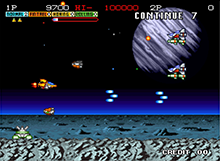
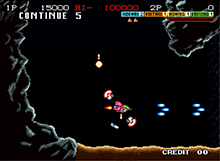
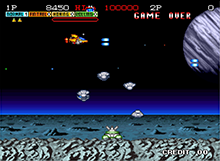
When both players are dead and out of lives (or only one if playing alone), shortly after dying the game will freeze and display a large "CONTINUE?" text with a 10 second countdown below, which can be skipped by 1 second for every time you press the fire button. If a coin is used for the 1st or 2nd player, the game resumes with the player which button has been pressed with the reviving bonuses (unless it's the 2nd player joining for the first time).
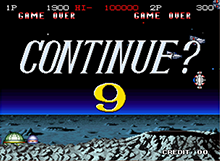
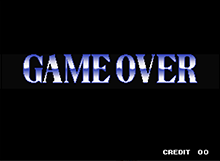
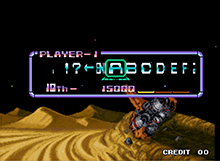
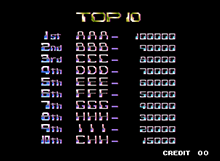
If the large "CONTINUE?" timer reaches 0, the stage and game will both quit and a "GAME OVER" message will appear on screen. If a player has a score worth a position on the scoreboard, he will be able to write his initials on a menu before the scoreboard is shown. Then, the title screen loop starts again, specifically with the Visco Games screen followed by one of the 3 possible stages.
After the last boss is defeated, the credits start to roll:
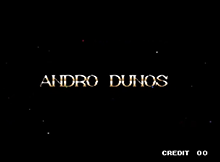
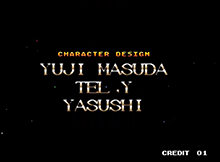
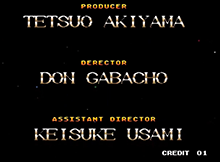
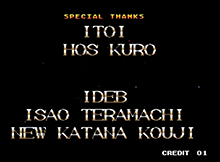
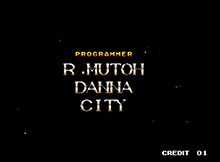
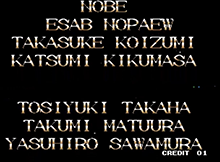
(Top to bottom, read column by column)
After the credits end, the game starts over again from the first stage.
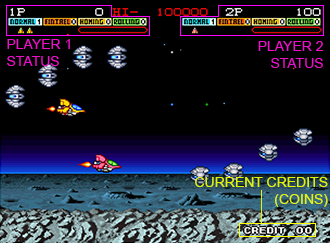
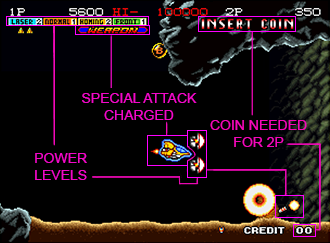
- Power levels: There are 4 powers with a level counter each, higher level = stronger power.
- Blue: Main weapon type.
- Orange: Secondary weapon type.
- Yellow: Automated seeking missiles.
- Green: Shields positions and movements.
- Weapon: Charged special attack that deals lots of damage in an area and changes depending on the current "Type" equipped.
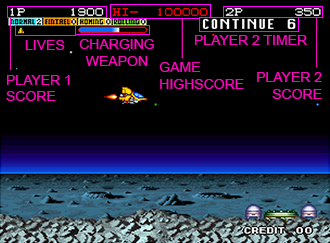
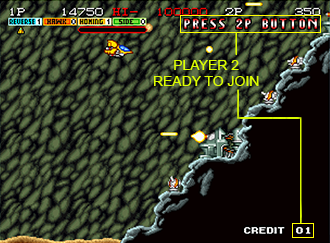
- Lives: Amount of times you can revive without using a credit.
- Game High-score: Highest score achieved in the game.
- Timer: Individual player death countdown.
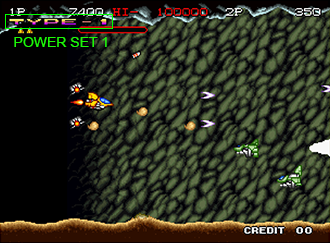
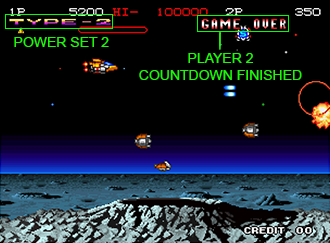
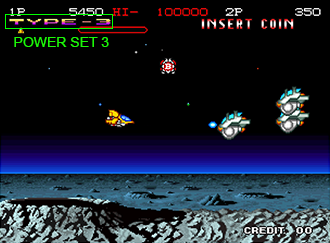
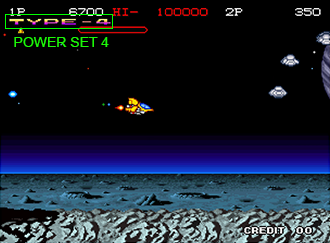
- Type: Each type is a different variance of powers.
Go Back